











Get Parts Quote
Name
Company *
Phone *
Email *
Address
City
State / Province / Region
Zipcode
Country
Quantity *
Part Number *
Manufacturer
Preferred Condition
Additional Information
Cancel
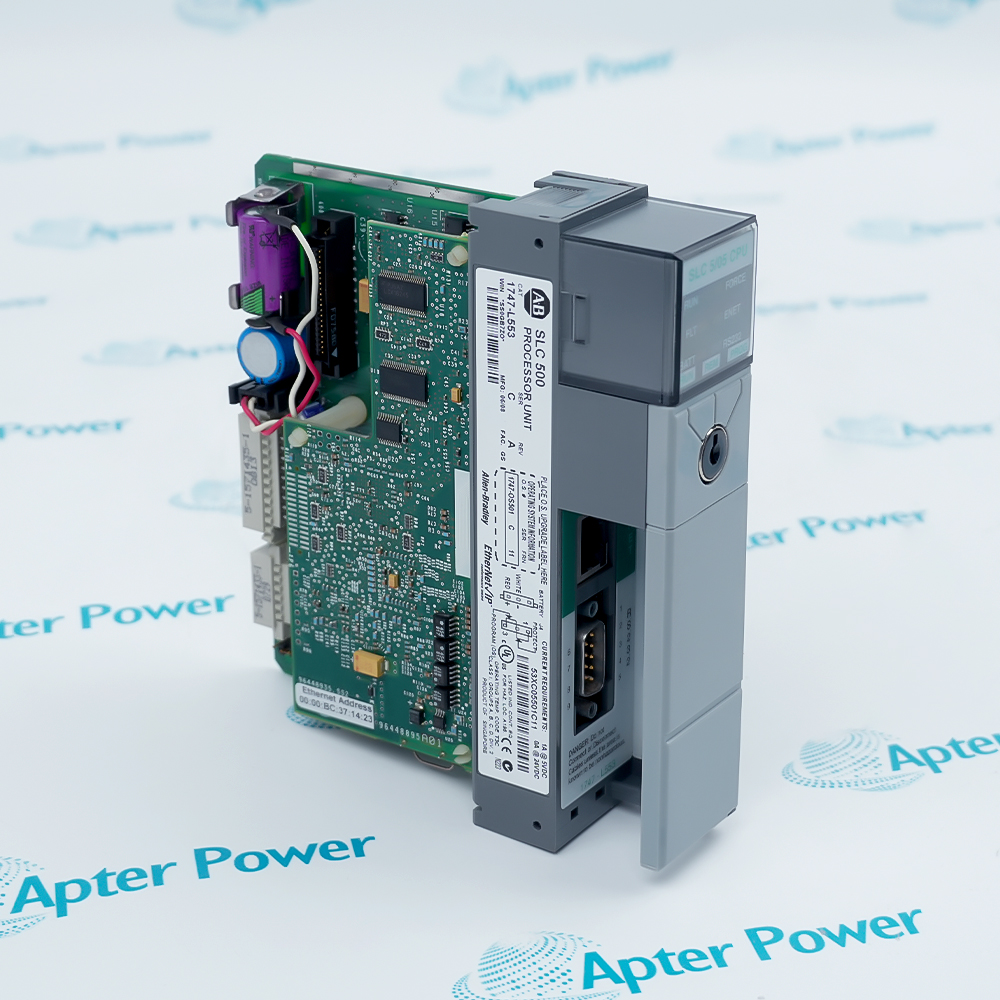
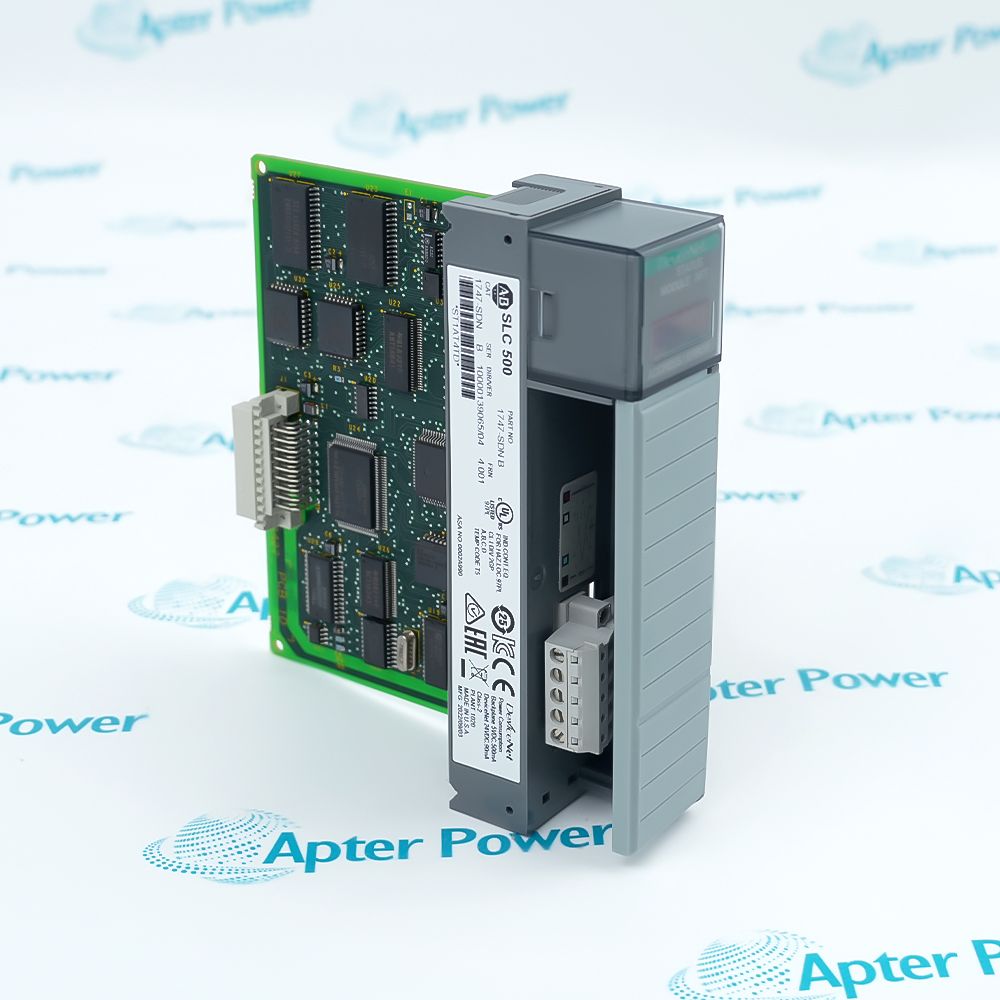
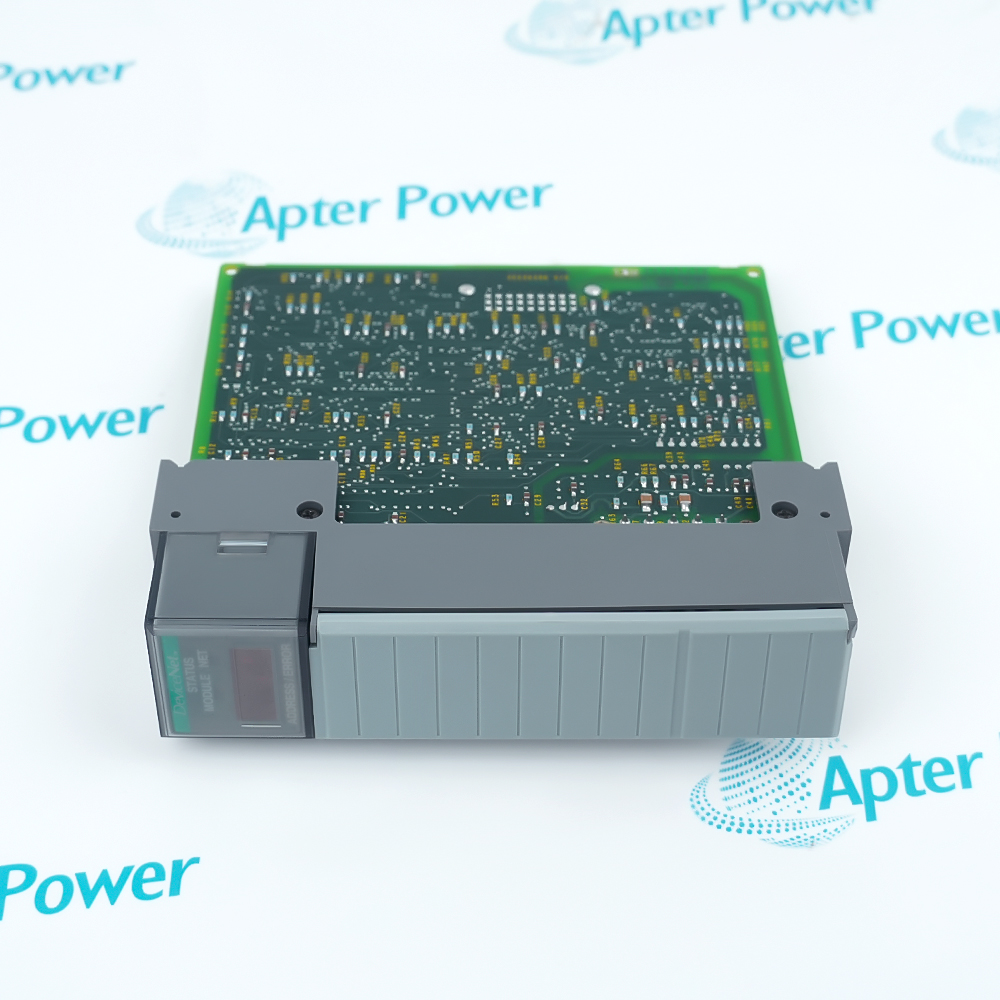
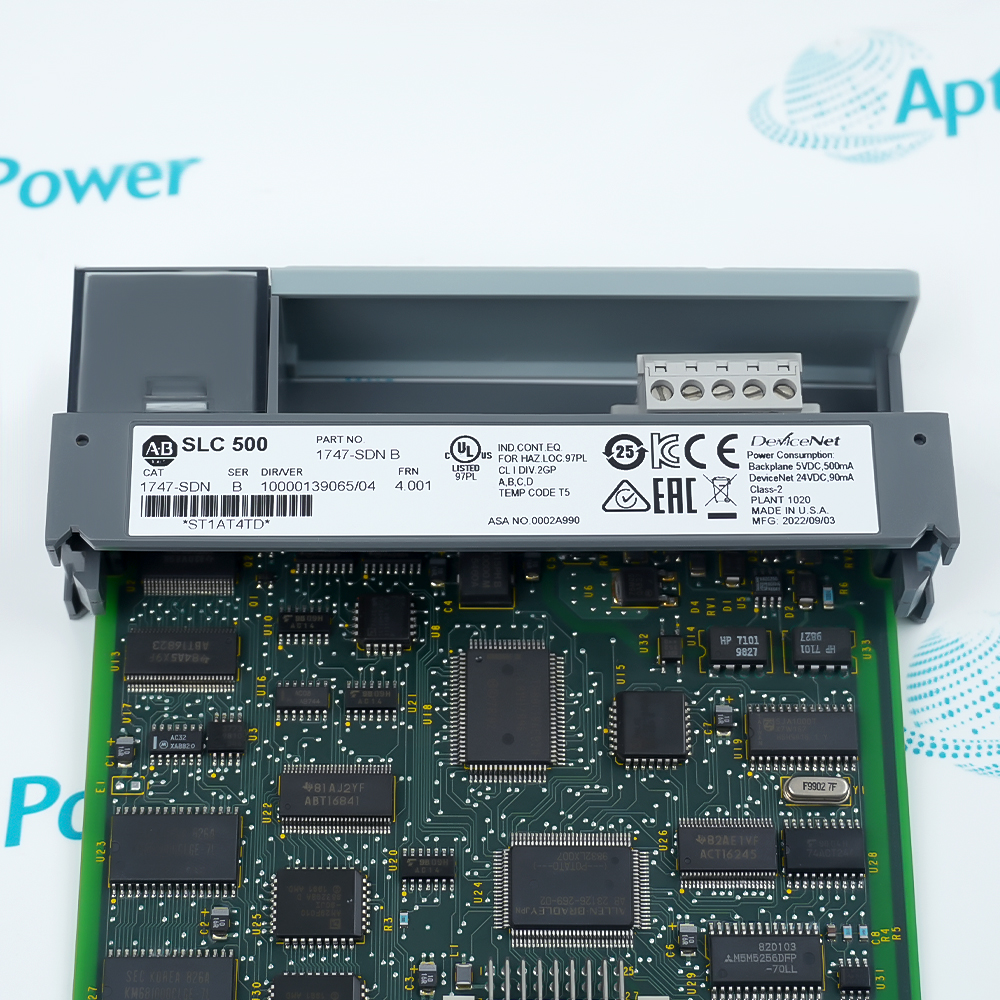
Allen-Bradley 1747-SDN
Product image is representative; revision or series may vary. Contact us to request a specific version.

1747-SDN

DeviceNet Scanner Module
In Stock
Ships by Wednesday, October 14
Fast Shipping Available

Product Describe:

Allen-Bradley 1747-SDN is an SLC 500 DeviceNet scanner that exchanges mapped network I/O data with an SLC processor.

Ask our team:

Get a quick price for: 1747-SDN
Quantity*
Upload (gif, jpg, jpeg, png, bmp, doc, docx, xls, xlsx, ppt, pdf, csv)
For more information on how your data is processed and stored by Apterpower please read our privacy policy.

Technical specifications for 1747-SDN

Technical specifications for 1747-SDN

  • Manufacturer:
    Allen-Bradley
  • Product Category:
    PLC Systems
  • Spare Part Number:
    1747-SDN
  • Estimated shipping dimensions:
    3.5x13x14.5cm
  • Weight:
    0.15 kg
  • Tariff Code:
    8537101190
  • Counliy of origin:
    USA
  • Host platform:
    SLC 500 / SLC 1746 chassis
  • Interface:
    DeviceNet
  • Supported processor:
    SLC 5/02 or later
  • Module modes:
    Null / Master / Slave / Dual
  • I/O exchange types:
    Poll / Strobe / Change of State / Cyclic
  • Default node address:
    63
  • Default data rate:
    125 kbps
  • Backplane supply (Series D):
    5 V DC
  • Backplane current (Series D):
    500 mA
  • Network supply (Series D):
    24 V DC Class 2
  • Network current (Series D):
    90 mA
  • Continuous isolation (Series D):
    30 V, basic insulation
  • Isolation test (Series D):
    500 V AC, 60 s
  • Operating temperature (Series D):
    0 to 60 C
  • Storage temperature (Series D):
    -40 to 85 C
  • Humidity (Series D):
    5 to 95%, non-condensing
  • Connector (Series D):
    1787-PLUG10R, 10-pin linear plug
  • Connector torque (Series D):
    0.6 to 0.8 N m
  • Enclosure (Series D):
    Open style
  • Series A/B firmware:
    Up to FRN 7.006
  • Series C firmware:
    FRN 8.001 to 8.006
  • Series D firmware:
    FRN 9.001 and later

Information

Information

Overview Manuals Common Applications Product Precautions
Allen-Bradley 1747-SDN is an SLC 500 DeviceNet scanner that exchanges mapped network I/O data with an SLC processor.
  • Connects the SLC program to distributed DeviceNet devices
  • Supports master, slave and dual operating arrangements
  • Offers poll, strobe, cyclic and change-of-state exchanges
  • Displays module, network and numeric diagnostic states

The scanner occupies an SLC 1746 chassis slot alongside the processor. RSNetWorx scan-list mapping defines the network data exchanged with the controller application.

Important Notice: Match the hardware series, firmware, chassis position, network supply and scan-list configuration before replacement. A remote chassis using a 1747-ASB adapter does not support the required M-file transfer.

Allen-Bradley 1747-SDN Manuals & Downloads
Allen-Bradley 1747-SDN Technical Reference (PDF)Allen-Bradley 1747-SDN Installation & Commissioning Guide (PDF)

The first document presents model-specific technical and integration data. The second is the unchanged manufacturer installation manual, covering wiring, configuration and diagnostic procedures.


Distributed DeviceNet I/O
Transfers configured field-device I/O to the SLC program through scanner mapping.
Controller data exchange
Uses slave mode when the SLC station must exchange data with one network master.
Traffic scheduling
Applies cyclic or change-of-state exchange to the configured device communication pattern.
Network adjustment
Supports pass-through node adjustment when processor, firmware and M-file prerequisites are satisfied.
Read the applicable Allen-Bradley instructions before work. Verify 1747-SDN, its hardware series and the installed SLC / DeviceNet configuration before isolation or commissioning.
1
Place the connected SLC process in its controlled maintenance state before scanner work.
2
Remove chassis power before inserting or removing the module.
3
Keep the leftmost processor slot reserved; do not use a 1747-ASB remote chassis.
4
Record the node address, data rate, scan list and input/output mapping.
5
Use grounded ESD handling and protect the backplane contacts.
6
Check the DeviceNet network supply and linear-plug wiring before reconnecting.
7
Preserve the hardware-series firmware branch and the correct EDS registration.
8
Restore power, inspect module/network codes and prove the configured I/O exchange.

Technical notes

Technical notes

Install 1747-SDN outside the leftmost processor slot. Match firmware to the scanner series; Series A/B, C and D do not share the same supported firmware branch.

FAQS

  • Can 1747-SDN operate in a remote chassis with a 1747-ASB adapter?
    No. That adapter cannot transfer the M-files required by the scanner.
  • Which slot must remain free of 1747-SDN in an SLC chassis?
    The leftmost slot is reserved for the SLC processor.
  • Why does an unrecognized 1747-SDN need an EDS file?
    RSLinx Classic and RSNetWorx use the EDS to identify the scanner. Embedded EDS upload is available from FRN 8.002.
  • What distinguishes cyclic exchange from change-of-state on 1747-SDN?
    Cyclic exchange uses a timed interval; change-of-state sends changed data and a configured heartbeat.
  • How should numeric code 92 on 1747-SDN be investigated?
    Check the DeviceNet supply and drop cable: code 92 means network power is absent.
  • Does 1747-SDN pass-through replace a dedicated DeviceNet configuration adapter?
    No. Pass-through serves network adjustment; complete configuration and real-time monitoring use the supported network adapter connection.
  • Can every 1747-SDN series use the same firmware?
    No. A/B stop at 7.006; C uses 8.001-8.006; D uses 9.001 onward.
  • How does slave operation change 1747-SDN data exchange?
    The scanner exchanges data with one master, using the configured scan list and mapping.
Trusted by 5,000+ plants worldwide | Backed by our vast inventory of top-tier control parts, modules and cards, fast shipments are dispatched to cover your urgent needs. ABOUT US >>
Disclaimer: We are not an authorized distributor or distributor of the product manufacturer of this website, The product may have older date codes or be an older series than that available direct from the factory or authorized dealers. Because our company is not an authorized distributor of this product, the Original Manufacturer`s warranty does not apply.While many DCS PLC products will have firmware already installed, Our company makes no representation as to whether a DSC PLC product will or will not have firmware and, if it does have firmware, whether the firmware is the revision level that you need for your application. Our company also makes no representations as to your ability or right to download or otherwise obtain firmware for the product from our company, its distributors, or any other source. Our company also makes no representations as to your right to install any such firmware on the product. Our company will not obtain or supply firmware on your behalf. It is your obligation to comply with the terms of any End-User License Agreement or similar document related to obtaining or installing firmware.

We’re Here When You Need Us

From product insights to customer service needs, our experienced service team will focus on getting you what you need quickly

Enquire

Complete our online form.

Call Us

Speak to one of our team.

Live Chat

Send us a message.
