Get Parts Quote
Name
Company *
Phone *
Email *
Address
City
State / Province / Region
Zipcode
Country
Quantity *
Part Number *
Manufacturer
Preferred Condition
Additional Information
Cancel

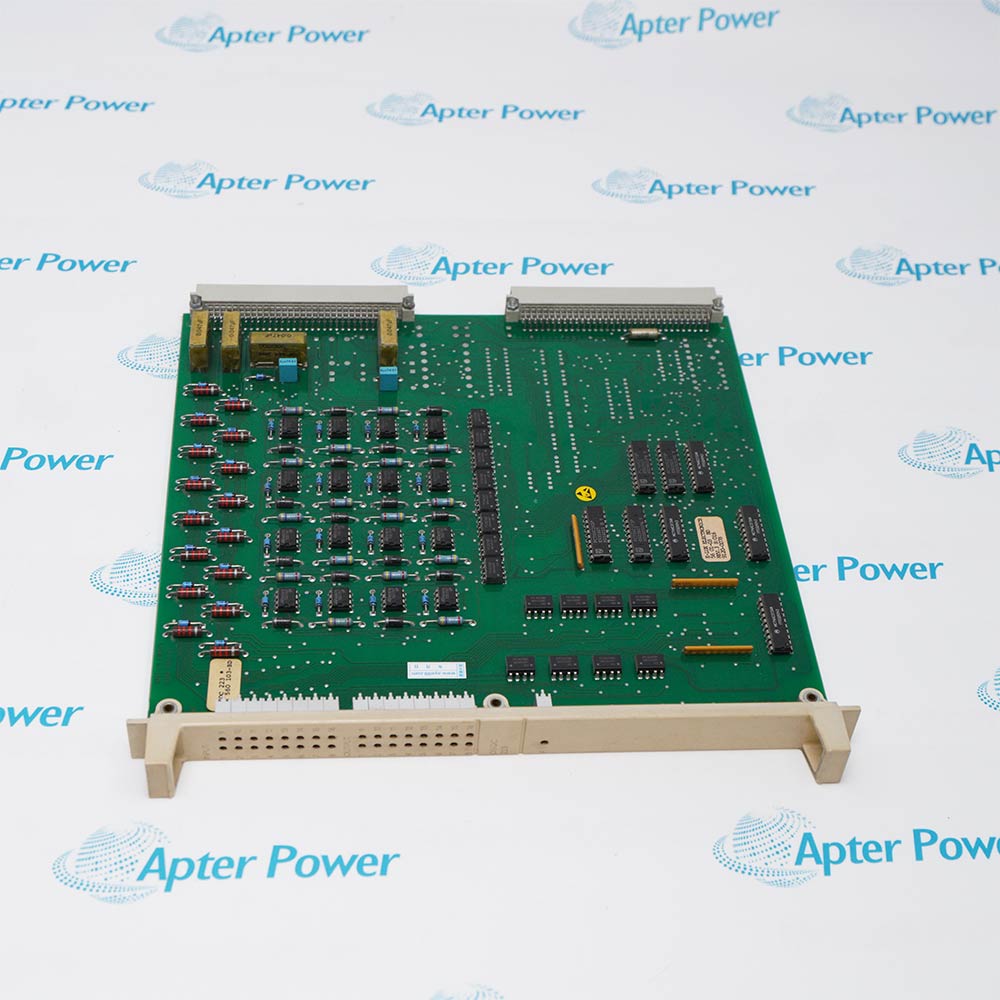
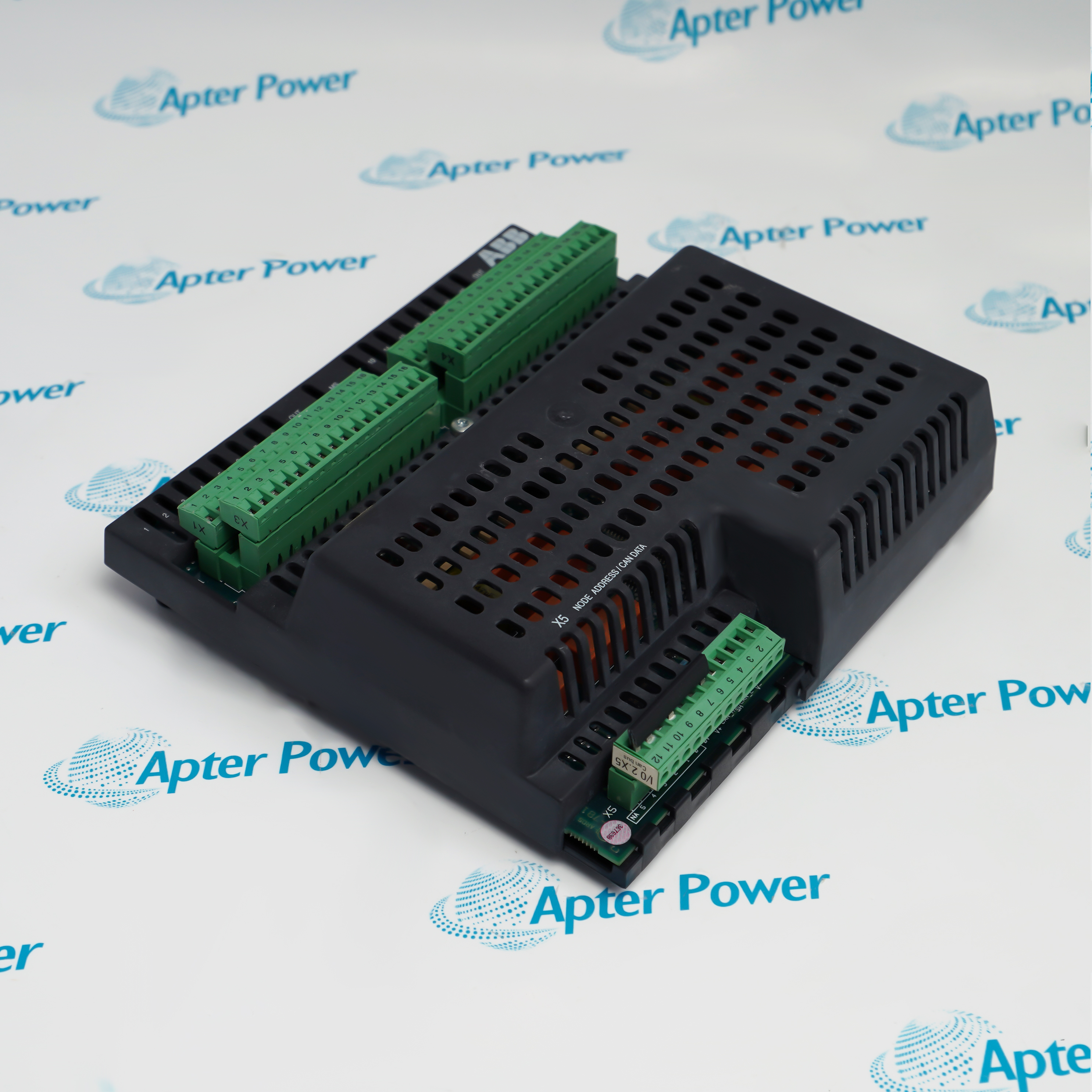
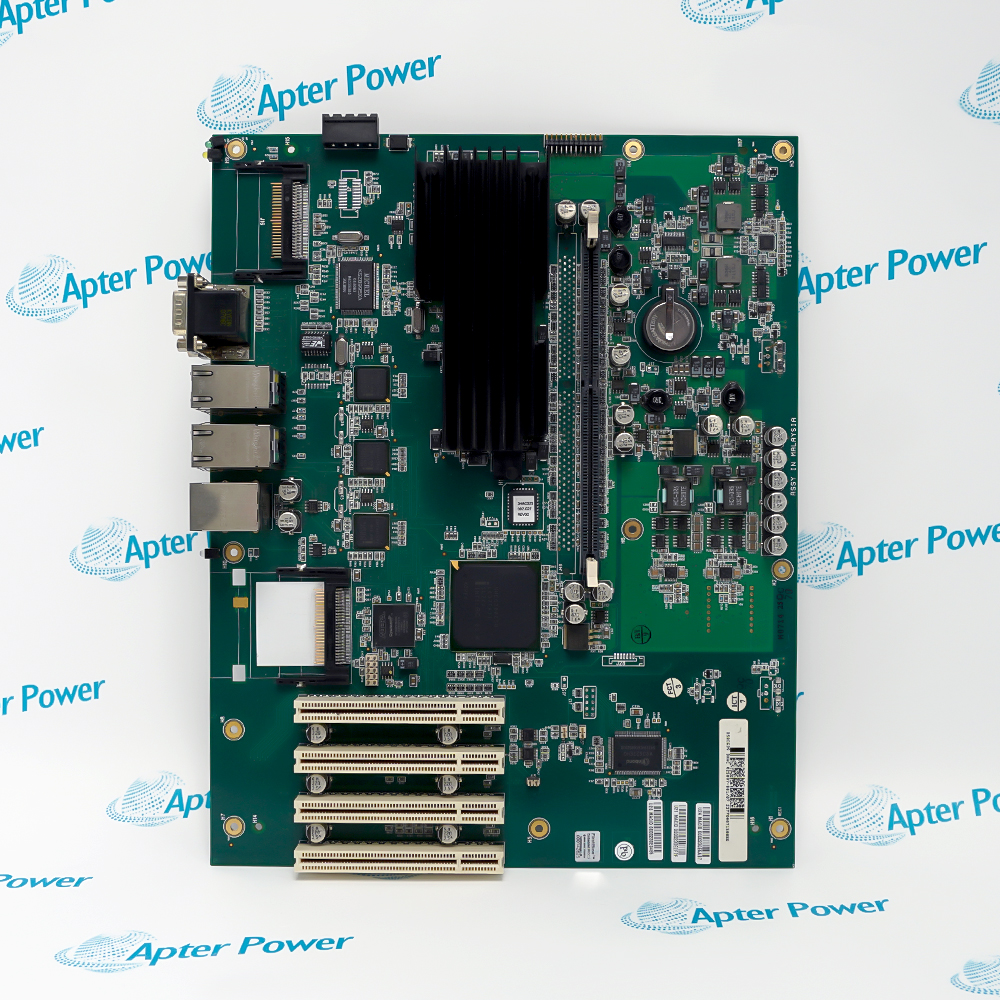
DSQC373 3HAC3180-1

S4C Robot Computer
In Stock
Ships by Tuesday, October 27
Fast Shipping Available

Product Describe:

ABB DSQC373 3HAC3180-1 is an S4C robot-computer board for BaseWare 3.1 and 3.2 controller configurations.

Ask our team:

Get a quick price for: DSQC373 3HAC3180-1
Quantity*
Upload (gif, jpg, jpeg, png, bmp, doc, docx, xls, xlsx, ppt, pdf, csv)
For more information on how your data is processed and stored by Apterpower please read our privacy policy.

Technical specifications for DSQC373 3HAC3180-1

Technical specifications for DSQC373 3HAC3180-1

  • Manufacturer:
    ABB
  • Product Category:
    Robot system
  • Spare Part Number:
    DSQC373 3HAC3180-1
  • Estimated shipping dimensions:
    17x11.7x5.5cm
  • Weight:
    0.5 kg
  • Tariff Code:
    8537101190
  • Counliy of origin:
    Sweden
  • BaseWare compatibility:
    3.1 / 3.2
  • Initialization indicator:
    F, red
  • Module-status indicator:
    MS, green/red
  • Network-status indicator:
    NS, green/red
  • Transmit/receive indicators:
    TxD / RxD, yellow
  • Serial ports:
    SIO1 / SIO2
  • Network connection:
    CAN

Information

Information

Overview Manuals Common Applications Product Precautions
ABB DSQC373 3HAC3180-1 provides separate module and network status indications, helping maintenance staff distinguish a running device from a device with an established communication connection.
  • Uses the F indicator to report board initialization.
  • Shows module state through a green/red MS indicator.
  • Shows network state through a separate green/red NS indicator.
  • Provides yellow TxD and RxD communication indicators.

A steady green MS indication represents normal device operation. The NS indication must also be checked: flashing green means the device is online without an established connection, whereas steady green indicates an established link.

Important Notice: Check module status and established network communication as separate conditions before releasing the controller.

ABB DSQC373 3HAC3180-1 Manuals & Downloads
ABB DSQC373 3HAC3180-1 Manufacturer Technical Reference — Excerpt (PDF)ABB DSQC373 3HAC3180-1 Installation & Commissioning Guide (PDF)

The technical reference and field guide cover complementary aspects of this product. Select the document for the task being performed.

BaseWare 3.2 installations
Maintain the robot-computer hardware used for the S4C 3.2 software level.
Connection diagnosis
Distinguish online status from an established network connection.
Commissioning support
Use the module indication to identify missing or incomplete configuration.
Controller fault recovery
Separate recoverable device faults from communication timeouts.
Installation and service checks for ABB DSQC373 3HAC3180-1.
1
Check that the S4C controller uses the intended BaseWare 3.1 or 3.2 configuration.
2
Disconnect the controller supply before accessing the board.
3
Account separately for externally powered cabinet circuits.
4
Use grounded ESD protection during board handling.
5
Keep the serial and CAN connectors in their assigned positions.
6
Confirm that the F indication clears after successful initialization.
7
Resolve flashing-green MS configuration conditions before normal operation.
8
Check the NS connection state and controller messages before enabling the cell.

Technical notes

Technical notes

An unlit NS indicator can mean either no power or an offline device; read the MS state and supply condition before drawing a network conclusion.

FAQS

  • Is a green module light enough to confirm communication on ABB DSQC373 3HAC3180-1?
    No. Green MS indicates normal device operation, while the separate NS indicator shows whether network connections are established.
  • What distinguishes flashing-green and steady-green NS on ABB DSQC373 3HAC3180-1?
    Flashing green indicates an online device without an established connection; steady green indicates an online device with an established connection.
  • Why does flashing-green MS on ABB DSQC373 3HAC3180-1 call for a configuration check?
    The module may have missing, incomplete or incorrect configuration, or may be in standby, so system parameters and messages should be reviewed.
  • How do red MS indications differ on ABB DSQC373 3HAC3180-1?
    Flashing red indicates a recoverable minor fault, while steady red indicates an unrecoverable device fault.
  • Which software levels use ABB DSQC373 3HAC3180-1?
    The robot computer is used with BaseWare 3.1 and 3.2 configurations.
  • What does a flashing-red NS indication mean on ABB DSQC373 3HAC3180-1?
    One or more I/O connections have timed out, so the associated controller messages and network condition require investigation.
  • Which network faults can produce steady-red NS on ABB DSQC373 3HAC3180-1?
    A duplicate MAC ID or a bus-off condition can make the device unable to communicate. Review the node identities and the controller network messages before changing hardware.
  • If NS is dark on ABB DSQC373 3HAC3180-1, does that prove the board has failed?
    No. The device may be unpowered, offline or not yet finished with the duplicate-MAC-ID test. Compare the MS state and supply condition before treating the dark network indicator as a hardware failure.
Trusted by 5,000+ plants worldwide | Backed by our vast inventory of top-tier control parts, modules and cards, fast shipments are dispatched to cover your urgent needs. ABOUT US >>
Disclaimer: We are not an authorized distributor or distributor of the product manufacturer of this website, The product may have older date codes or be an older series than that available direct from the factory or authorized dealers. Because our company is not an authorized distributor of this product, the Original Manufacturer`s warranty does not apply.While many DCS PLC products will have firmware already installed, Our company makes no representation as to whether a DSC PLC product will or will not have firmware and, if it does have firmware, whether the firmware is the revision level that you need for your application. Our company also makes no representations as to your ability or right to download or otherwise obtain firmware for the product from our company, its distributors, or any other source. Our company also makes no representations as to your right to install any such firmware on the product. Our company will not obtain or supply firmware on your behalf. It is your obligation to comply with the terms of any End-User License Agreement or similar document related to obtaining or installing firmware.

We’re Here When You Need Us

From product insights to customer service needs, our experienced service team will focus on getting you what you need quickly

Enquire

Complete our online form.

Call Us

Speak to one of our team.

Live Chat

Send us a message.