Get Parts Quote
Name
Company *
Phone *
Email *
Address
City
State / Province / Region
Zipcode
Country
Quantity *
Part Number *
Manufacturer
Preferred Condition
Additional Information
Cancel

DSQC363 3HAC1462-1

S4C Robot Computer
In Stock
Ships by Tuesday, October 27
Fast Shipping Available

Product Describe:

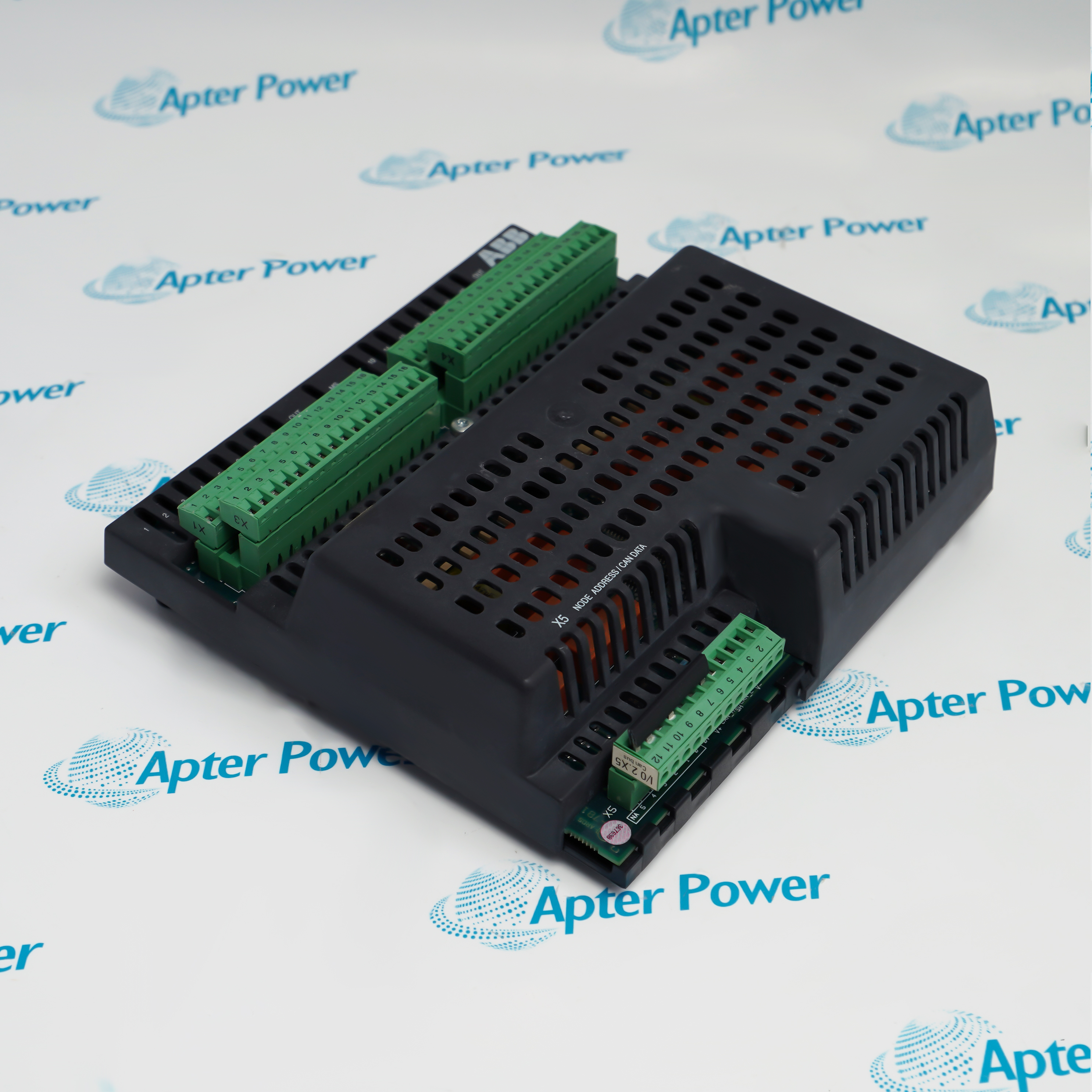
ABB DSQC363 3HAC1462-1 is a robot computer for S4C controllers using BaseWare 3.0 or 3.1. It coordinates I/O, axis control, serial communication and teach-pendant communication.

Ask our team:

Get a quick price for: DSQC363 3HAC1462-1
Quantity*
Upload (gif, jpg, jpeg, png, bmp, doc, docx, xls, xlsx, ppt, pdf, csv)
For more information on how your data is processed and stored by Apterpower please read our privacy policy.

Technical specifications for DSQC363 3HAC1462-1

Technical specifications for DSQC363 3HAC1462-1

  • Manufacturer:
    ABB
  • Product Category:
    Robot system
  • Spare Part Number:
    DSQC363 3HAC1462-1
  • Estimated shipping dimensions:
    2x24.9x24.4cm
  • Weight:
    0.32 kg
  • Tariff Code:
    8537101190
  • Counliy of origin:
    Sweden
  • Supported BaseWare:
    3.0 / 3.1
  • Read/write memory retention:
    Battery-backed
  • Serial connection positions:
    SIO1 / SIO2
  • Network interface:
    CAN
  • Fault indicator F:
    Red
  • Transmit/receive indicators:
    Yellow TxD / RxD
  • Module/network indicators:
    Green/red MS / NS

Information

Information

Overview Manuals Common Applications Product Precautions
ABB DSQC363 3HAC1462-1 participates in the controller startup sequence before the main computer is released to run, making its diagnostic state important when a robot fails to boot.
  • Starts first after a cold or warm controller start.
  • Performs preliminary tests before releasing the main computer.
  • Keeps its read/write memory battery-backed.
  • Provides a red fault indication when startup tests detect an error.

The front-panel indicators separate initialization, module condition and network activity. SIO1 and SIO2 provide separate serial connection positions, while the CAN connection serves controller communication.

Important Notice: Do not use RobotWare 3.2 with this computer; the cold-boot process can damage the flash state.

ABB DSQC363 3HAC1462-1 Manuals & Downloads
ABB DSQC363 3HAC1462-1 Manufacturer Technical Reference — Excerpt (PDF)ABB DSQC363 3HAC1462-1 Installation & Commissioning Guide (PDF)

The technical reference and field guide cover complementary aspects of this product. Select the document for the task being performed.

S4C controller startup
Diagnose the initial robot-computer stage before main-computer startup.
Axis-control servicing
Maintain the robot-computer path involved in axis control.
Pendant communication
Investigate controller-to-teach-pendant communication at the robot computer.
Serial I/O maintenance
Trace the controller serial and I/O paths without confusing their interfaces.
Installation and service checks for ABB DSQC363 3HAC1462-1.
1
Confirm that the installed BaseWare version is 3.0 or 3.1.
2
Do not cold-boot this robot computer with RobotWare 3.2.
3
Isolate the controller supply before removing a board.
4
Treat externally supplied cabinet circuits separately from the mains switch.
5
Use grounded ESD protection while handling the circuit board.
6
Keep SIO1, SIO2 and CAN connections identified during removal.
7
Observe the red fault indicator through initialization after reassembly.
8
Check the pendant, I/O and axis-control functions before restoring production.

Technical notes

Technical notes

When the controller remains stopped and the red robot-computer fault light is on, investigate this startup stage before replacing the main computer.

FAQS

  • Why can ABB DSQC363 3HAC1462-1 prevent the main computer from starting?
    The robot computer runs first and releases the main computer only after its preliminary diagnostics have passed.
  • What happens if ABB DSQC363 3HAC1462-1 is cold-booted with RobotWare 3.2?
    RobotWare 3.2 is not supported and can overflow the robot-computer flash memory, requiring special recovery equipment.
  • What does the red F indicator on ABB DSQC363 3HAC1462-1 reveal during initialization?
    The F indicator turns off when board initialization is accepted. If the controller cannot start and the robot-computer fault light comes on during testing, investigate the robot-computer diagnostic stage before assuming the main computer has failed.
  • How is read/write memory retained on ABB DSQC363 3HAC1462-1?
    The robot computer uses battery-backed read/write memory.
  • Which communications pass through ABB DSQC363 3HAC1462-1?
    The robot computer handles system I/O, serial communication and teach-pendant communication in addition to axis control.
  • Which serial connections must remain distinguishable when refitting ABB DSQC363 3HAC1462-1?
    SIO1 and SIO2 are separate serial connection positions. Preserve each harness assignment so that restoring one serial path does not inadvertently exchange it with the other.
  • Why is the CAN connection on ABB DSQC363 3HAC1462-1 checked separately from the serial ports?
    CAN provides the controller network connection, while SIO1 and SIO2 are serial connections. A functioning serial device does not establish that the CAN communication path is working.
  • What do the yellow TxD and RxD indicators on ABB DSQC363 3HAC1462-1 distinguish?
    TxD indicates transmission activity and RxD indicates reception activity on the associated communication path. They help separate outgoing and incoming traffic; activity alone does not confirm that the intended application exchange is complete.
Trusted by 5,000+ plants worldwide | Backed by our vast inventory of top-tier control parts, modules and cards, fast shipments are dispatched to cover your urgent needs. ABOUT US >>
Disclaimer: We are not an authorized distributor or distributor of the product manufacturer of this website, The product may have older date codes or be an older series than that available direct from the factory or authorized dealers. Because our company is not an authorized distributor of this product, the Original Manufacturer`s warranty does not apply.While many DCS PLC products will have firmware already installed, Our company makes no representation as to whether a DSC PLC product will or will not have firmware and, if it does have firmware, whether the firmware is the revision level that you need for your application. Our company also makes no representations as to your ability or right to download or otherwise obtain firmware for the product from our company, its distributors, or any other source. Our company also makes no representations as to your right to install any such firmware on the product. Our company will not obtain or supply firmware on your behalf. It is your obligation to comply with the terms of any End-User License Agreement or similar document related to obtaining or installing firmware.

We’re Here When You Need Us

From product insights to customer service needs, our experienced service team will focus on getting you what you need quickly

Enquire

Complete our online form.

Call Us

Speak to one of our team.

Live Chat

Send us a message.