Get Parts Quote
Name
Company *
Phone *
Email *
Address
City
State / Province / Region
Zipcode
Country
Quantity *
Part Number *
Manufacturer
Preferred Condition
Additional Information
Cancel

CI853K01 3BSE018103R1

Dual Serial Interface
In Stock
Ships by Wednesday, October 14
Fast Shipping Available

Product Describe:

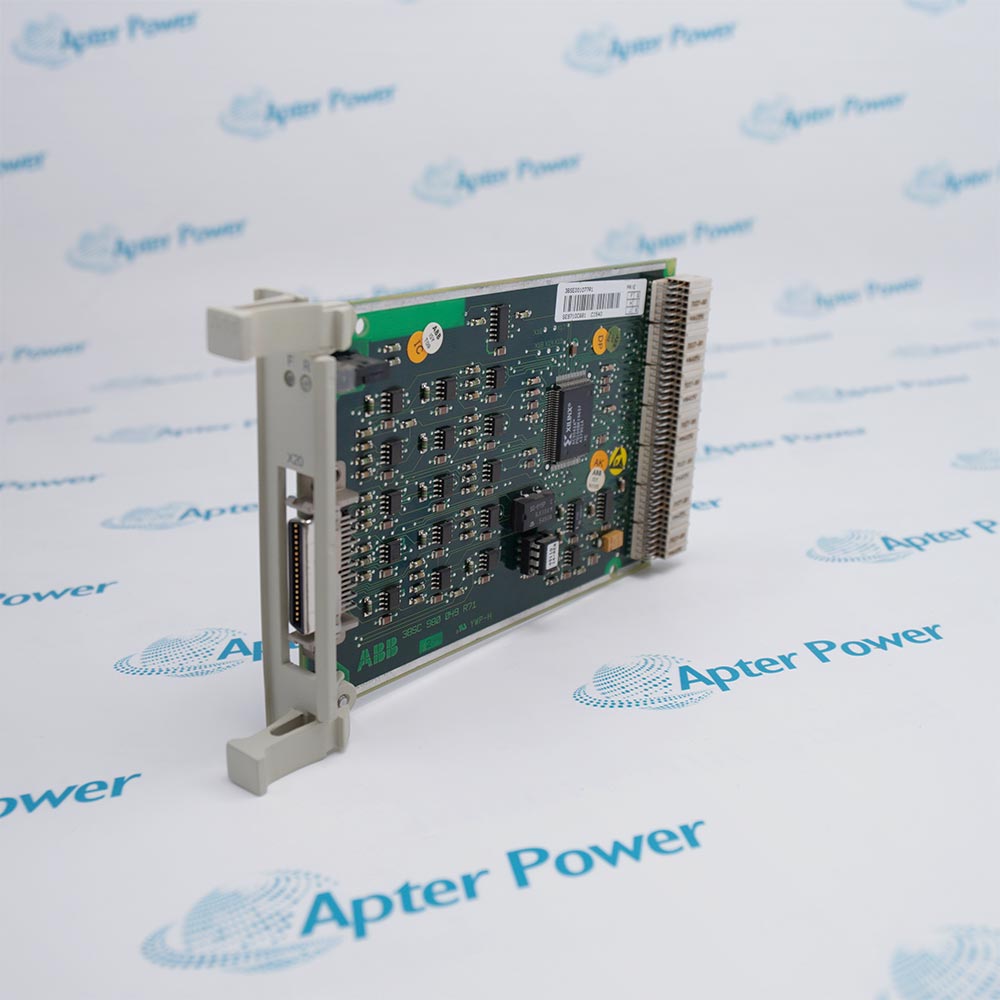
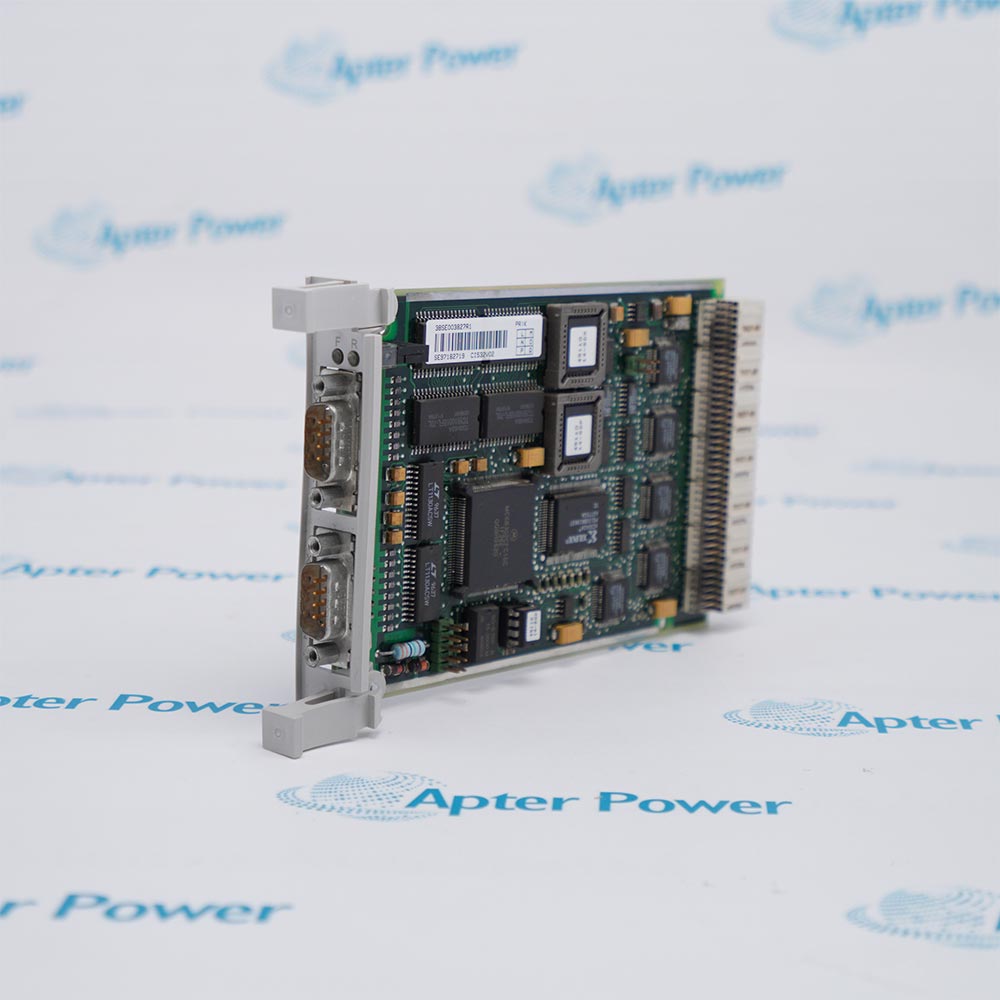
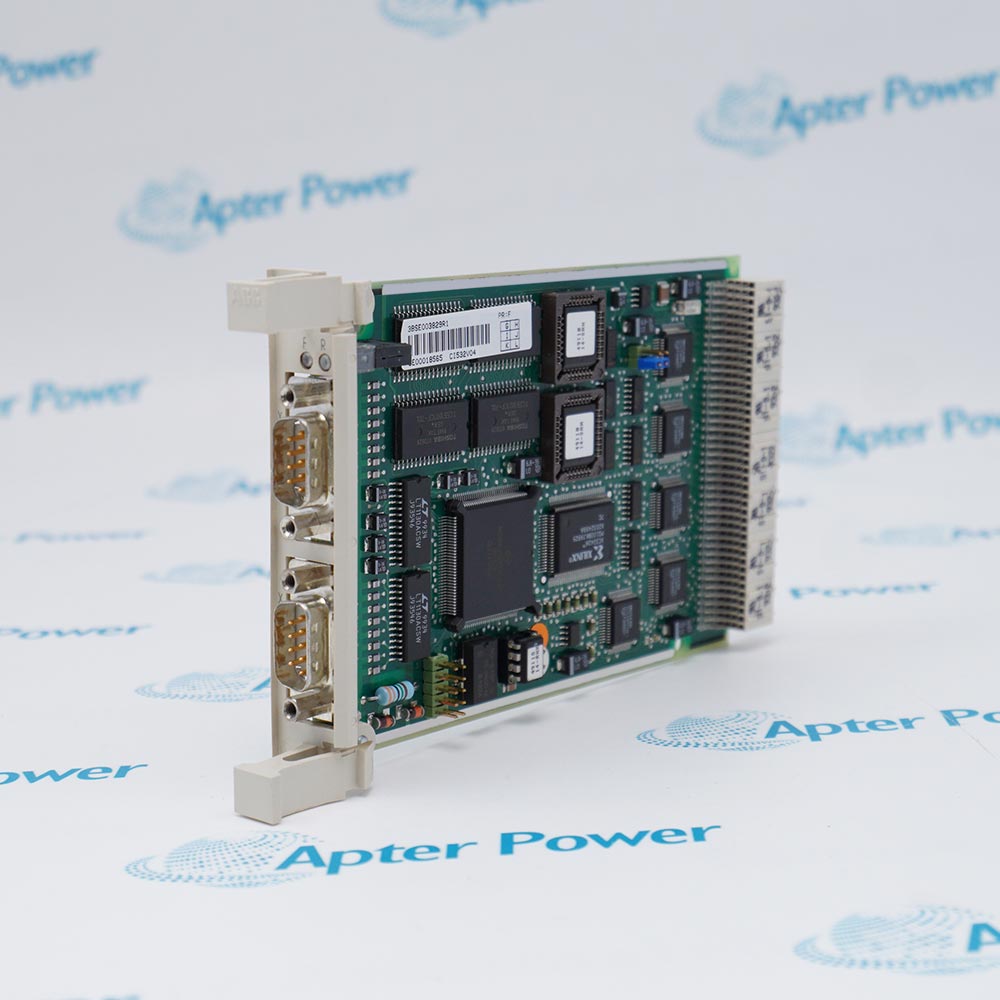
ABB CI853K01 3BSE018103R1 is a dual RS-232C communication interface package comprising the CI853 module and TP853 baseplate for AC 800M systems. It extends processor serial communications with two independently configurable ports for supported protocols such as Modbus, COMLI, and Siemens 3964R.

Ask our team:

Get a quick price for: CI853K01 3BSE018103R1
Quantity*
Upload (gif, jpg, jpeg, png, bmp, doc, docx, xls, xlsx, ppt, pdf, csv)
For more information on how your data is processed and stored by Apterpower please read our privacy policy.

Technical specifications for CI853K01 3BSE018103R1

Technical specifications for CI853K01 3BSE018103R1

  • Manufacturer:
    ABB
  • Product Category:
    DCS System
  • Spare Part Number:
    3BSE018103R1
  • Estimated shipping dimensions:
    18.6x6.5x13cm
  • Weight:
    0.44 kg
  • Tariff Code:
    8537101190
  • Counliy of origin:
    Sweden
  • Package components:
    CI853 interface + TP853 baseplate
  • Communication interface:
    Dual RS-232C with modem signals
  • Serial channels:
    2 (COM1 and COM2)
  • Port connectors:
    2 RJ45 connectors on TP853
  • Protocol support:
    Modbus, COMLI, Siemens 3964R; application-dependent
  • Selectable communication speed:
    75 to 19200 baud; protocol restrictions apply
  • Galvanic isolation:
    Non-isolated
  • Status indicators:
    Red error, green run, yellow traffic
  • Power source:
    AC 800M processor via CEX-Bus
  • Typical current:
    100 mA
  • Typical power dissipation:
    2.4 W
  • Hot swap:
    Supported

Information

Information

Overview Manuals Common Applications Product Precautions
ABB CI853K01 3BSE018103R1 is a dual RS-232C interface package for extending AC 800M processor serial communications with a CI853 module and TP853 baseplate.
  • Exact ABB article 3BSE018103R1 combines CI853 and TP853
  • Separate COM1 and COM2 links can serve distinct supported protocols
  • Serial communications extend the AC 800M processor through the CEX-Bus
  • LED indications support controlled channel diagnosis

Use the TP853 connections for the configured serial devices and match each port to the approved controller application, protocol and cabling plan.

Important Notice: Check the installed AC 800M host, CEX-Bus position, non-isolated RS-232C wiring, port settings and documented communication test before release.

CI853K01 3BSE018103R1 Manuals & Downloads
CI853K01 3BSE018103R1 Technical Reference (PDF)CI853K01 3BSE018103R1 Installation & Commissioning Guide (PDF)

These documents serve different purposes: the first records verified package and interface parameters; the second provides model-specific installation, configuration and acceptance checks.

Modbus serial integrationConnect a documented Modbus device through one configured CI853 RS-232C channel in the AC 800M application.
COMLI communicationUse the separate serial port for an approved COMLI link while retaining the independently configured other channel.
Siemens 3964R connectionExchange serial data with a device configured for 3964R when the controller software and licensing support the protocol.
Application-specific serial linkImplement the documented free-programmable protocol on a dedicated channel and verify its baud rate and message exchange.
Read the AC 800M controller and CI853/TP853 instructions before work. Verify ABB CI853K01 3BSE018103R1 and both configured serial links before maintenance or commissioning.
1
Confirm the CI853K01 package label and verify that the CI853 module and TP853 baseplate match the maintenance record.
2
Place the AC 800M controller and connected serial devices in the approved maintenance state before work.
3
Record COM1 and COM2 device assignments, cable routes, protocol settings and port speeds before disconnection.
4
Assess grounding of both non-isolated RS-232C links and inspect the two TP853 RJ45 connectors.
5
Seat the CI853 and TP853 assembly in its documented CEX-Bus position without disturbing adjacent modules.
6
Restore each port protocol and selectable baud setting to the approved controller configuration.
7
Check red error, green run and yellow traffic indications together with controller diagnostics after energization.
8
Prove communication on both configured serial channels and retain the controlled acceptance result.

Technical notes

Technical notes

The CI853 communication interface operates with the TP853 baseplate, which presents two RS-232C ports; configure each port for the approved protocol and speed. The ports are non-isolated, and the CI853 receives power from the AC 800M processor unit through the CEX-Bus.

FAQS

  • Which hardware is included in ABB CI853K01 3BSE018103R1?
    The package contains the CI853 communication interface and the TP853 baseplate. The ABB article number for the package is 3BSE018103R1.
  • Can COM1 and COM2 on CI853 use different protocols?
    Yes. The two RS-232C ports can be configured for different protocols, subject to the installed software, application, licenses and protocol-specific restrictions.
  • Where are the two serial cables connected?
    Connect the serial cables to the two RJ45 connectors on the TP853 baseplate, after checking the approved wiring and modem-signal requirements for each port.
  • What communication speeds can CI853 be configured for?
    The listed selectable speeds span 75 to 19200 baud. Apply the speed supported by the selected protocol and the connected device.
  • Does the CI853 RS-232C interface provide galvanic isolation?
    No. Both RS-232C ports are non-isolated, so the installation must account for the connected equipment grounding and interface design.
  • Does CI853K01 require a separate external power feed?
    The CI853 receives power from the AC 800M processor unit through the CEX-Bus; the interface does not need an additional external supply.
  • How should the CI853 status LEDs be interpreted during checks?
    The red LED indicates error, the green LED indicates run, and the yellow LED indicates traffic. Compare these indications with the configured port and controller diagnostics.
  • Can the CI853 be hot-swapped in the AC 800M system?
    Hot swap is supported. Follow the approved controller and plant maintenance procedure before replacement, then verify both serial channels and their configured protocols.
Trusted by 5,000+ plants worldwide | Backed by our vast inventory of top-tier control parts, modules and cards, fast shipments are dispatched to cover your urgent needs. ABOUT US >>
Disclaimer: We are not an authorized distributor or distributor of the product manufacturer of this website, The product may have older date codes or be an older series than that available direct from the factory or authorized dealers. Because our company is not an authorized distributor of this product, the Original Manufacturer`s warranty does not apply.While many DCS PLC products will have firmware already installed, Our company makes no representation as to whether a DSC PLC product will or will not have firmware and, if it does have firmware, whether the firmware is the revision level that you need for your application. Our company also makes no representations as to your ability or right to download or otherwise obtain firmware for the product from our company, its distributors, or any other source. Our company also makes no representations as to your right to install any such firmware on the product. Our company will not obtain or supply firmware on your behalf. It is your obligation to comply with the terms of any End-User License Agreement or similar document related to obtaining or installing firmware.

We’re Here When You Need Us

From product insights to customer service needs, our experienced service team will focus on getting you what you need quickly

Enquire

Complete our online form.

Call Us

Speak to one of our team.

Live Chat

Send us a message.