Speak to a sourcing specialist
sales13@apterpower.com

FC-TPSU-2430

Conformal-coated Safety Manager
In Stock
Ships by Friday, November 6
Fast Shipping Available
Honeywell FC-TPSU-2430
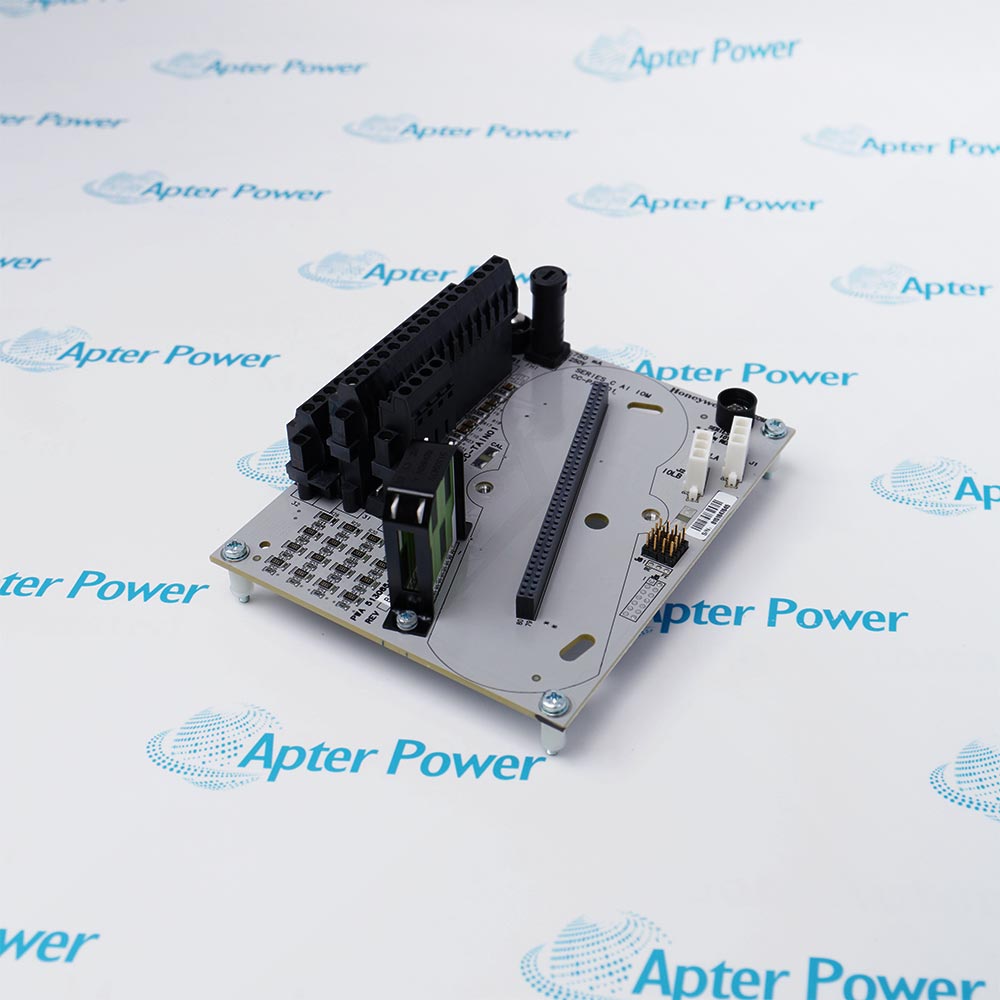
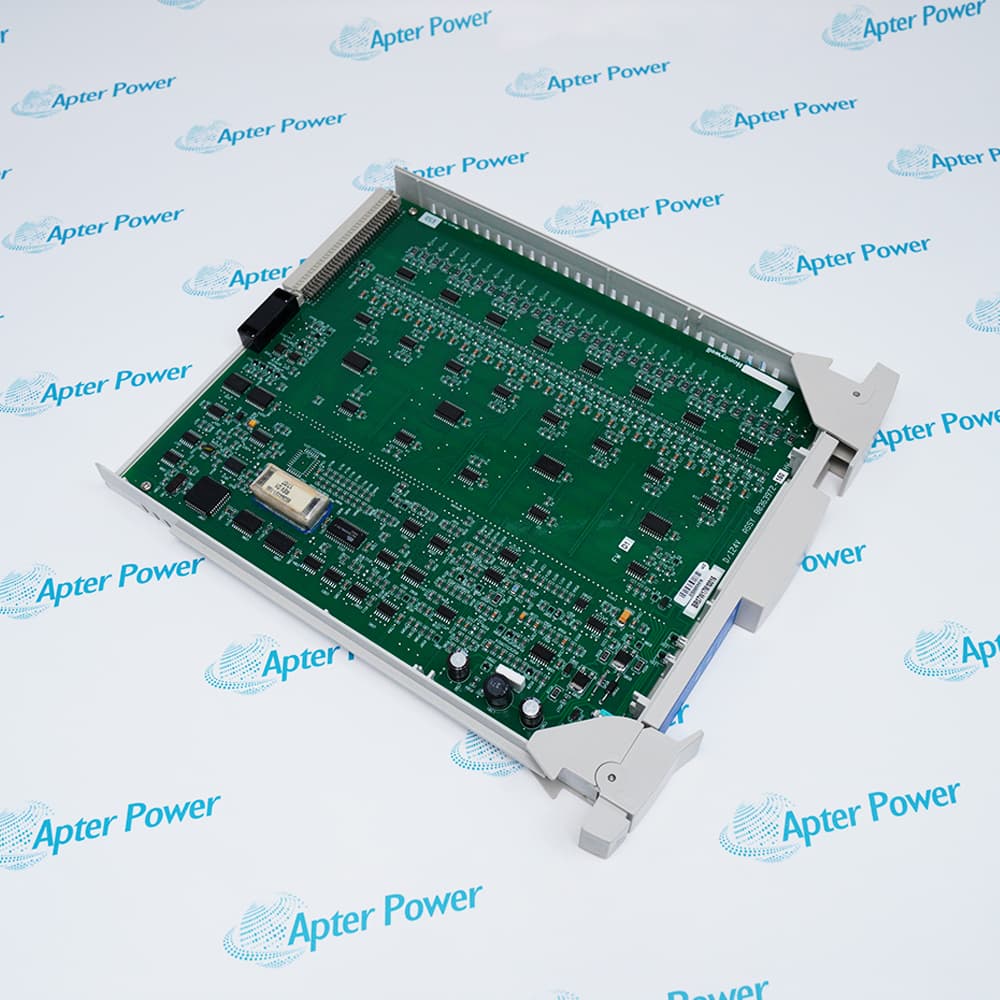
Product image is representative; revision or series may vary. Contact us to request a specific version.

Product Describe:

Honeywell FC-TPSU-2430 is a conformal-coated Safety Manager converter that accepts 18-36 VDC and supplies regulated 30 VDC at 1 A.
Get a quick price for FC-TPSU-2430
E-mail *
Mobile *
Company
Content *
Quantity *
Upload (gif, jpg, jpeg, png, bmp, doc, docx, xls, xlsx, ppt, pdf, csv)
For more information on how your data is processed and stored by Apterpower please read our privacy policy

What happens after you enquire

  • 1

    Requirement review

    We review the part number, quantity and delivery requirements and ask for any missing details.
  • 2

    Quotation and availability

    We confirm the proposed item, condition, availability, price and estimated lead time in the quotation.
  • 3

    Order confirmation and dispatch

    Once the quotation and purchasing details are agreed, your contact will coordinate the order and available dispatch information.

Technical specifications for FC-TPSU-2430

  • Manufacturer:
    Honeywell
  • Product Category:
    DCS Systems
  • Spare Part Number:
    FC-TPSU-2430
  • Estimated shipping dimensions:
    15x7x5.8cm
  • Weight:
    0.44 kg
  • Tariff Code:
    8537101190
  • Counliy of origin:
    USA
  • Input:
    18-36 VDC
  • Nominal input:
    24 VDC
  • Output:
    30 VDC +/-0.25 V
  • Output current:
    1 A, short-circuit proof
  • Mounting:
    TS32 or TS35 DIN rail
  • Efficiency Rating:
    ≥ 87%
  • Certifications:
    CE, UL

Information

Overview Manuals Common Applications Product Precautions
Honeywell FC-TPSU-2430 is a conformal-coated Safety Manager converter that accepts 18-36 VDC and supplies regulated 30 VDC at 1 A.
  • Input: 18-36 VDC
  • Nominal input: 24 VDC
  • Output: 30 VDC +/-0.25 V
  • Output current: 1 A, short-circuit proof

Use FC-TPSU-2430 only with the exact host, rack or chassis, terminal hardware, cable and project configuration specified for the installed system.

Confirm the complete physical label, host system, terminal hardware, cable and project documentation before installation or replacement.

Apter Power FC-TPSU-2430 Manuals and Guides

Important Notice: The first link is the model-specific product-parameters PDF prepared from the directly relevant product evidence; the second link is the Apter Power product information manual. Confirm the physical nameplate, current Honeywell documents, and host-system requirements before installation or replacement.


Installed-base maintenance
Supports identification and maintenance planning for Honeywell FC-TPSU-2430.
Compatibility review
Compares the exact hardware, host, rack or chassis, terminal assembly, cable and revision before replacement.
Installation planning
Defines the isolation, mounting, wiring and configuration checks required before field work.
Commissioning and troubleshooting
Supports controlled power, communication, channel, diagnostic and alarm checks after work.
Read the exact product and installed-system instructions before work. Verify the complete physical label and configuration.
1
Verify the complete Honeywell FC-TPSU-2430 physical label before use.
2
Use FC-TPSU-2430 only with the exact host, rack or chassis, terminal hardware, cable and project configuration specified for the installed system.
3
Confirm the exact rack or chassis position, terminal assembly, cable, connector, power and project revision.
4
De-energize the equipment unless the exact hardware manual and site procedure explicitly permit energized service.
5
Back up controller, communication and I/O configuration before replacement or migration work.
6
Do not transfer electrical, communication or mechanical values from a related model or different suffix.
7
Follow ESD controls and protect connectors, terminals and field wiring during handling.
8
Perform documented visual, wiring, power, communication, channel, diagnostic and fail-state checks after installation.

Alternative Names

FC-TPSU-2430

Technical notes

Use FC-TPSU-2430 only with the exact host, rack or chassis, terminal hardware, cable and project configuration specified for the installed system. Lifecycle evidence boundary: Use the cited model-level lifecycle statement where supplied.

FAQ View All FAQ

  • How do I confirm compatibility with the installed system?
    Match the complete model and part number, host system, rack or chassis, terminal assembly, cable, firmware and project documentation.
  • What should be checked before ordering a replacement?
    Provide clear nameplate photos and verify the installed slot, connector, terminal hardware, field wiring and required revision.
  • Can a similar Honeywell or related model be used as a direct replacement?
    Only when the manufacturer documentation and the installed project explicitly approve that exact substitution.
  • What must be checked before installation?
    Confirm isolation, power, keying, mounting, connector orientation, cable code, wiring polarity and the latest configuration backup.
  • Can the product be installed or removed while energized?
    Follow the exact hardware manual and site procedure; otherwise de-energize the circuit before handling the hardware or field wiring.
  • How should wiring and termination be verified?
    Compare every conductor, shield, polarity, terminal number and field supply with the approved drawings before moving any wire.
  • What commissioning checks are recommended?
    Check power, communications, channels, diagnostics, alarms, configured safe states and the intended process response before return to service.
  • What should be recorded during troubleshooting?
    Record indicators, diagnostics, channel values, alarms, field measurements, wiring checks and the exact sequence that produced the fault.
  • How should a spare be stored?
    Keep the unit in protective packaging under the environmental and ESD conditions specified for the product family, with its label and inspection history attached.
  • What information should be included in an RFQ?
    Include the complete model, part number, revision, quantity, host system, current hardware photos and any required certification or coating.
Related reading

Related cases and sourcing guidance

View all case studies