With more than 30.000 high-quality spare parts, they can be sold immediately. Our large inventory allows us to quickly meet customer needs, thereby reducing downtime and protecting production schedules. Our timely delivery time provides you with security and save money.
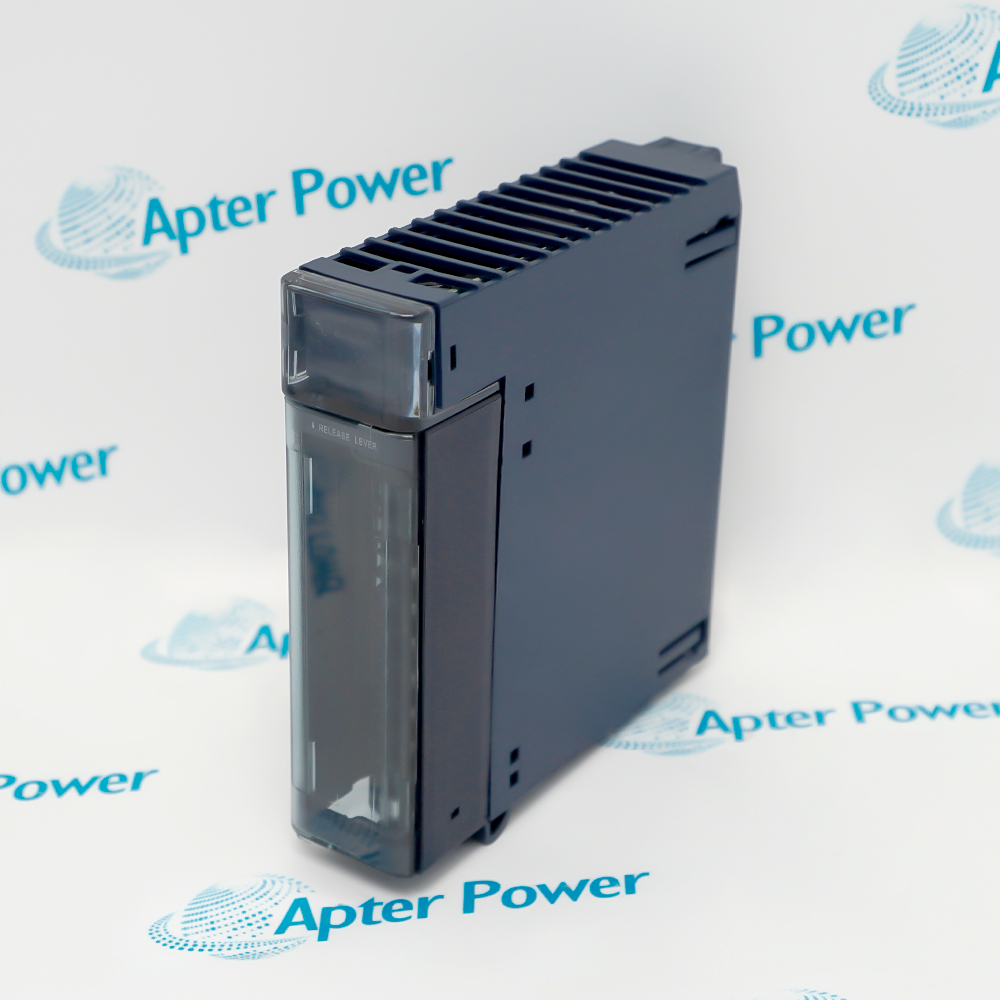
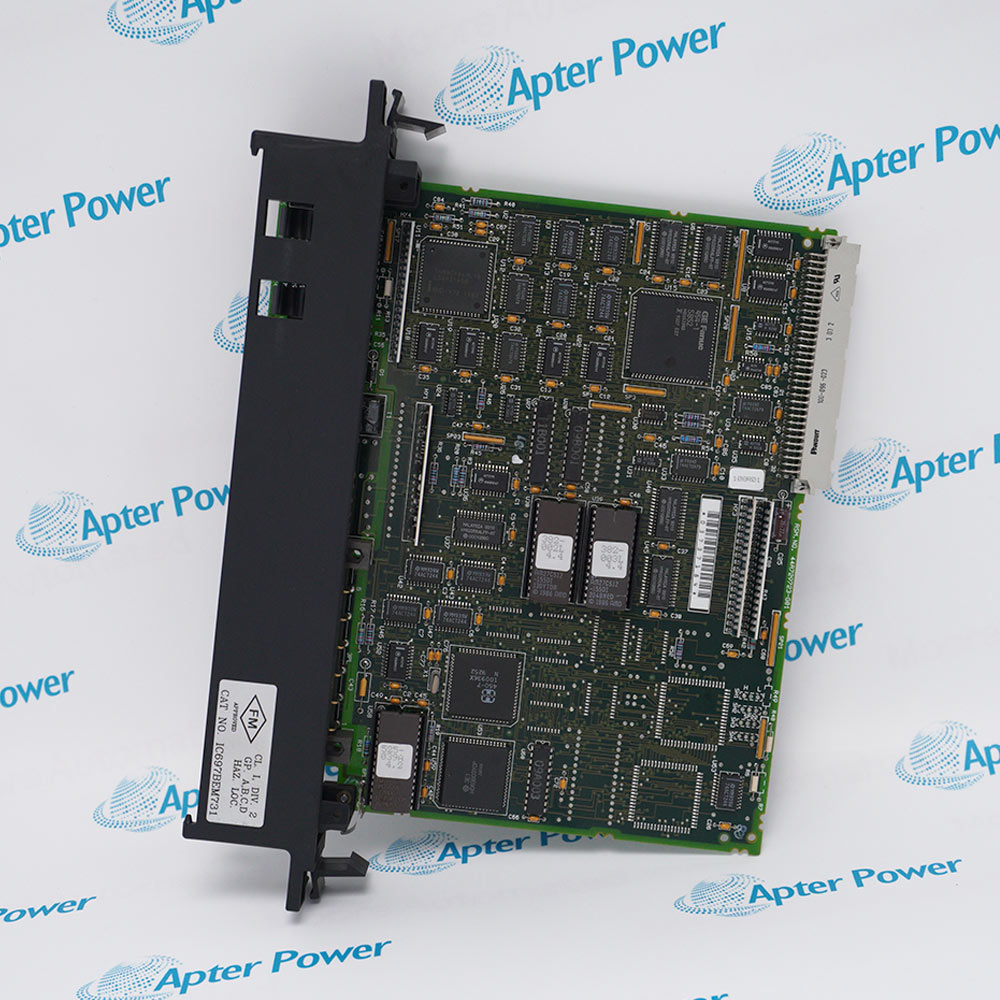
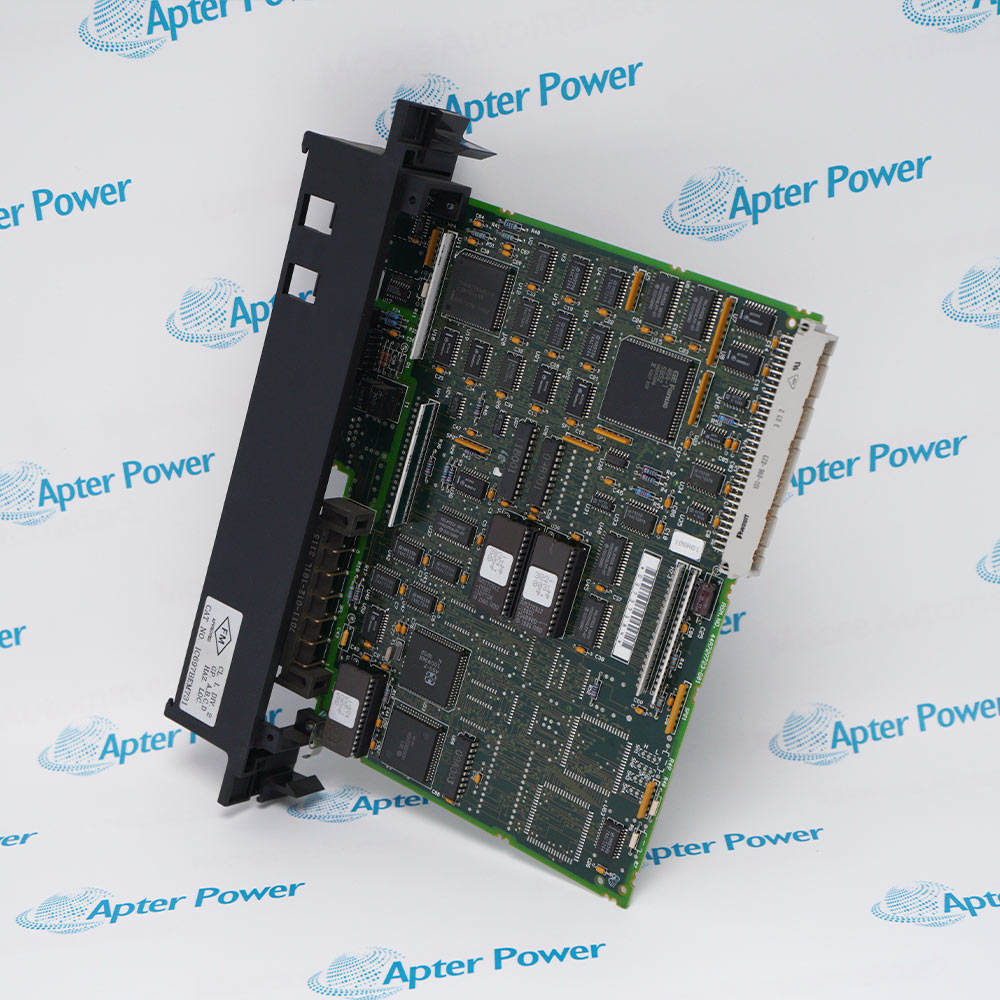
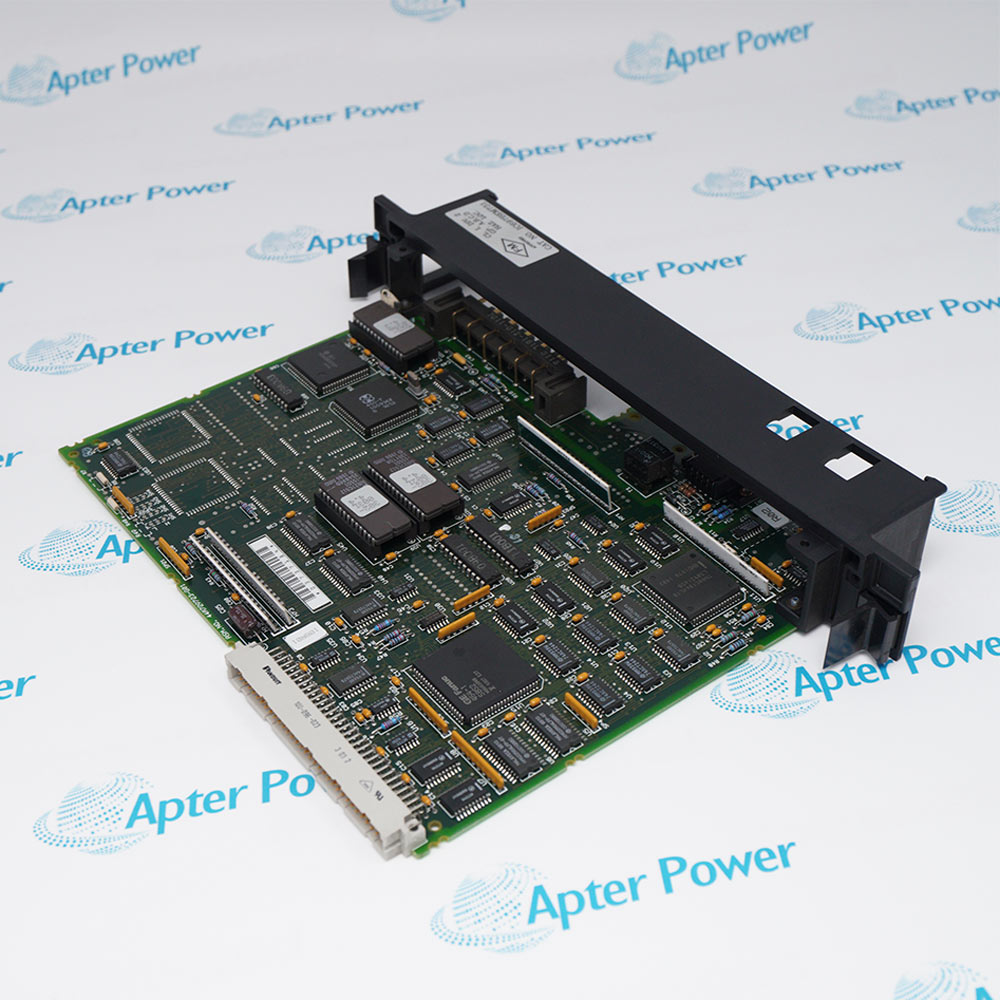
Product image is representative; revision or series may vary. Contact us to request a specific version.
IC697BEM731
Genius Controller
In Stock
Ships by Wednesday, October 14
Fast Shipping Available
Product Describe:
GE IC697BEM731 is a single-channel Genius bus controller for the Series 90-70. It exchanges I/O and directed communications with documented IC660 and IC661 devices on an IC66 LAN.
The first document presents model-specific technical data. The second provides installation checks, commissioning steps and acceptance records.
Distributed Genius I/O
Links documented IC660 and IC661 devices to a Series 90-70 controller.
Bus redundancy
Supports approved redundant bus or controller architectures.
Directed messaging
Transfers documented directed communications and COMMREQ data.
Network diagnostics
Uses controller and device diagnostics to isolate bus and drop faults.
Read the applicable General Electric instructions before work. Verify IC697BEM731 and the installed system configuration.
1
Verify the complete IC697BEM731 marking and installed revision.
2
Place the controller and connected equipment in the approved maintenance state.
3
Record the rack position, connections and interface assignments.
4
Back up the documented configuration and operating values.
5
Isolate power before removing the module or rack hardware.
6
Use ESD controls and seat all connectors evenly.
7
Restore only documented companion hardware and approved settings.
8
Verify diagnostics and controlled system response before release.
Technical notes
Technical notes
Use only the complete GE IC697BEM731 identity and the current manufacturer publication. Verify the installed revision, companion hardware, wiring and saved configuration before replacement or release.
It supports up to 30 drops on its single Genius bus channel.
Which devices communicate with GE IC697BEM731?
The official data sheet identifies IC660 and IC661 Genius devices and documented controllers.
How does GE IC697BEM731 transfer I/O?
It scans Genius devices asynchronously and transfers I/O data to the CPU once per scan.
Which communications does GE IC697BEM731 support?
It supports cyclic I/O, directed communications and COMMREQ operations.
What defaults apply to an unconfigured GE IC697BEM731?
The documented defaults are 153.6 kbaud standard and serial bus address 31.
What must be recorded before replacing GE IC697BEM731?
Record the complete GE IC697BEM731 marking, installed revision, system position, connections and approved configuration before removal.
What confirms successful commissioning of GE IC697BEM731?
The exact GE IC697BEM731 identity, restored configuration, normal diagnostics and a controlled model-specific functional test must all agree with the approved record.
Trusted by 5,000+ plants worldwide | Backed by our vast inventory of top-tier control parts, modules and cards, fast shipments are dispatched to cover your urgent needs. ABOUT US >>
Disclaimer: We are not an authorized distributor or distributor of the product manufacturer of this website, The product may have older date codes or be an older series than that available direct from the factory or authorized dealers. Because our company is not an authorized distributor of this product, the Original Manufacturer`s warranty does not apply.While many DCS PLC products will have firmware already installed, Our company makes no representation as to whether a DSC PLC product will or will not have firmware and, if it does have firmware, whether the firmware is the revision level that you need for your application. Our company also makes no representations as to your ability or right to download or otherwise obtain firmware for the product from our company, its distributors, or any other source. Our company also makes no representations as to your right to install any such firmware on the product. Our company will not obtain or supply firmware on your behalf. It is your obligation to comply with the terms of any End-User License Agreement or similar document related to obtaining or installing firmware.