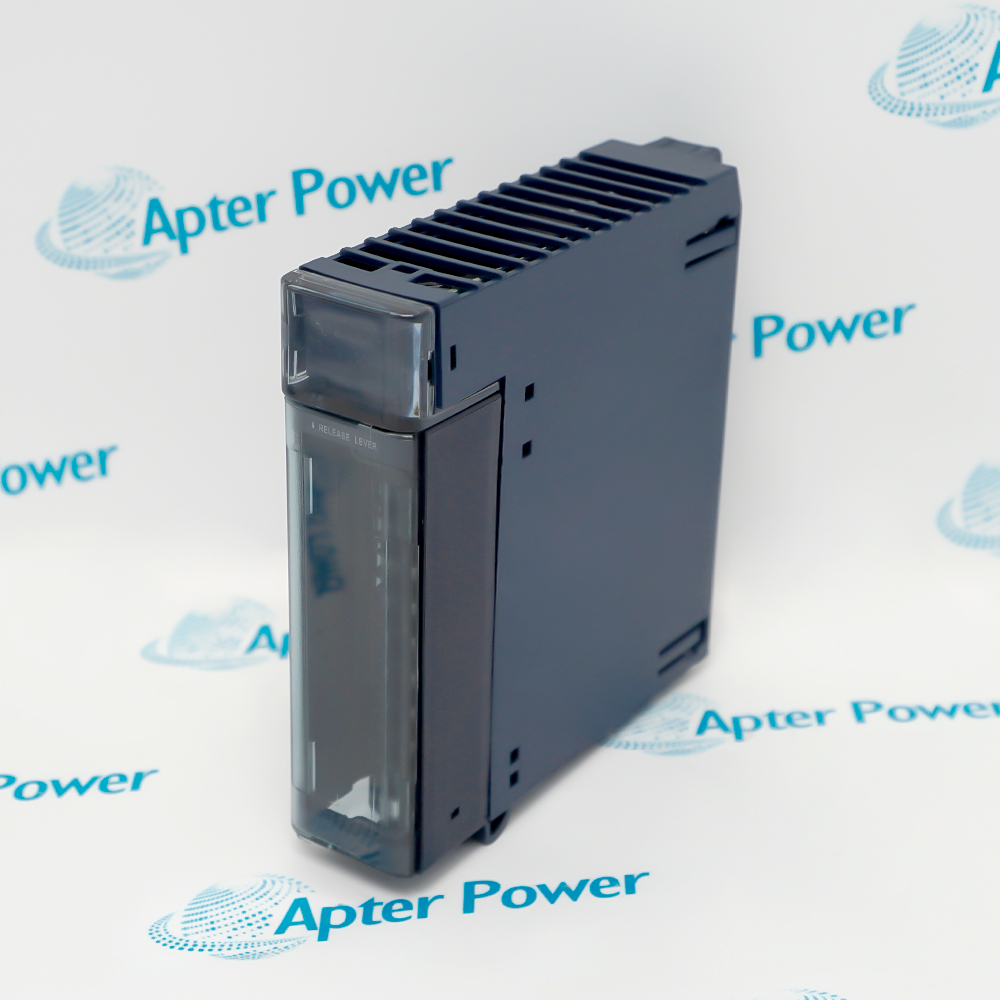
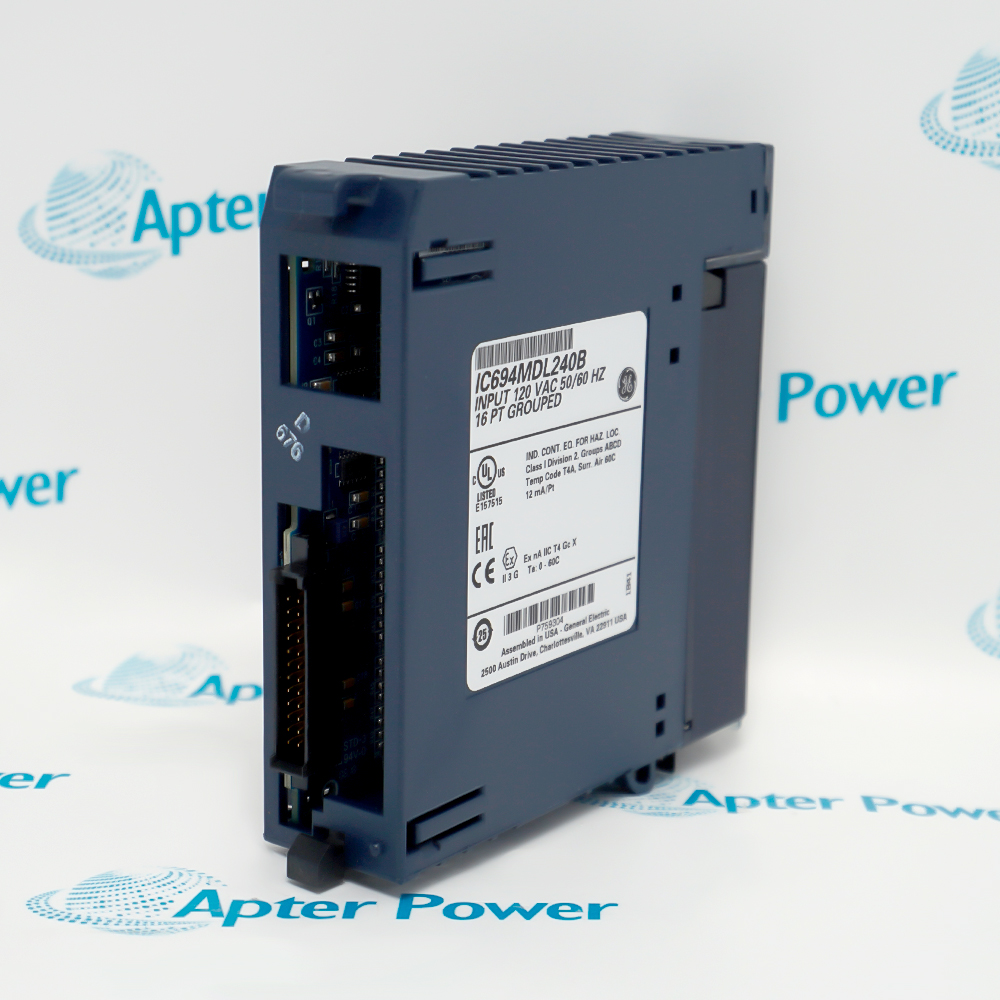
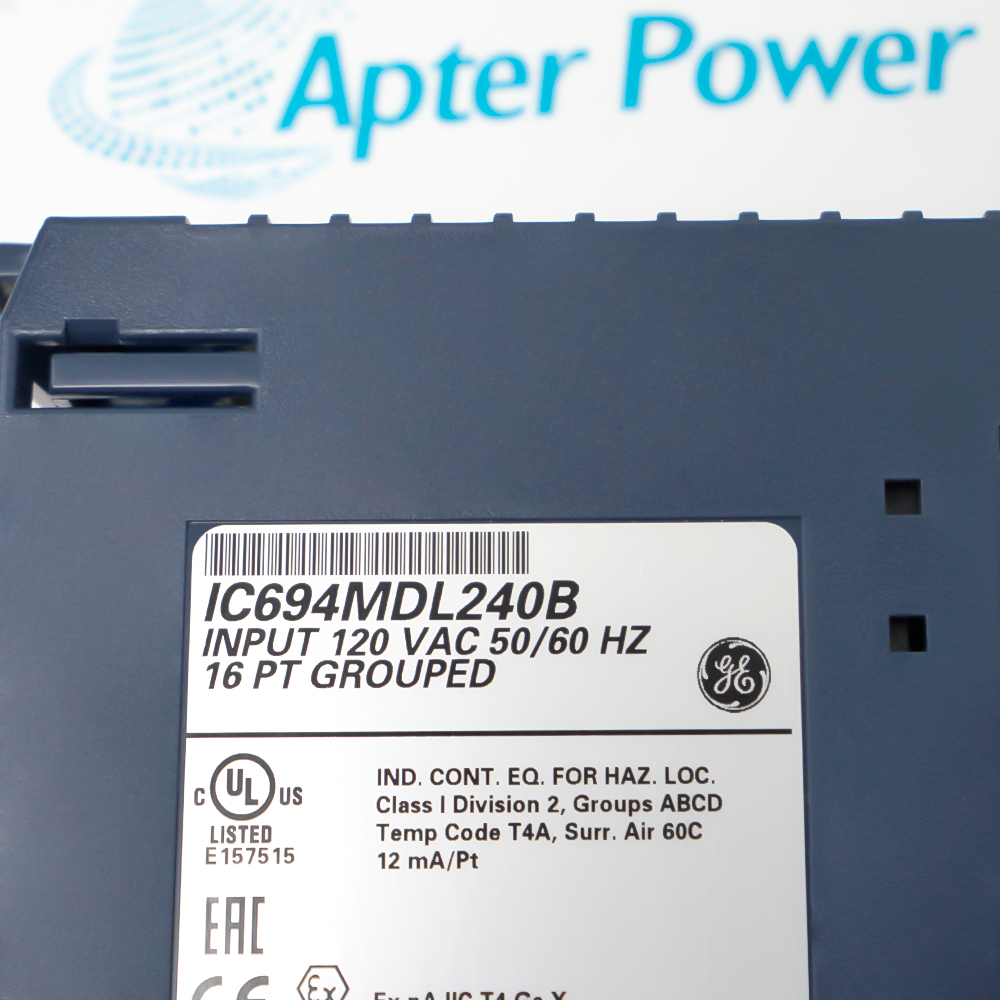
GE IC694MDL240 is PACSystems RX3i 120 Vac discrete input module. The page is limited to facts supported by Emerson PACSystems RX3i I/O Data Sheet, Emerson Discrete Automation Knowledge Center.
- Catalog number: IC694MDL240
- Platform: PACSystems RX3i
- Module type: 120 Vac discrete input
- Points: 16
Identity boundary: The cited manufacturer material verifies the published GE IC694MDL240 model identity. Similar spellings, revisions, option codes and successor products are not merged automatically. Integration boundary: Verify the complete nameplate, host model, slot or interface, wiring, firmware and project documentation before use. Published system-family context is not a universal compatibility statement. Origin, tariff code, shipment weight, current inventory and formal lifecycle phase remain unpublished unless exact manufacturer evidence for the supplied unit is available.
Important Notice: The cited manufacturer material verifies the published GE IC694MDL240 model identity.
Apter Power IC694MDL240 Manuals and Guides
Important Notice: The first link is the model-specific product-parameters PDF prepared only from the cited manufacturer official evidence; the second link is the Apter Power product information manual. Confirm the physical nameplate, current manufacturer documents, and host-system requirements before installation or replacement.
Installed-base maintenanceExact-model maintenance planning for an installed PACSystems RX3i 120 Vac discrete input module.
System documentationEvidence-bounded spare identification and receiving inspection.
Commissioning reviewLike-for-like replacement planning after host and revision verification.
Migration assessmentDocumented commissioning, diagnostic review and controlled return to service.
Qualified personnel must verify identity, host compatibility and safe isolation before work.
1Verify the complete manufacturer nameplate, product code, revision and serial data before work.
2Verify the complete nameplate, host model, slot or interface, wiring, firmware and project documentation before use.
3Isolate hazardous energy and follow the host equipment lockout and discharge procedure.
4Use ESD controls and approved handling practices for exposed electronics and connectors.
5Do not transfer ratings, terminals, functions or lifecycle claims from a sibling or successor product.
6Inspect connectors, terminals, mounting features and protective earth provisions before installation.
7Back up configuration and record firmware, network, I/O and parameter settings before replacement.
8Perform a documented functional test and verify diagnostics, alarms and fail-state behavior after work.
9Keep unsupported origin, HS code, logistics weight and availability fields blank.