











Get Parts Quote
Name
Company *
Phone *
Email *
Address
City
State / Province / Region
Zipcode
Country
Quantity *
Part Number *
Manufacturer
Preferred Condition
Additional Information
Cancel

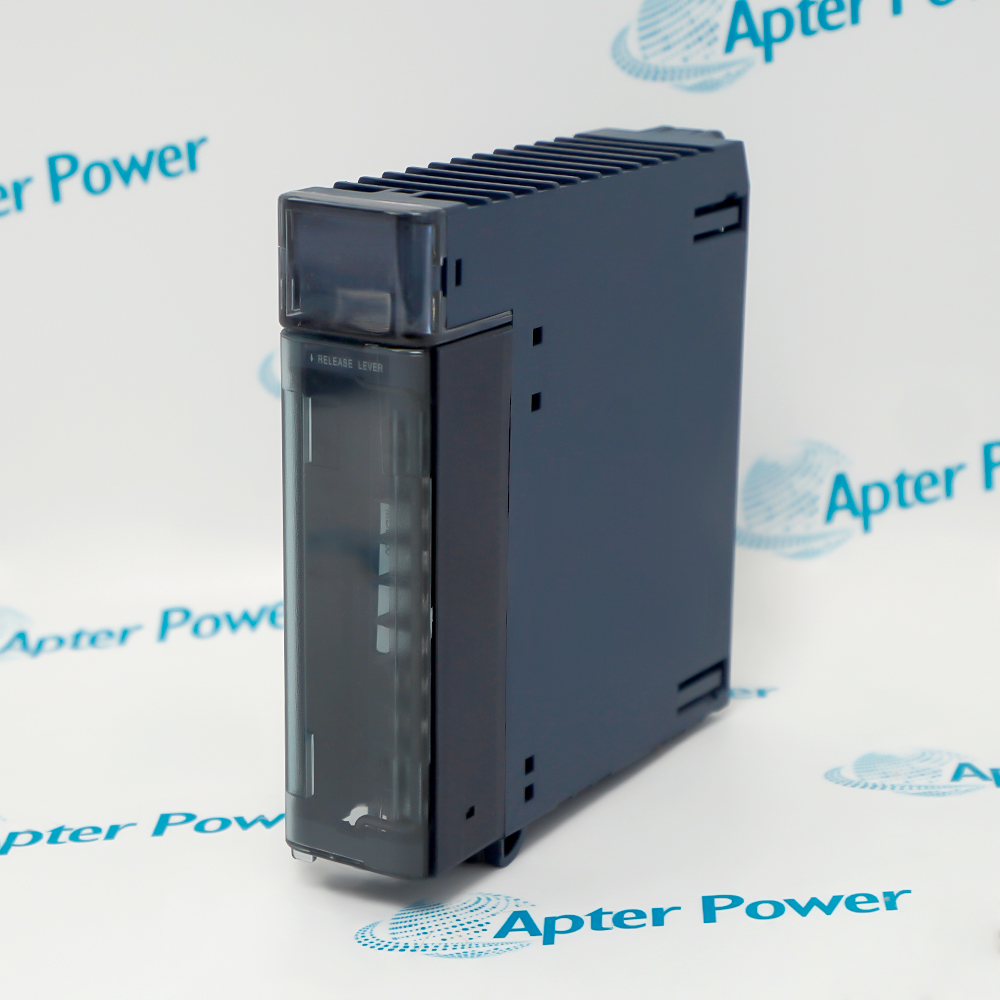
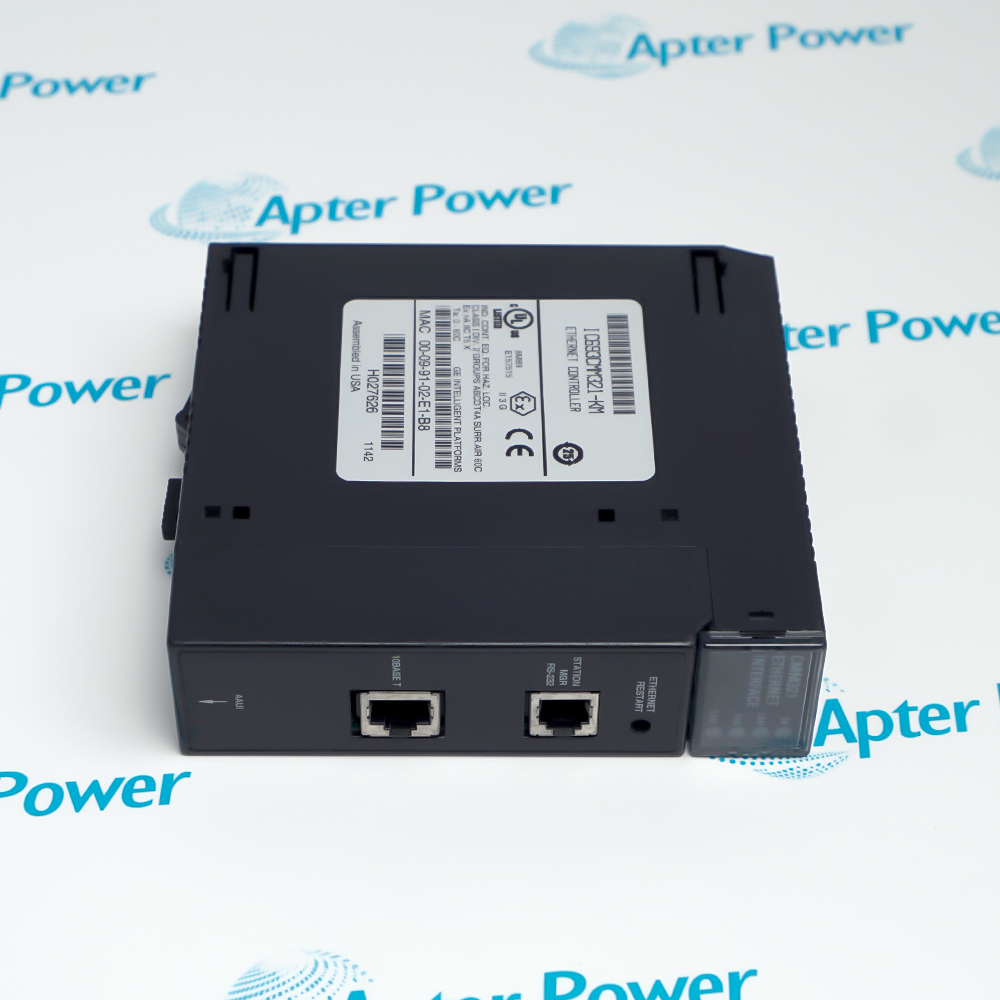
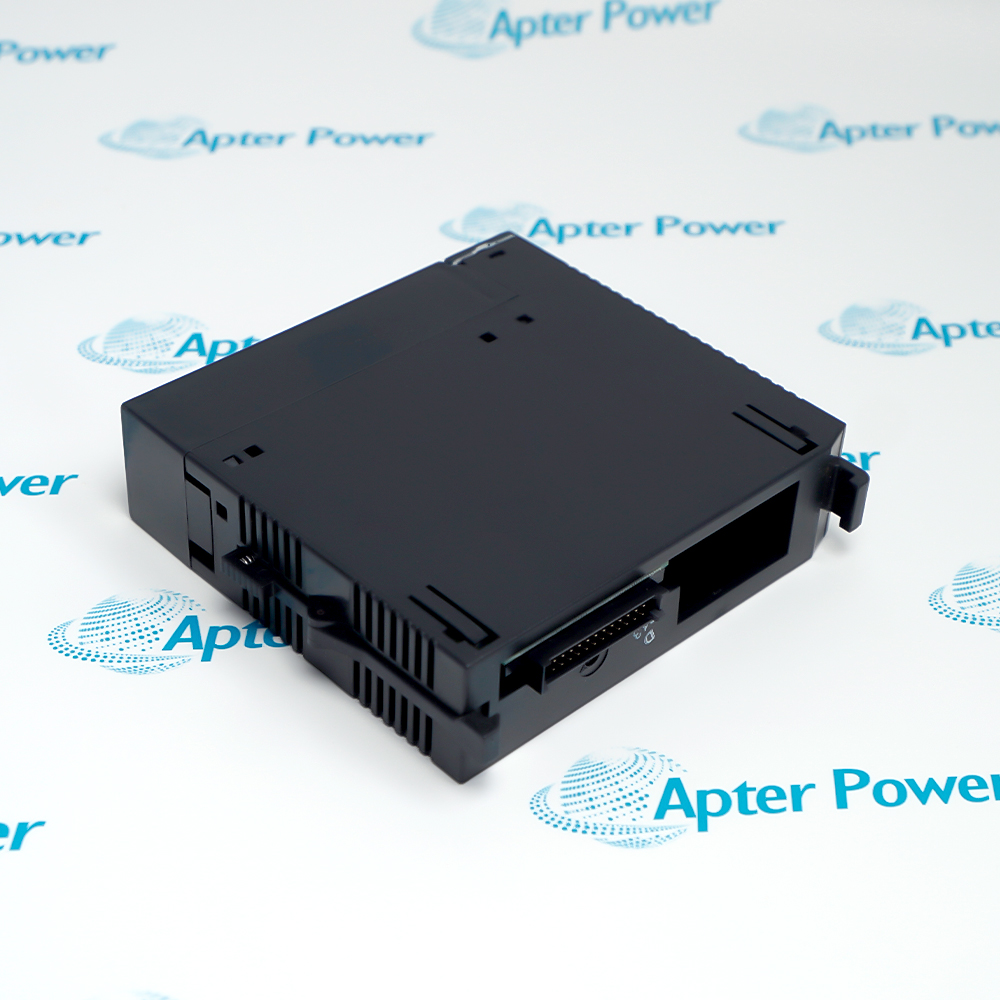
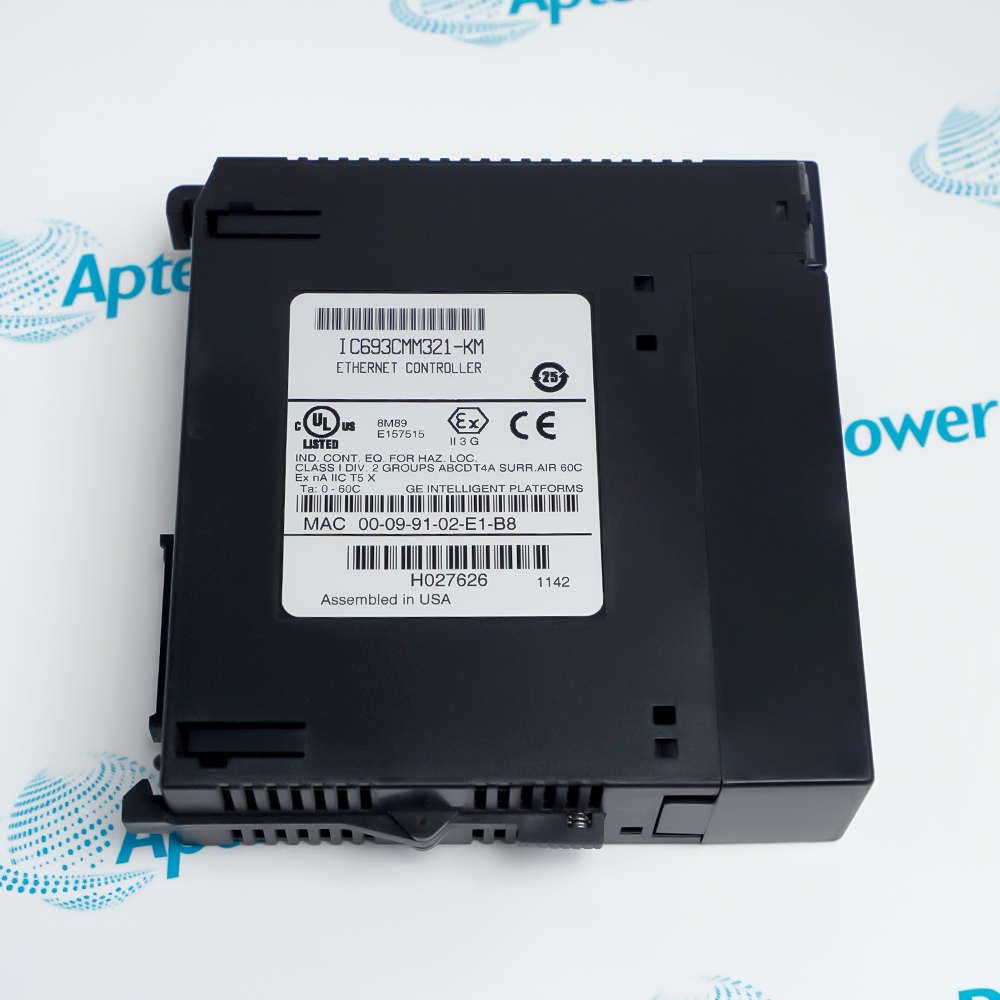
IC693CMM321

Series 90-30 TCP/IP Ethernet Interface Module
In Stock
Ships by Tuesday, September 15
Fast Shipping Available

Product Describe:

IC693CMM321
Ethernet Interface Module
ETHERNET INTERFACE
TCP/IP ETHERNET
CCM RTU SNP PROTOCOLS

Ask our team:

Get a quick price for: IC693CMM321
Quantity*
Upload (gif, jpg, jpeg, png, bmp, doc, docx, xls, xlsx, ppt, pdf, csv)
For more information on how your data is processed and stored by Apterpower please read our privacy policy.

Technical specifications for IC693CMM321

Technical specifications for IC693CMM321

  • Manufacturer:
    General Electric
  • Product Category:
    Gas turbine control
  • Spare Part Number:
    IC693CMM321
  • Estimated shipping dimensions:
    3.5x13x13.5cm
  • Weight:
    0.18 kg
  • Tariff Code:
    8537101190
  • Counliy of origin:
    USA
  • Module function:
    Factory LAN TCP/IP Ethernet interface
  • PLC platform:
    IC693 Series 90-30
  • Network stack:
    TCP/IP over Ethernet LAN
  • Service Request protocol:
    SRTP
  • Modbus roles:
    Modbus/TCP master and slave
  • Latest documented catalog revision:
    IC693CMM321-KN
  • Latest documented Ethernet firmware:
    Version 3.20
  • Documented full-duplex introduction:
    Revision -FG; firmware 3.00
  • Documented Modbus/TCP introduction:
    Revision -GH; firmware 3.10
  • Firmware service cable:
    IC693CBL316 Station Manager cable

Information

Information

Overview Manuals Common Applications Product Precautions
General Electric IC693CMM321 is a Series 90-30 TCP/IP Ethernet interface module. It exchanges controller data with compatible PLC, programming and supervisory nodes through SRTP and Modbus/TCP services on an Ethernet LAN.
  • Connects an IC693 Series 90-30 PLC to an Ethernet TCP/IP network
  • Provides SRTP communication for PLC, programming and supervisory nodes
  • Supports Modbus/TCP master and slave communication roles
  • Maintains a controlled Station Manager path for network setup and service

IC693CMM321 installs with compatible IC693 Series 90-30 CPU and baseplate, Ethernet LAN transceiver and installed network medium, IC693CBL316 Station Manager cable for the documented firmware procedure, approved PLC programming or HMI/SCADA workstation in an engineered Series 90-30 PLC Ethernet Communications configuration.

The commissioning workflow covers installed-hardware matching, controlled start-up and functional verification for this series 90-30 tcp/ip ethernet interface module.

Important Notice: Confirm the complete IC693CMM321 marking, installed-system configuration, field connections and controlled functional test before commissioning or replacement.


Apter Power IC693CMM321 Manuals and Guides
Apter Power IC693CMM321 Product Technical Reference PDFApter Power IC693CMM321 Installation and Verification PDF
The first document is an Apter Power model-specific technical reference. The second supports model-specific installation, configuration and engineering verification.
Series 90-30 PLC programming access over the plant Ethernet networkConnects an IC693 Series 90-30 PLC to an Ethernet TCP/IP network
HMI and SCADA exchange with an installed IC693 controllerProvides SRTP communication for PLC, programming and supervisory nodes
Modbus/TCP integration between legacy control and supervisory equipmentSupports Modbus/TCP master and slave communication roles
Controlled migration assessment for existing Series 90 Ethernet nodesMaintains a controlled Station Manager path for network setup and service
Read the applicable General Electric installation instructions before work. Verify IC693CMM321 and the installed Series 90-30 PLC Ethernet Communications configuration.
1Verify the complete IC693CMM321 hardware suffix and installed firmware before changing the module or loading software.
2Place the Series 90-30 controller and connected process in the approved maintenance state before network work.
3Isolate applicable rack and network energy, then use ESD controls when handling IC693CMM321.
4Record the installed IP parameters, SRTP channels, Modbus/TCP mapping and Station Manager information before replacement.
5Keep Ethernet transceiver, network-medium and Station Manager connections in their documented locations.
6Use the IC693CBL316 service cable where required by the documented firmware-update procedure.
7Do not interrupt PLC power while the software loader or TCP/IP firmware is being reprogrammed.
8After installation, confirm module LEDs, station diagnostics, PLC communications and every required client/server path under controlled conditions.

Revisions

Revisions

Revision Part #

Also known as

IC693CMM321-DD/CA
IC693CMM321--DD/CA, Series -DD/CA, Rev -DD/CA
IC693CMM321AA
IC693CMM321-AA, Series AA, Rev AA
IC693CMM321CC
IC693CMM321-CC, Series CC, Rev CC
IC693CMM321CD
IC693CMM321-CD, Series CD, Rev CD
IC693CMM321DD
IC693CMM321-DD, Series DD, Rev DD
IC693CMM321DE
IC693CMM321-DE, Series DE, Rev DE
IC693CMM321EE
IC693CMM321-EF, Series EF, Rev EF
IC693CMM321EF
IC693CMM321-EF, Series EF, Rev EF
IC693CMM321FG
IC693CMM321-FG, Series FG, Rev FG
IC693CMM321GH
IC693CMM321-GH, Series GH, Rev GH
IC693CMM321GJ
IC693CMM321-GJ, Series GJ, Rev GJ
IC693CMM321HJ
IC693CMM321-HJ, Series HJ, Rev HJ
IC693CMM321JJ
IC693CMM321-JJ, Series JJ, Rev JJ
IC693CMM321JK
IC693CMM321-JK, Series JK, Rev JK
IC693CMM321JL
IC693CMM321-JL, Series JL, Rev JL
IC693CMM321KL
IC693CMM321-KL, Series KL, Rev KL
IC693CMM321KM
IC693CMM321-KM, Series KM, Rev KM
IC693CMM321KN
IC693CMM321-KN, Series KN, Rev KN

Technical notes

Technical notes

Install IC693CMM321 only in the documented Series 90-30 hardware arrangement and preserve its Ethernet, Station Manager and loader connections. Before firmware service, confirm the full hardware suffix and provide uninterrupted PLC power for the entire reprogramming sequence.

FAQS

  • Which PLC platform is IC693CMM321 intended to serve?
    IC693CMM321 is the Factory LAN TCP/IP Ethernet interface for the IC693 Series 90-30 PLC platform. The installed CPU, rack position and module hardware revision must be checked before service.
  • Which Ethernet services are provided by IC693CMM321?
    The official IC693CMM321 product information identifies SRTP over TCP/IP and Modbus/TCP master and slave functionality for communication on an Ethernet LAN.
  • Why must the hardware suffix be recorded before updating IC693CMM321?
    Firmware applicability changes by hardware revision. The official release information states that firmware 3.00 and later applies to revision -Fx hardware or later and is not for earlier -Ax through -Ex units.
  • Which service cable is used for the documented IC693CMM321 firmware procedure?
    The official release information identifies the IC693CBL316 Station Manager cable for the documented firmware-update procedure.
  • What power precaution applies during an IC693CMM321 firmware update?
    Use a reliable PLC power source and do not switch power off while the loader or TCP/IP firmware is being reprogrammed, because an interruption can leave the interface inoperative.
  • What configuration should be recorded before replacing IC693CMM321?
    Record the complete module suffix, IP address and subnet settings, Station Manager information, SRTP and Modbus/TCP channel configuration, cable identity, network node and diagnostic state.
  • How should engineers commission IC693CMM321 after installation?
    Confirm rack recognition and module LEDs, verify the recorded network identity, test programmer or HMI communication, then prove each required SRTP and Modbus/TCP path before returning the controller to service.
  • Can IC693CMM321 be placed in a PACSystems RX3i rack?
    No. Emerson's RX3i system information identifies IC693CMM321 as a Series 90-30 LAN interface that is not supported in an RX3i rack.
Trusted by 5,000+ plants worldwide | Backed by our vast inventory of top-tier control parts, modules and cards, fast shipments are dispatched to cover your urgent needs. ABOUT US >>
Disclaimer: We are not an authorized distributor or distributor of the product manufacturer of this website, The product may have older date codes or be an older series than that available direct from the factory or authorized dealers. Because our company is not an authorized distributor of this product, the Original Manufacturer`s warranty does not apply.While many DCS PLC products will have firmware already installed, Our company makes no representation as to whether a DSC PLC product will or will not have firmware and, if it does have firmware, whether the firmware is the revision level that you need for your application. Our company also makes no representations as to your ability or right to download or otherwise obtain firmware for the product from our company, its distributors, or any other source. Our company also makes no representations as to your right to install any such firmware on the product. Our company will not obtain or supply firmware on your behalf. It is your obligation to comply with the terms of any End-User License Agreement or similar document related to obtaining or installing firmware.

Product Browsing History

We’re Here When You Need Us

From product insights to customer service needs, our experienced service team will focus on getting you what you need quickly

Enquire

Complete our online form.

Call Us

Speak to one of our team.

Live Chat

Send us a message.
