Get Parts Quote
Name
Company *
Phone *
Email *
Address
City
State / Province / Region
Zipcode
Country
Quantity *
Part Number *
Manufacturer
Preferred Condition
Additional Information
Cancel

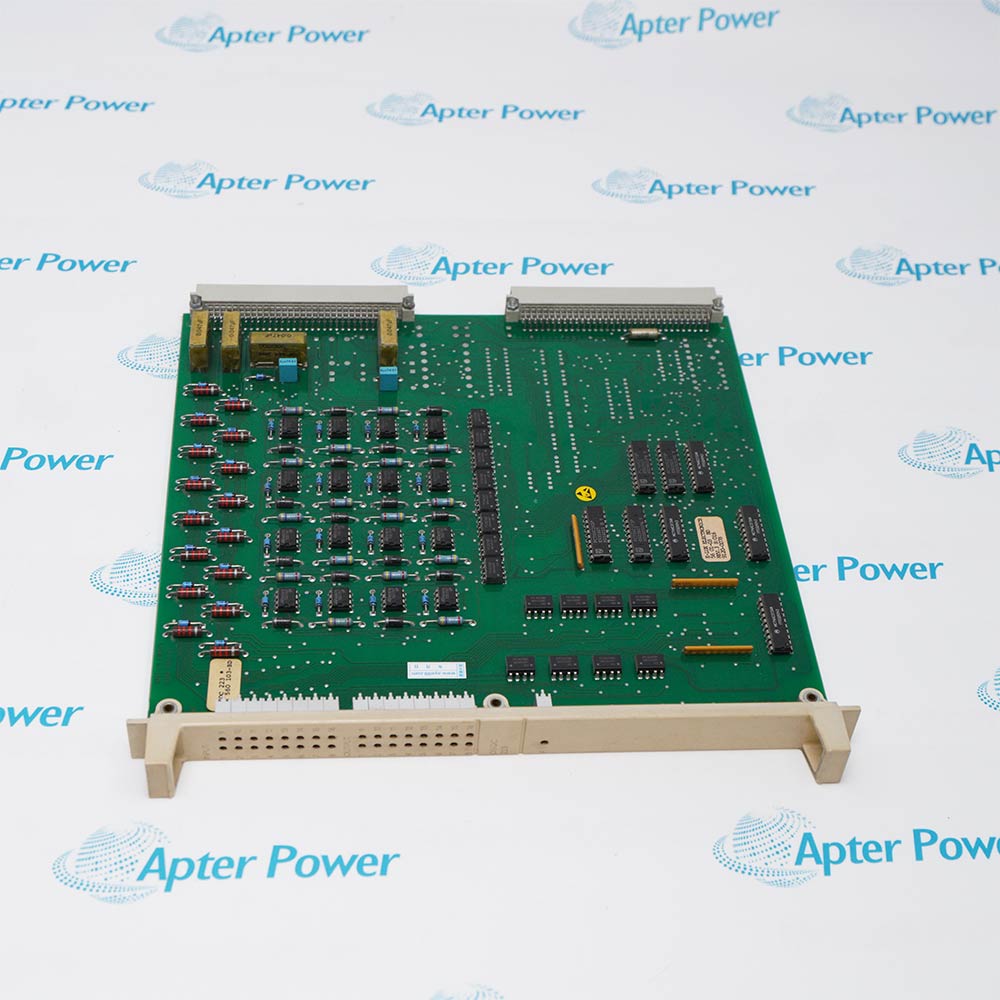
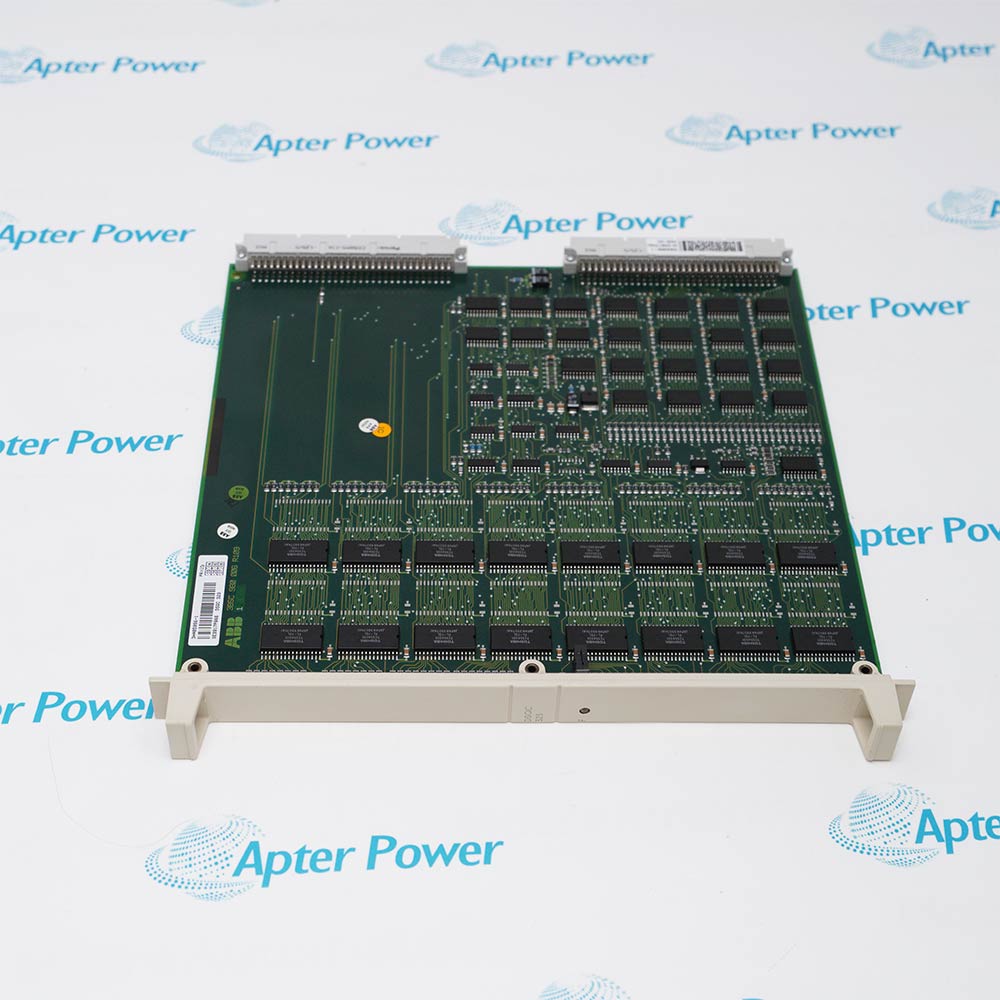
DSQC611 3HAC13389-2

IRC5 Contactor Interface Board
In Stock
Ships by Tuesday, October 27
Fast Shipping Available

Product Describe:

ABB DSQC611 3HAC13389-2 is the contactor interface board in the applicable IRC5 controller. It interfaces with the cabinet contactor arrangement, including the MOTOR ON contactors.

Ask our team:

Get a quick price for: DSQC611 3HAC13389-2
Quantity*
Upload (gif, jpg, jpeg, png, bmp, doc, docx, xls, xlsx, ppt, pdf, csv)
For more information on how your data is processed and stored by Apterpower please read our privacy policy.

Technical specifications for DSQC611 3HAC13389-2

Technical specifications for DSQC611 3HAC13389-2

  • Manufacturer:
    ABB
  • Product Category:
    Robot system
  • Spare Part Number:
    DSQC611 3HAC13389-2
  • Estimated shipping dimensions:
    15.9x1.8x9.9cm
  • Weight:
    0.12 kg
  • Tariff Code:
    8537101190
  • Counliy of origin:
    Sweden
  • Controller platform:
    IRC5
  • Motor-enable contactors:
    K42 and K43
  • Associated contactor:
    Brake contactor
  • SafeMove contact:
    X23
  • SafeMove plug positions:
    Pins 1 and 4
  • Dual-cabinet location:
    Drive Module

Information

Information

Overview Manuals Common Applications Product Precautions
ABB DSQC611 3HAC13389-2 belongs to the IRC5 motor-enable and contactor section, where connector placement and safety-option configuration affect the final installation.
  • Interfaces with MOTOR ON contactors K42 and K43.
  • Forms part of the arrangement that includes the brake contactor.
  • Mounts on the left cabinet wall in the single-cabinet version.
  • Uses the Drive Module location in a dual-cabinet system.

For the specified SafeMove arrangement, the limit-switch override contact X23 must retain plugs at pins 1 and 4 and must not be used as an override connection. That configuration must be transferred correctly when the board is replaced.

Important Notice: Where SafeMove is fitted, restore the X23 connection required for that configuration before operation.

ABB DSQC611 3HAC13389-2 Manuals & Downloads
ABB DSQC611 3HAC13389-2 Manufacturer Technical Reference — Excerpt (PDF)ABB DSQC611 3HAC13389-2 Installation & Commissioning Guide (PDF)

The technical reference and field guide cover complementary aspects of this product. Select the document for the task being performed.

Motor-enable circuits
Maintain the contactor interface used in the IRC5 motor-on arrangement.
Brake-contactor interface
Preserve the cabinet connections associated with the brake contactor.
SafeMove-equipped cells
Retain the required X23 plug configuration during board replacement.
Dual-cabinet service
Access the board in the Drive Module rather than the Control Module.
Installation and service checks for ABB DSQC611 3HAC13389-2.
1
Switch off controller mains before opening the contactor interface connections.
2
Apply ESD precautions when handling the circuit board.
3
Label the contactor and harness connections before disconnection.
4
Check the installed safety-option configuration before moving any plugs.
5
For the specified SafeMove arrangement, transfer the X23 plugs from pins 1 and 4.
6
Do not use the plugged X23 limit-switch override connection with that SafeMove arrangement.
7
Secure the replacement board and reconnect the identified harnesses.
8
Verify motor-enable, brake and safety behavior under the approved cell test procedure.

Technical notes

Technical notes

Preserve the safety-option-specific X23 configuration during a board exchange. Verify the contactor and brake functions before permitting automatic motion.

FAQS

  • Which MOTOR ON contactors are associated with ABB DSQC611 3HAC13389-2?
    The contactor arrangement identifies K42 and K43 as the MOTOR ON contactors alongside the board.
  • What must happen to X23 plugs when ABB DSQC611 3HAC13389-2 is replaced in the specified SafeMove arrangement?
    Transfer the plugs at pins 1 and 4 to the replacement board; the limit-switch override contact remains plugged and unused.
  • What connection detail should be captured before unplugging ABB DSQC611 3HAC13389-2?
    Identify every board connector and its original harness destination before disconnection. Keep the MOTOR ON, brake and applicable X23 connections distinguishable so that reassembly preserves the original circuit allocation.
  • Why is ESD protection required while handling ABB DSQC611 3HAC13389-2?
    The circuit board is sensitive to electrostatic discharge, so handling must follow the controller ESD procedure.
  • Which brake-related component belongs to the contactor arrangement around ABB DSQC611 3HAC13389-2?
    The arrangement includes a brake contactor in addition to the K42 and K43 MOTOR ON contactors. Preserve the brake-circuit connections independently from the MOTOR ON connections when servicing the assembly.
  • Does the MOTOR OFF state make ABB DSQC611 3HAC13389-2 safe to remove?
    No. MOTOR OFF is an operating state, not electrical isolation of the cabinet. Isolate controller main power before removing the contactor-interface board and follow the controller service procedure.
  • Should ABB DSQC611 3HAC13389-2 be secured before its board connectors are reattached?
    Yes. Refit the circuit board and its attachment screws before restoring the connectors. Keep each harness on its original connection and maintain ESD protection throughout handling.
  • How does cabinet architecture change the service location of ABB DSQC611 3HAC13389-2?
    In a single-cabinet controller, the board is on the left cabinet wall. In the dual-cabinet arrangement, it is on the left wall of the Drive Module. Identify the cabinet architecture before selecting the assembly to service.
Trusted by 5,000+ plants worldwide | Backed by our vast inventory of top-tier control parts, modules and cards, fast shipments are dispatched to cover your urgent needs. ABOUT US >>
Disclaimer: We are not an authorized distributor or distributor of the product manufacturer of this website, The product may have older date codes or be an older series than that available direct from the factory or authorized dealers. Because our company is not an authorized distributor of this product, the Original Manufacturer`s warranty does not apply.While many DCS PLC products will have firmware already installed, Our company makes no representation as to whether a DSC PLC product will or will not have firmware and, if it does have firmware, whether the firmware is the revision level that you need for your application. Our company also makes no representations as to your ability or right to download or otherwise obtain firmware for the product from our company, its distributors, or any other source. Our company also makes no representations as to your right to install any such firmware on the product. Our company will not obtain or supply firmware on your behalf. It is your obligation to comply with the terms of any End-User License Agreement or similar document related to obtaining or installing firmware.

We’re Here When You Need Us

From product insights to customer service needs, our experienced service team will focus on getting you what you need quickly

Enquire

Complete our online form.

Call Us

Speak to one of our team.

Live Chat

Send us a message.