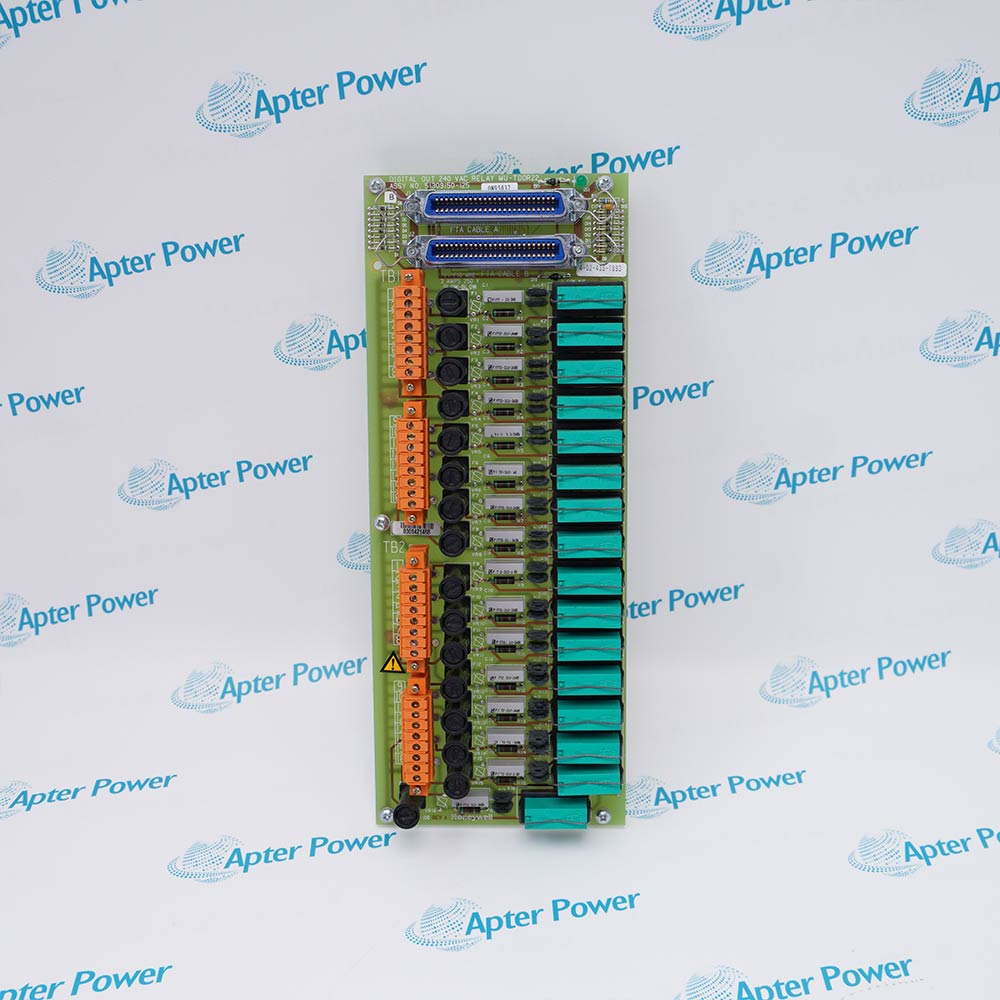
Honeywell 620-0036 provides processor power infrastructure for an IPC 620-35 control system.
- IPC 620-35 platform support
- Processor power role
- Rack-level power integration
- Configured power-assembly replacement
620-0036 supports the processor power path of the installed IPC 620-35 controller assembly. Confirm the configured AC input selection, protective-earth connection, supply wiring, controller seating and stable power-up sequence before commissioning the processor.
Important Notice: Confirm whether input protection, mounting accessories, redundancy parts, output wiring and system power components required for 620-0036 are included in the quotation or stock description.
Apter Power 620-0036 Manuals and Guides
Important Notice: These are two separate Apter Power documents prepared from product-specific Honeywell technical information. Confirm the physical nameplate, current Honeywell documents and installed-system requirements before configuration or installation. They do not replace Honeywell manuals.
620-0036 installed-base replacementSupports like-for-like maintenance of the documented IPC 620-35 processor power supply.
620-0036 compatibility reviewChecks the host hardware, slot or mounting position, companion assembly, cable and revision before replacement.
620-0036 installation planningDefines the required isolation, ESD, terminal, wiring and configuration checks before field work.
620-0036 commissioningSupports controlled power, channel, communication, diagnostic and process-response checks after installation.
Read the applicable Honeywell instructions before work. Verify model 620-0036, part number 620-0036 and the installed-system configuration.
1Verify model 620-0036 and part number 620-0036 on the physical label before use.
2Use 620-0036 with the exact Honeywell host, companion hardware, terminal assembly and field wiring specified for the installed system.
3Match every 620-0036 connector, terminal, cable and companion assembly before moving field wiring.
4Back up the applicable controller, node, I/O or communication configuration before replacing 620-0036.
5Isolate energy before handling 620-0036 unless the applicable hardware procedure explicitly permits energized service.
6Follow ESD controls and protect 620-0036 connectors and printed-circuit assemblies during handling.
7Do not transfer channel, voltage, current, terminal or firmware values from a similar model to 620-0036.
8After installing 620-0036, complete the relevant power, channel, link, diagnostic, alarm and fail-state checks.


 Videos
 News
News Applications