












Get Parts Quote
Name
Company *
Phone *
Email *
Address
City
State / Province / Region
Zipcode
Country
Quantity *
Part Number *
Manufacturer
Preferred Condition
Additional Information
Cancel
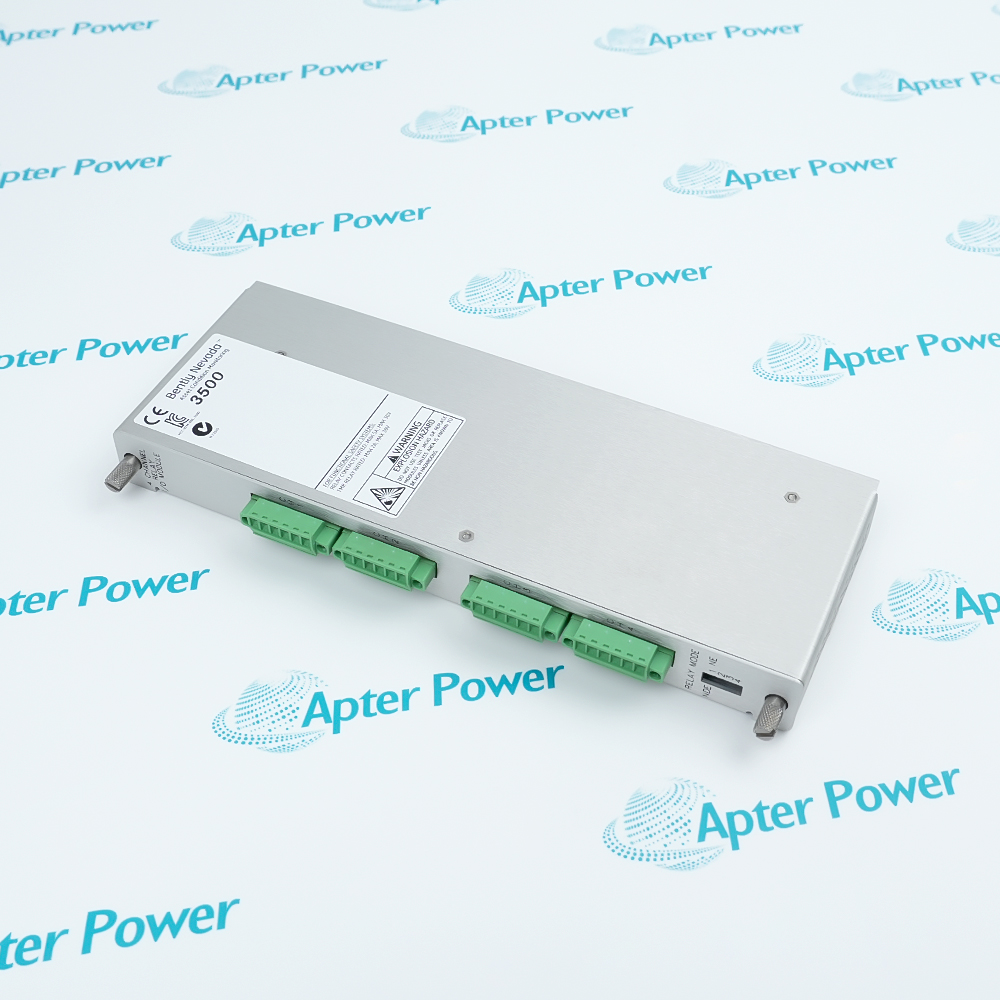
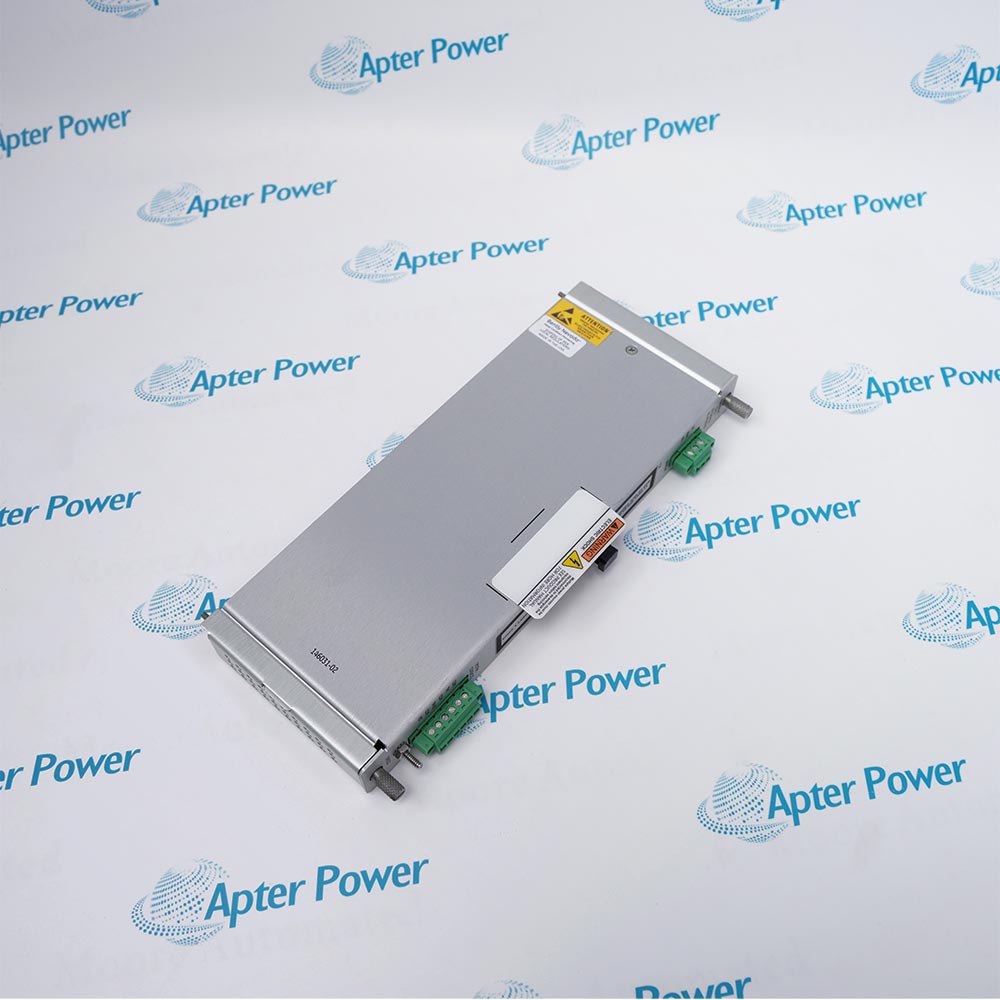
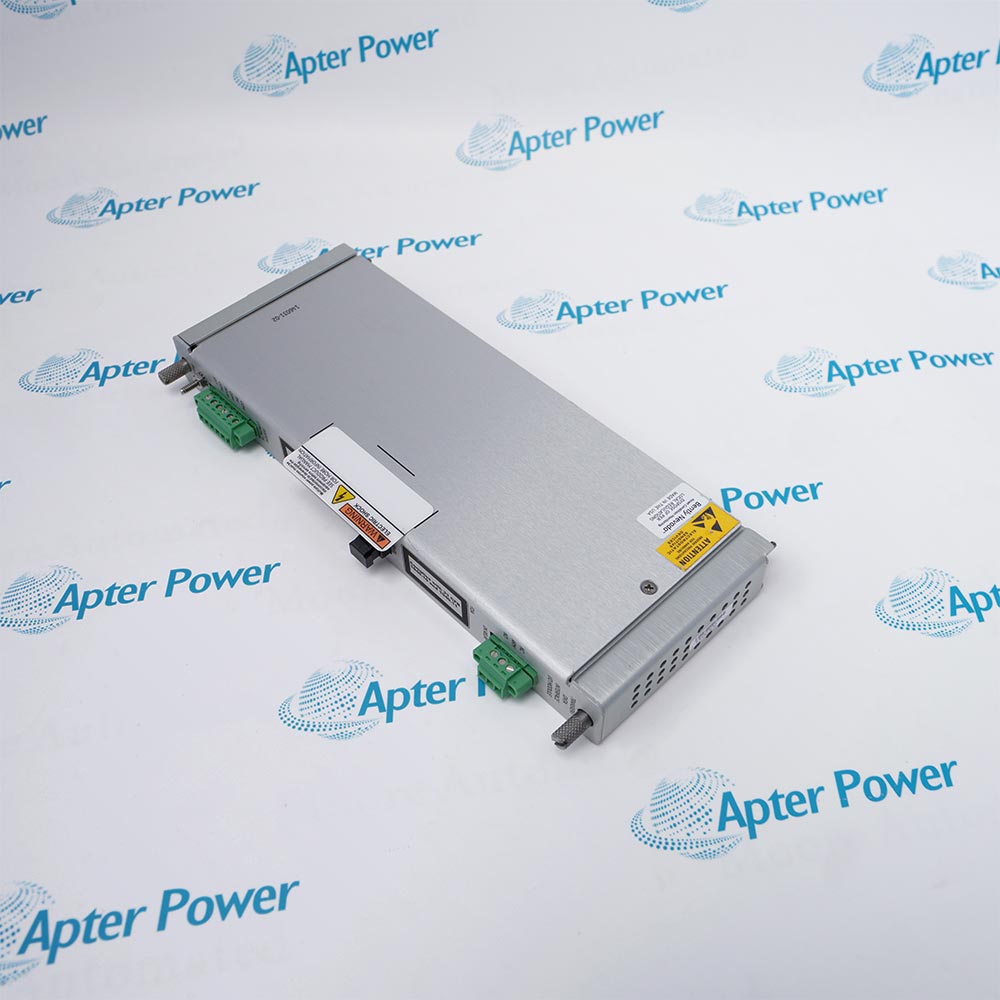
Bently Nevada 146031-02
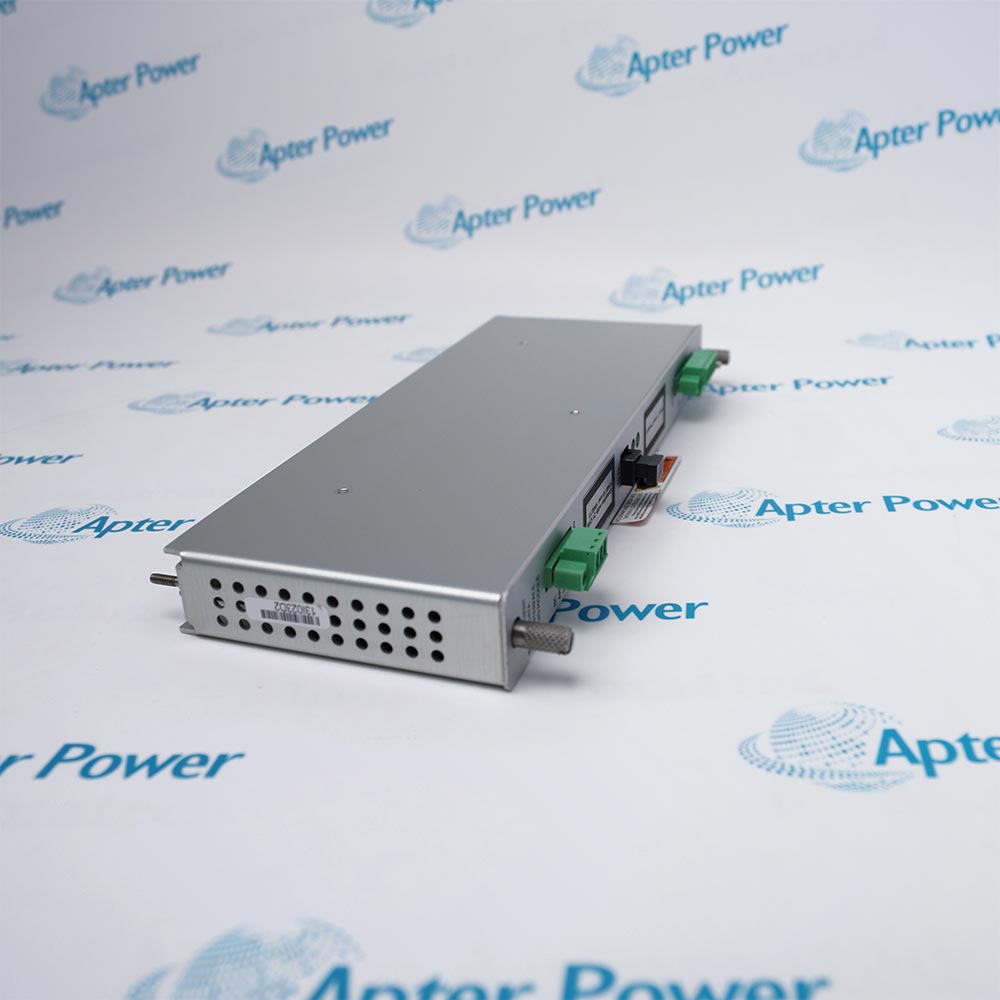
Product image is representative; revision or series may vary. Contact us to request a specific version.

146031-02

Fiber Ethernet I/O
In Stock
Ships by Wednesday, October 14
Fast Shipping Available

Product Describe:

Bently Nevada 146031-02 is the 100Base-FX fiber-optic Ethernet I/O module for a 3500/22M Transient Data Interface installation. The rear-slot module provides full-duplex multimode communications through an MT-RJ male connector, along with rack system contacts and the standard OK relay.

Ask our team:

Get a quick price for: 146031-02
Quantity*
Upload (gif, jpg, jpeg, png, bmp, doc, docx, xls, xlsx, ppt, pdf, csv)
For more information on how your data is processed and stored by Apterpower please read our privacy policy.

Technical specifications for 146031-02

Technical specifications for 146031-02

  • Manufacturer:
    Bently Nevada
  • Product Category:
    Machinery Monitoring System
  • Spare Part Number:
    146031-02
  • Estimated shipping dimensions:
    2.4x11x33cm
  • Weight:
    0.42 kg
  • Tariff Code:
    8537101190
  • Counliy of origin:
    USA
  • Module function:
    100Base-FX fiber-optic Ethernet I/O
  • Associated interface:
    3500/22M Transient Data Interface
  • Ethernet mode:
    Full duplex, multimode fiber optic
  • Ethernet standard:
    IEEE 802.3u
  • Supported protocols:
    BN Host Protocol and BN TDI Protocol over Ethernet TCP/IP
  • Module optical connector:
    MT-RJ male
  • Required cable connector:
    MT-RJ female
  • Maximum fiber link:
    2000 m, multimode fiber-optic cable
  • Rack location:
    One full-height rear slot
  • OK relay behavior:
    Normally energized; selectable open or closed contact for NOT OK indication
  • Standard OK relay maximum:
    5 A at 24 V DC or 120 V AC; 120 W / 600 VA maximum
  • System control contacts:
    Trip Multiply, Alarm Inhibit and Rack Reset; dry contact to common, <1 mA DC
  • Operating temperature:
    -30°C to +65°C
  • Storage temperature:
    -40°C to +85°C
  • Relative humidity:
    95%, non-condensing

Information

Information

Overview Manuals Common Applications Product Precautions
Bently Nevada 146031-02 is the 100Base-FX fiber-optic I/O module for the 3500/22M Transient Data Interface. It uses full-duplex multimode Ethernet and an MT-RJ male module connection.
  • Full-duplex 100Base-FX Ethernet
  • Multimode fiber interface
  • MT-RJ module connection
  • Up to 2000 m published fiber length

Install 146031-02 in the full-height rear slot matched to the TDI and use a multimode cable with an MT-RJ female mating connector. Verify polarity, cleanliness, grounding and the documented maximum fiber distance before enabling host data transfer.

Important Notice: Confirm quotation scope, physical marking, included accessories and installed-system compatibility before work.

Apter Power 146031-02 Manuals and Guides
Apter Power 146031-02 Product Technical ReferenceBently Nevada 3500/22M TDI Datasheet 161581 Rev. AC

Important Notice: The first document is an Apter Power model-specific technical reference; the second link is the unmodified official manufacturer publication.


Long-distance System 1 link
Extends TDI host communication over multimode fiber within the published distance.
Electrically isolated plant network
Uses optical media between the rack and compatible host network equipment.
High-interference environments
Provides fiber transport where copper network exposure is undesirable.
Fiber TDI rear-I/O replacement
Restores the specified 100Base-FX interface behind the installed 3500/22M.
Read the applicable Bently Nevada documentation before work. Verify 146031-02 from the physical marking and the installed system record.
1
Confirm the complete 146031-02 marking before installation.
2
Remove a 3500/20 RIM I/O before installing the TDI I/O arrangement.
3
Use only one primary TDI network I/O module at the TDI position.
4
Use multimode 100Base-FX cable with an MT-RJ female connector at the module.
5
Keep the fiber route within the published 2000 m maximum.
6
Inspect and clean both optical faces and verify transmit/receive polarity.
7
Preserve the approved Signal Common and rack-ground arrangement.
8
Prove optical link, TCP/IP communication, rack access and dynamic-data transfer before release.

Alternative Names

Alternative Names

3500/22M 146031-02

Technical notes

Technical notes

Keep 146031-02 distinct from copper 146031-01, gold-contact fiber 146031-04 and front TDI spare 288055-01. Use the specified MT-RJ female cable connector. Whole-TDI processor features and power consumption must not be assigned to this rear I/O module alone.

FAQS

  • Is 146031-02 the front 3500/22M TDI processor?
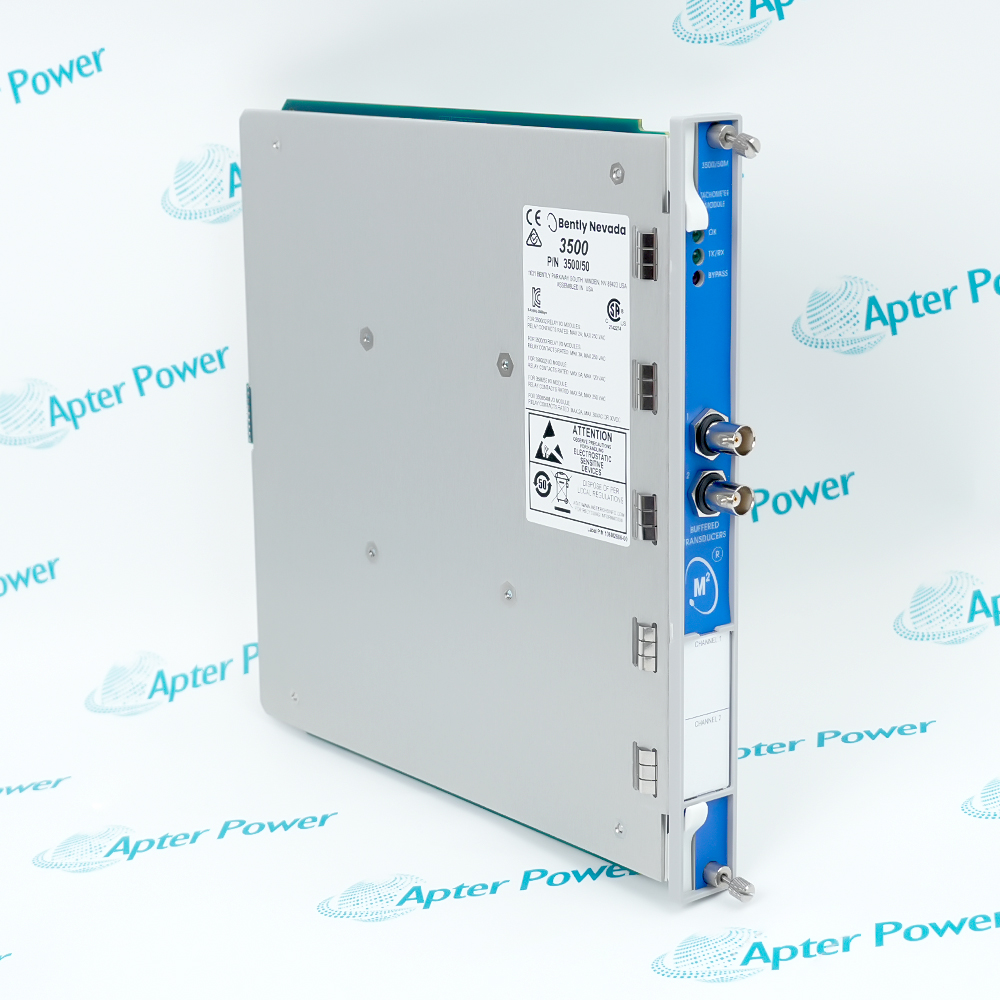
    No. It is the 100Base-FX rear I/O module. The standard front TDI spare is 288055-01, so front-panel USB, processor functions and whole-TDI power consumption must not be described as standalone 146031-02 features.
  • Which fiber connector mates with the module's MT-RJ port?
    The module has an MT-RJ male port. Use an MT-RJ female connector on the multimode cable; a similar-looking optical connector does not establish the required mating arrangement.
  • What does the OK relay indicate when the rack develops a fault?
    The relay is normally energized and indicates the overall rack's status. The user selects an open or closed contact to annunciate NOT OK; it is not a dedicated vibration-channel alarm relay.
  • Can Trip Multiply, Alarm Inhibit and Rack Reset accept powered field signals?
    These terminals are specified as dry contacts to common with less than 1 mA DC maximum current. Preserve that contact arrangement rather than applying an assumed powered control signal.
  • How is signal common connected to a separate instrument-ground point?
    The I/O module includes a two-pin signal-common connector. For a single-point instrument-ground connection, the PIM selector is moved toward HP to isolate signal common from chassis safety ground, following the rack grounding arrangement.
  • Which host connection uses BN TDI Protocol?
    BN TDI Protocol carries communication to System 1 Condition Monitoring and Diagnostic Software. BN Host Protocol serves the 3500 configuration, data-acquisition and display software; both are supported over the fiber Ethernet TCP/IP link.
  • Does a healthy Ethernet link prove the monitoring rack is OK?
    No. Ethernet communications and the rack-status OK relay are separate functions. Check the rack's status indication and configured monitoring system as well as network data transfer before returning it to service.
Trusted by 5,000+ plants worldwide | Backed by our vast inventory of top-tier control parts, modules and cards, fast shipments are dispatched to cover your urgent needs. ABOUT US >>
Disclaimer: We are not an authorized distributor or distributor of the product manufacturer of this website, The product may have older date codes or be an older series than that available direct from the factory or authorized dealers. Because our company is not an authorized distributor of this product, the Original Manufacturer`s warranty does not apply.While many DCS PLC products will have firmware already installed, Our company makes no representation as to whether a DSC PLC product will or will not have firmware and, if it does have firmware, whether the firmware is the revision level that you need for your application. Our company also makes no representations as to your ability or right to download or otherwise obtain firmware for the product from our company, its distributors, or any other source. Our company also makes no representations as to your right to install any such firmware on the product. Our company will not obtain or supply firmware on your behalf. It is your obligation to comply with the terms of any End-User License Agreement or similar document related to obtaining or installing firmware.

Product Browsing History

We’re Here When You Need Us

From product insights to customer service needs, our experienced service team will focus on getting you what you need quickly

Enquire

Complete our online form.

Call Us

Speak to one of our team.

Live Chat

Send us a message.
