











Get Parts Quote
Name
Company *
Phone *
Email *
Address
City
State / Province / Region
Zipcode
Country
Quantity *
Part Number *
Manufacturer
Preferred Condition
Additional Information
Cancel
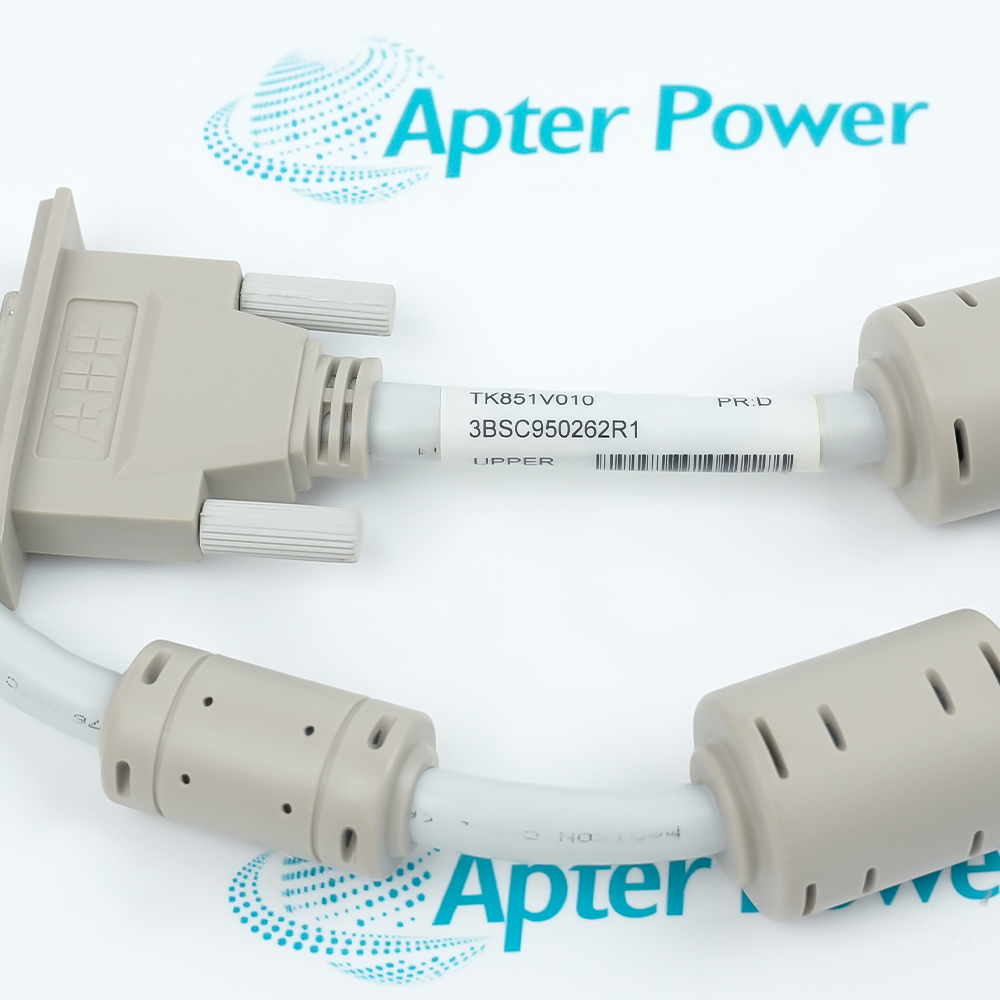
ABB TK851V010-3BSC950262R1 (1)
ABB TK851V010-3BSC950262R1 (2)
ABB TK851V010-3BSC950262R1 (3)
ABB TK851V010-3BSC950262R1 (1)
ABB TK851V010-3BSC950262R1 (2)
ABB TK851V010-3BSC950262R1 (3)
Product image is representative; revision or series may vary. Contact us to request a specific version.

TK851V010-3BSC950262R1

Connection Cable
In Stock
Ships by Saturday, October 24
Fast Shipping Available

Product Describe:

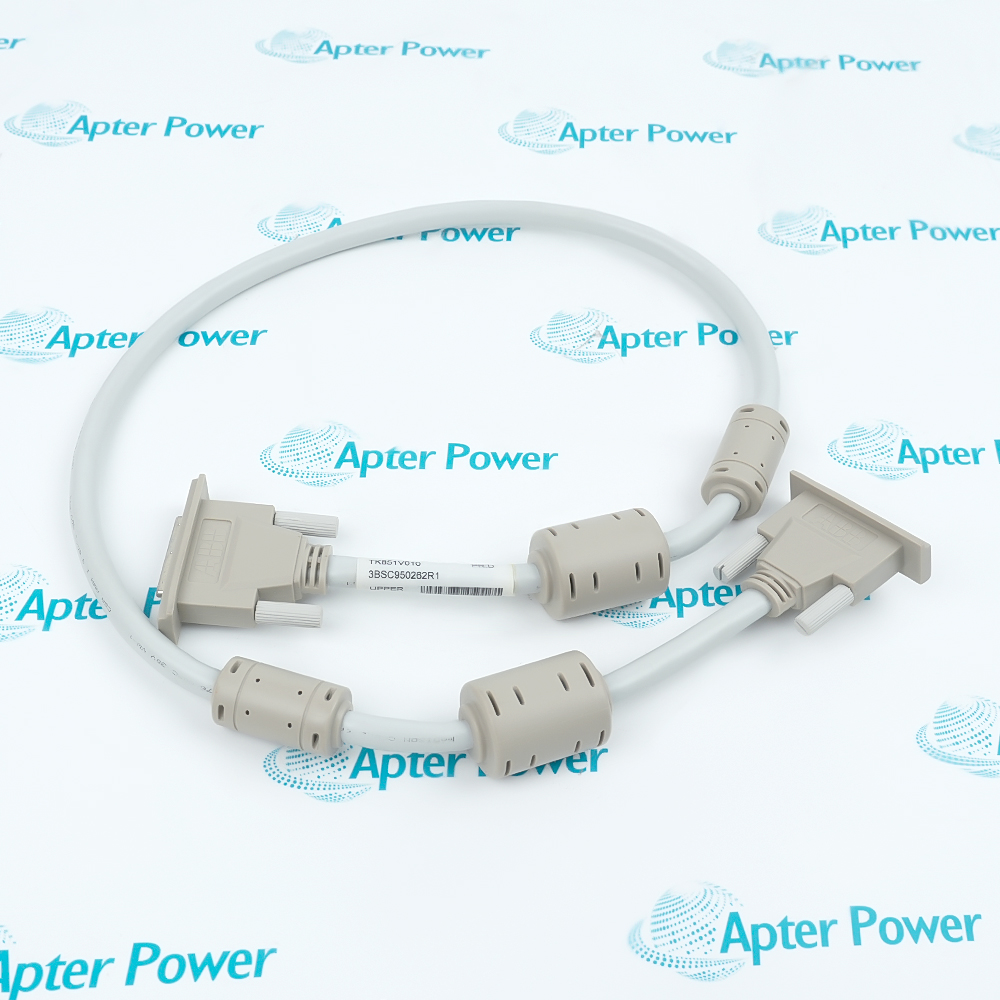
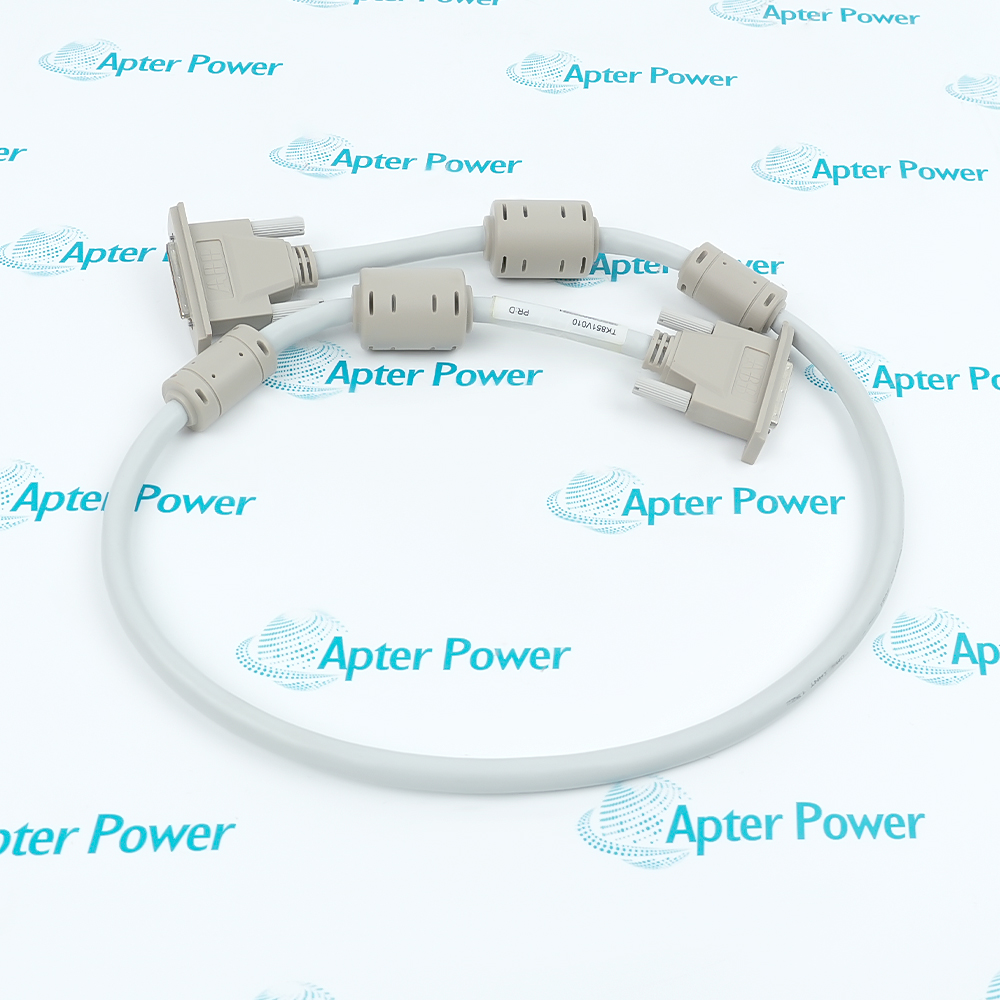
ABB TK851V010, article 3BSC950262R1, is a 1.0 m connection cable listed for the Compact Product Suite. The published catalog assigns it to RCU Link and BC810 interconnection duties.

Ask our team:

Get a quick price for: TK851V010-3BSC950262R1
Quantity*
Upload (gif, jpg, jpeg, png, bmp, doc, docx, xls, xlsx, ppt, pdf, csv)
For more information on how your data is processed and stored by Apterpower please read our privacy policy.

Technical specifications for TK851V010-3BSC950262R1

Technical specifications for TK851V010-3BSC950262R1

  • Manufacturer:
    ABB
  • Product Category:
    DCS System
  • Spare Part Number:
    TK851V010-3BSC950262R1
  • Estimated shipping dimensions:
    100x5.8x3.2cm
  • Weight:
    0.4 kg
  • Tariff Code:
    8537101190
  • Counliy of origin:
    Sweden
  • Product role:
    Connection cable
  • Type designation:
    TK851V010
  • ABB article number:
    3BSC950262R1
  • Published length:
    1.0 m
  • Documented use 1:
    RCU Link Cable
  • Documented use 2:
    BC810 Interconnection Cable
  • Product documentation:
    Compact Product Suite product catalog
  • Selection identity:
    Type designation and article number together
  • Installed-interface control:
    Verify the RCU Link or BC810 connection record
  • Connector control:
    Match both installed mating interfaces before reconnection
  • Routing control:
    Preserve the approved cabinet route and retention points
  • Acceptance basis:
    Verify the affected link diagnostics after installation

Information

Information

Overview Manuals Common Applications Product Precautions
TK851V010 provides the short, identified cable link used between approved ABB control-system interfaces where the installed design calls for this exact article number.
  • Exact ABB order identity TK851V010
  • Article number 3BSC950262R1
  • Published cable length of 1.0 m
  • Documented for RCU Link and BC810 interconnection use

Treat the type code and article number as one identity when selecting or replacing this cable. Confirm whether the installed route serves the RCU Link or the BC810 interconnection, retain the original connector positions and cable routing, and inspect both mating interfaces before reconnection. After installation, restore the controller under the approved procedure and verify the affected link diagnostics.

Important Notice: Confirm the complete TK851V010 and 3BSC950262R1 marking together with the installed RCU or BC810 interface record before replacement.

ABB TK851V010-3BSC950262R1 Manuals & Downloads
ABB TK851V010-3BSC950262R1 Technical Reference (PDF)ABB TK851V010-3BSC950262R1 Installation & Commissioning Guide (PDF)

The first document organizes exact-model technical evidence; the second provides a separate evidence-led installation and commissioning workflow.


RCU link interconnection
Connects the approved redundant-control interface where the cabinet record specifies TK851V010.
BC810 interconnection
Provides the documented 1.0 m cable connection associated with an installed BC810 arrangement.
Controlled cable replacement
Supports exact-identity replacement using both TK851V010 and 3BSC950262R1.
Cabinet maintenance
Allows a recorded cable route to be restored and checked without changing the approved architecture.
Read the applicable ABB instructions before work. Verify TK851V010-3BSC950262R1 and the installed system configuration before isolation or replacement.
1
Record both TK851V010 and 3BSC950262R1 before disconnecting the cable.
2
Place the controller and affected link in the approved maintenance state.
3
Identify whether the installed duty is the RCU Link or BC810 interconnection.
4
Label both cable ends and mating interfaces before removal.
5
Inspect the cable, connectors, contacts and retention hardware before reuse.
6
Restore the documented cabinet route without changing interface assignments.
7
Reconnect only after the exact mating points have been verified.
8
Confirm link diagnostics and document the final cable identity before release.

Technical notes

Technical notes

The Compact Product Suite catalog identifies TK851V010 together with ABB article 3BSC950262R1 and specifies a 1.0 m cable length. Use the paired type and article designations when reconciling the cabinet bill of material; length by itself does not establish the required installed cable. Receiving inspection should confirm that both end fittings and the cable body are undamaged before the part enters service.

FAQS

  • What role does ABB TK851V010-3BSC950262R1 perform?
    ABB TK851V010-3BSC950262R1 performs the documented role of a connection cable within its approved system architecture.
  • What published value is associated with abb article number on TK851V010-3BSC950262R1?
    The published abb article number for TK851V010-3BSC950262R1 is 3BSC950262R1.
  • How does the documentation identify published length for TK851V010-3BSC950262R1?
    Documentation identifies published length for TK851V010-3BSC950262R1 as 1.0 m.
  • Which value should be checked for documented use 1 when servicing TK851V010-3BSC950262R1?
    Service personnel should check documented use 1 against the documented value of RCU Link Cable.
  • Where does TK851V010-3BSC950262R1 fit in the published system?
    Within the published architecture, TK851V010-3BSC950262R1 functions as the connection cable described for the installed equipment.
  • Why must the complete TK851V010-3BSC950262R1 marking be recorded?
    Recording the complete marking prevents a different suffix, rating or hardware configuration from being substituted during maintenance.
  • When TK851V010-3BSC950262R1 is replaced, what must technicians verify?
    Technicians must verify the installed documented use 2, mating hardware, wiring and approved configuration before energization.
  • Which acceptance check completes work on TK851V010-3BSC950262R1?
    Commissioning is complete only after identity, wiring, diagnostics and every affected operating function have passed the approved checks.
Trusted by 5,000+ plants worldwide | Backed by our vast inventory of top-tier control parts, modules and cards, fast shipments are dispatched to cover your urgent needs. ABOUT US >>
Disclaimer: We are not an authorized distributor or distributor of the product manufacturer of this website, The product may have older date codes or be an older series than that available direct from the factory or authorized dealers. Because our company is not an authorized distributor of this product, the Original Manufacturer`s warranty does not apply.While many DCS PLC products will have firmware already installed, Our company makes no representation as to whether a DSC PLC product will or will not have firmware and, if it does have firmware, whether the firmware is the revision level that you need for your application. Our company also makes no representations as to your ability or right to download or otherwise obtain firmware for the product from our company, its distributors, or any other source. Our company also makes no representations as to your right to install any such firmware on the product. Our company will not obtain or supply firmware on your behalf. It is your obligation to comply with the terms of any End-User License Agreement or similar document related to obtaining or installing firmware.

We’re Here When You Need Us

From product insights to customer service needs, our experienced service team will focus on getting you what you need quickly

Enquire

Complete our online form.

Call Us

Speak to one of our team.

Live Chat

Send us a message.
