As a power system specialist who lives with variable frequency drives in real plants, I approach the Altivar 320 as a workhorse you can trust—provided you read what it’s telling you when it trips. The compact form factor and robust feature set are excellent for machine panels, but the real differentiator for uptime is how quickly you can interpret and act on diagnostic codes. This article distills field-proven practices for the Schneider ATV320, pairs them with code meanings, and provides practical, non‑theoretical steps you can execute on a shop floor without guesswork. The guidance aligns with Schneider Electric reference materials, community knowledge, and accepted industrial safety practices.
How the ATV320 Reports Faults—and Why Decoding Matters
An Altivar 320 reports faults and warnings on its display, logs the last events in fault history, and exposes diagnostic registers for software tools. A trip is a protective reaction that inhibits torque; a warning is a pre‑alarm condition. Quick resets without root‑cause analysis often convert intermittent trips into recurring downtime. The most effective habit is to capture the displayed code and immediately fetch the drive’s recent fault history before clearing anything. On this platform, the last eight faults are readily available via a keypad, the SoMove software suite, or even the built‑in display with register mapping when an external keypad is not available, as explained in Schneider Electric technical support guidance. I will outline the options later; the key idea is simple: let the drive tell you what it saw, then act.
Selected ATV320 Diagnostic Codes You Will Actually Encounter
The drive has many codes, but a smaller subset covers the majority of unplanned stops in the field. The following table lists codes and conditions documented in Schneider Electric resources and industry sources, with straight‑ahead actions that work in production environments.
| Code or Condition | What it means | Typical root causes | First checks and fixes | Source |
| SCF | Short circuit fault on the drive output | Short between motor phases, phase to ground, damaged motor cable, or internal power stage fault | De‑energize, disconnect motor leads at the drive, megger the motor and cable, verify no continuity phase‑to‑phase or phase‑to‑ground, inspect drive terminals for damage; if the motor and cable pass, test with a known‑good motor to isolate the drive | Click2Electro |
| SAFF | Safety function fault indicating a problem in the STO supervision | Open or inconsistent STO channels, wiring error at STO inputs, 24 V safety supply interruption, incorrect single vs dual‑channel configuration, or internal STO module issue | Verify the P24 to STO wiring present and tight, confirm a steady 24 V on the STO circuit under power‑up and vibration, check safety device loop integrity, and match safety settings to the actual architecture; if the SAFF persists with STO wiring validated, suspect a failed STO module | Schneider Electric Community; Schneider Electric Safety Function Manual |
| STO Active | Safe Torque Off is asserted so the power stage is disabled | Open safety chain due to a tripped relay, pressed E‑stop, loose terminal, failed external 24 V safety supply, or daisy‑chain open between drives | Measure at STO versus common at the drive; re‑land and torque terminals; trace the external safety 24 V from the power supply, through the first safety relay, through each device, and to the drive until you find the open; correct and recheck; consider supplying STO from a clean, isolated safety PSU | Intelligrated Knowledgebase; Schneider Electric Safety Function Manual |
| ETHF | Communication error on Ethernet interface | Bad or unshielded cable, duplicate IP address, option card seating issues, protocol misconfiguration, or firmware mismatch | Use shielded cabling, verify IP addressing, check option card seating and version compatibility, and configure Ethernet/IP or Modbus/TCP according to the protocol manual; use the drive’s built‑in diagnostics to identify link status | Schneider Electric Community |
| CNF | Communication error related to the fieldbus stack | Incorrect bus setup on CANopen or similar, wrong node ID or baud rate, missing termination, or cable topology issues | Confirm addressing and baud, add or fix termination, route shielded twisted pair correctly, and verify configuration steps in the protocol manual | Schneider Electric Community |
| COF | General communication fault | Wiring, addressing, or protocol parameter conflicts; controller exchange timeout | Inspect cable integrity and grounding, align parameters on master and drive, confirm timeouts and connection instances per the protocol manual | Schneider Electric Community |
| SLF1 | Serial link fault | Serial wiring or termination issue, parameter mismatch, or noise on the link | Verify serial pinout and shield/ground, ensure proper bitrate and parity, and route away from high‑voltage conductors | Schneider Electric Community |
| INFM | Communication or device information fault reported by the stack | Configuration incompatibility, version mismatch, or device identification conflict | Align firmware and option card compatibility, confirm device IDs are not duplicated, and follow the protocol manual’s diagnostic sequence | Schneider Electric Community |
When a fault appears outside these, think in categories rather than chasing the label alone. Across many ATV320s, common categories include overcurrent, overvoltage or undervoltage, phase loss, overheating, ground fault, and safety channel inconsistencies. Schneider Electric as well as independent listings of ATV320 fault histories point to these families of faults that can be diagnosed in a structured, repeatable way.
The Short Circuit Playbook for SCF
An SCF on power‑up or immediately under load almost always tracks back to motor or cable insulation, terminal damage, or a stressed power stage. Start with simple isolation. Power down fully, wait for the DC bus to discharge, and remove the motor leads at the drive. Power back up and observe whether SCF reappears; if the drive trips with no motor connected, suspicion shifts to the output stage itself. If the trip disappears, your attention belongs at the motor and cable.
From there, an insulation resistance test with a megger is your best friend. Test phase‑to‑phase and phase‑to‑ground. Any readings suggesting low resistance or unstable values under test voltage mean you are chasing a real short or a winding that breaks down under stress. A continuity test with a multimeter has value too, especially on the cable where damaged conductors or crushed jackets can produce intermittent faults when the machine vibrates or moves. Inspect ferrules, lugs, and terminal screws. Loose terminations generate heat, carbon tracking, and eventual flashover that the drive reads instantly as a short.
If the motor and cable both test clean, substitute a known‑good motor at the drive leads. A normal start with that substitute motor isolates the issue to the original motor or cable. A repeat SCF with a known‑good motor implicates the drive’s power stage and justifies replacement rather than continued downtime.
Safety Faults: SAFF and the Realities of STO on Machines
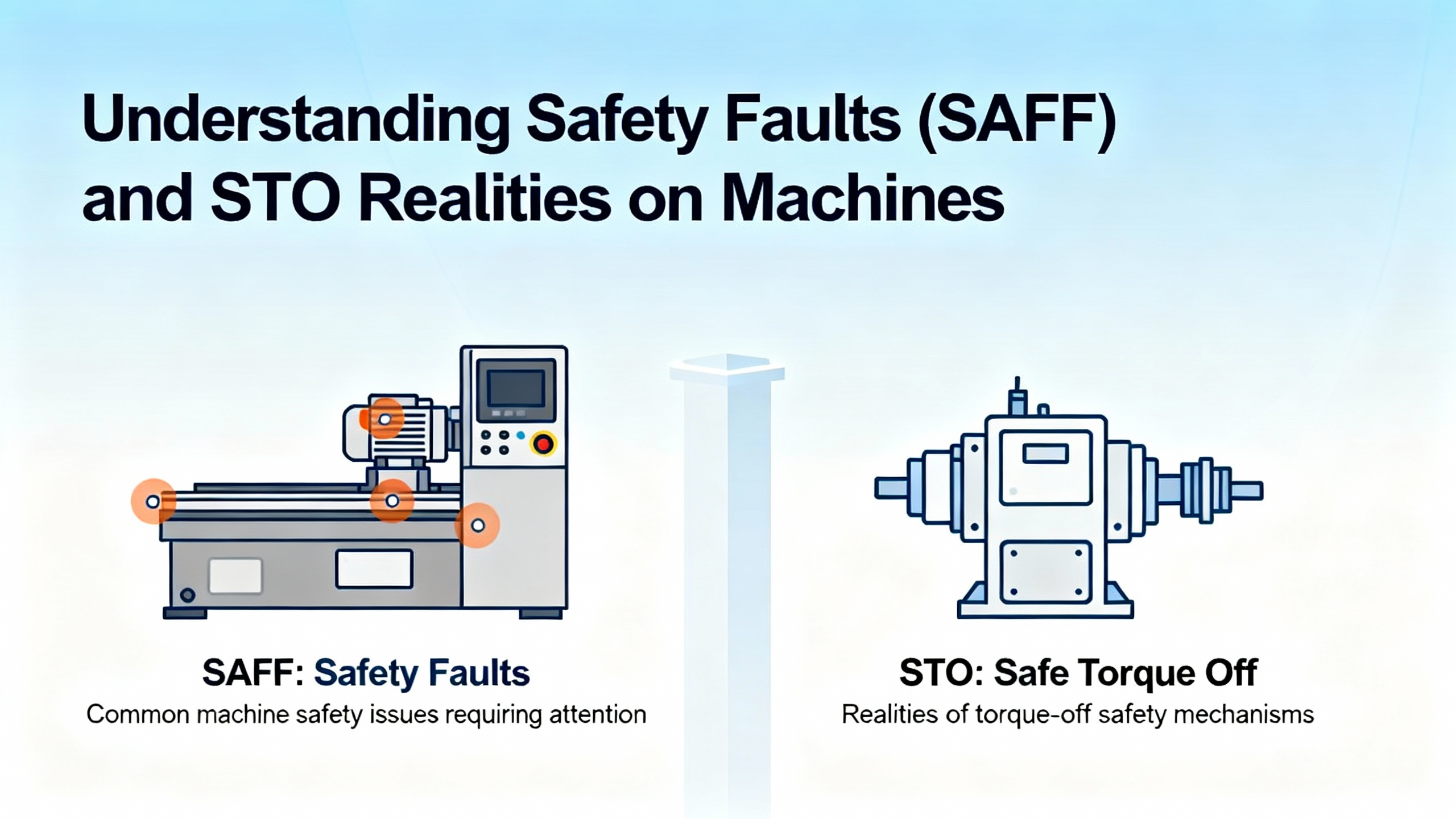
SAFF is the drive’s way of saying the safety chain is unhealthy. On the ATV320, Safe Torque Off is a certified function that disables the power stage so the motor cannot generate torque. The safety function manual explains that STO achieves high integrity levels—up to SIL 3 and PL e, Category 3—when wired and validated correctly, which is why a SAFF is treated seriously.
In the field, SAFF conditions often arise from wiring or power integrity rather than exotic parameter problems. The factory jumper from P24 to STO is common during bench tests, but in a real panel STO should be fed from a clean 24 V safety power supply routed through certified safety devices. When a plant has several drives, it is common to daisy‑chain STO common from one drive to the next; although easy to implement, this chain creates multiple points where a single loose terminal, a tripped safety relay, or a fatigued wire can open the loop. The most efficient response is methodical voltage tracing. You measure for a steady 24 V at the drive’s STO input under the same conditions in which the trip occurs—during power‑up, after vibration, and when safety devices are actuated and reset. If voltage disappears or sags, you walk upstream through the safety relay outputs, E‑stops, and pullcords to find the open, then repair connections and torque terminals before retrying.
Not all SAFFs come from wiring. Some result from configuration mismatches, such as a drive expecting dual‑channel supervision while only a single‑channel feed is wired, or from an internal hardware failure in the STO supervision circuit. If you have verified tight terminals, steady 24 V, correct single versus dual‑channel configuration, and no external safety devices are open, a persistent SAFF points to a failed internal hardware path and warrants drive replacement.
It bears repeating that STO is not a braking function. It safely removes the torque‑producing path in the drive; the motor coasts unless a mechanical brake is present. For machines where stopping distance matters, you implement an external SS1 strategy using a safety relay or safety PLC. Schneider Electric’s safety documentation is explicit about these distinctions.
Communication Faults Without the Guesswork
Codes like ETHF, CNF, COF, SLF1, and INFM are less about power electronics and more about clean integration. The Schneider Electric how‑to on communication faults recommends a predictable diagnostic route that saves time. You begin by confirming the physical layer: correct, shielded cables; clean terminations; proper grounding; and routing away from high‑voltage runs. Then you match the protocol settings on the master and the drive with the appropriate protocol manual: addressing and baud for serial and CANopen, or IP addressing and assembly instances for Ethernet/IP.
My own experience mirrors community guidance: on Ethernet/IP, success often comes down to choosing the right I/O assembly instances. Many engineers have reported that using 101 for Input and 100 for Output performs reliably with the ATV320 when configured as a generic Ethernet module in a CompactLogix project. If an option card is used, it must be installed cleanly and on a compatible firmware version. Built‑in diagnostics on the drive help confirm link status and timeouts; using them beats trial‑and‑error.
When multiple drives share a network, duplicate addresses or IPs create intermittent faults that look random. The fix is not just to correct the conflicting address but also to record and standardize the addressing scheme in your project’s configuration baseline. That habit practically eliminates a whole class of avoidable communication trips.

Power Quality and DC Bus Events
Overvoltage and undervoltage trips fall under a different diagnostic rhythm. There are two sides: the plant power coming in and the drive’s DC bus dynamics. If the supply sags below the drive’s rating or loses a phase, undervoltage trips are the expected—and correct—outcome. On overvoltage during deceleration, the DC bus rises as kinetic energy returns from the motor; the answer is not to get rid of the DC bus but to give it somewhere to go and somewhere to go slower. That means a correctly sized brake resistor or a more forgiving deceleration profile. The braking chopper and resistor must match the load’s kinetics. If the resistor is undersized or missing where it should be present, the drive will protect itself.
On undervoltage after momentary loss of mains, tighten incoming terminations and check all three legs on a three‑phase feed, especially when a shared supply feeds multiple motor loads that start together. Once power integrity is restored, a proper reset returns the drive to ready.
Overcurrent, Thermal Trips, and Ground Fault Behavior
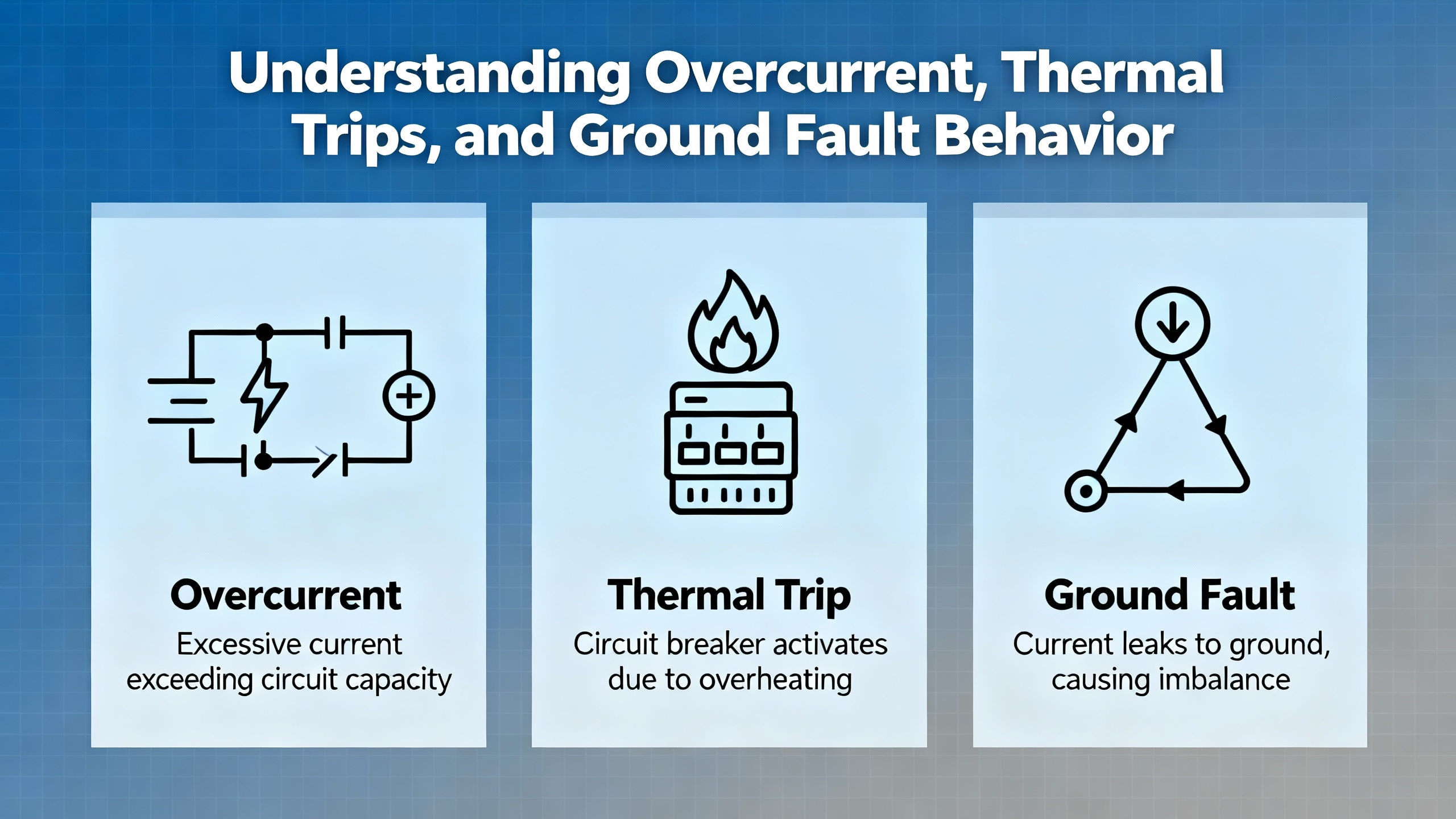
When a drive declares an overcurrent, either the control profile is too aggressive for the combined inertia of the load, or the mechanical system is binding. You start by confirming the motor parameters and torque limits are correct for the actual motor nameplate. You then lengthen acceleration and deceleration times to reduce current demand spikes. Any persistent struggle to accelerate points to a mechanical blockage or a mis‑sized mechanical component downstream. Ground fault or earth leakage trips demand a careful check of the motor cable routing and condition; a damaged jacket or a wet conduit can create a hard‑to‑reproduce trip that returns only when humidity rises or the machine heats up.
Thermal trips divide into two domains: the drive electronics and the motor. Drives overheat when mounted without clearance, in hot enclosures, or when filters and fans are neglected. Motors overheat with sustained overload or poor airflow. Either way, the trip is telling you the system needs a thermal budget change—less load, better cooling, or both.
Use the Fault History to Shorten the Hunt
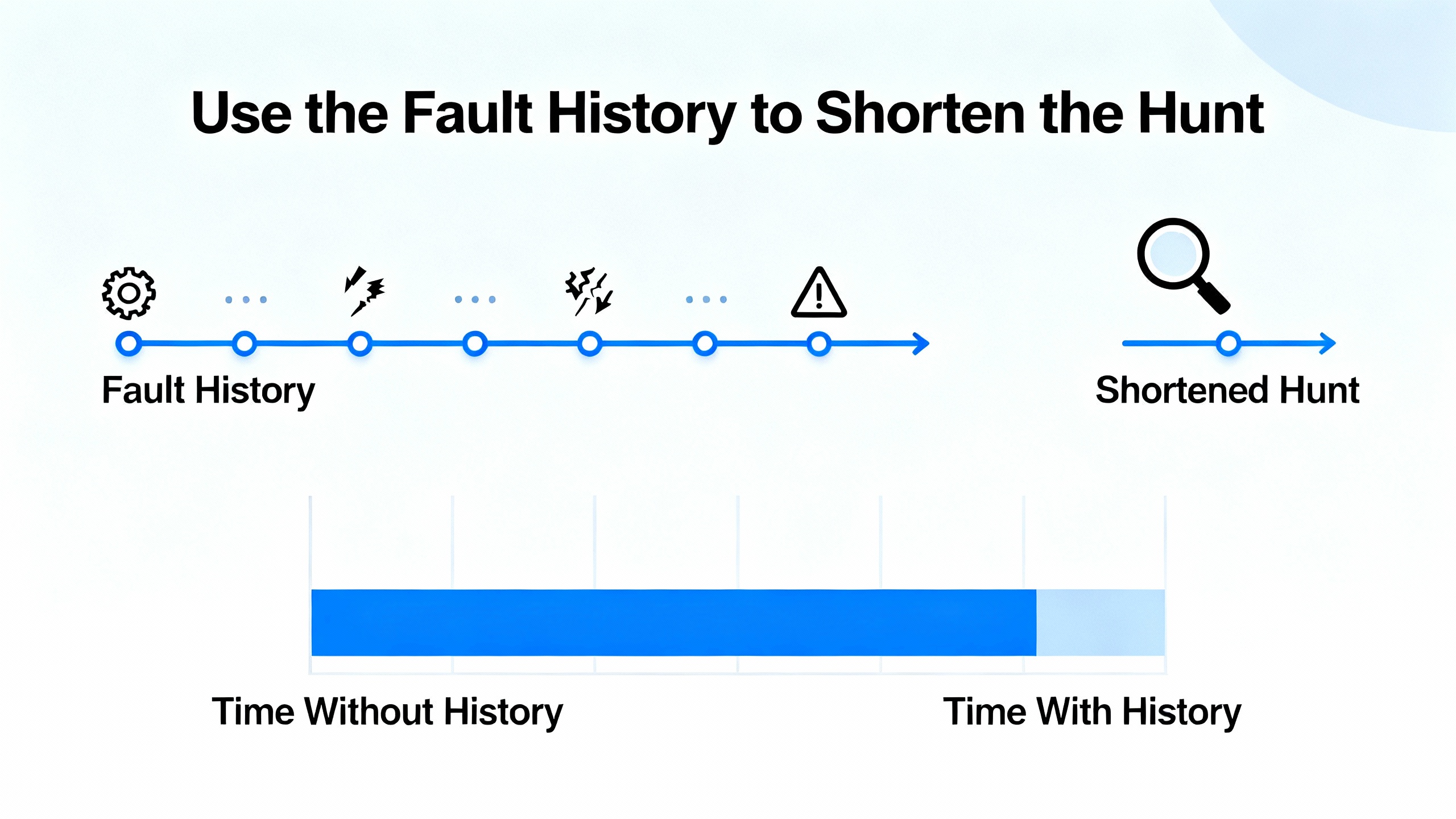
Schneider Electric makes the fault history easy to view and that matters for root cause. On the graphic keypad, you progressively enter the Drive menu, then Monitoring, then Diagnostics, and finally Fault History to see the last eight trips with the most recent on top. SoMove exposes the same history in its Errors detection window, listing Error n‑1 through Error n‑8 with context. When you do not have a keypad or SoMove, the built‑in display can be mapped to show the last fault and related registers via the communication scanner mapping. Schneider Electric’s support documentation shows LFt as the Last Fault parameter and gives the register address for it. With the drive stopped, you can assign the built‑in display to read LFt and related words so that even a minimal HMI gives you the last eight trips without adding hardware.
That small investment of time before you clear a trip pays off when you need to prove a fix. After you tighten a terminal or adjust a decel ramp, you clear the history and run the machine under the same conditions that produced the fault. If the same code does not reappear after several cycles, your corrective action has real evidence behind it.
Safety Integration That Holds Up in the Real World
Integrating STO correctly is not just about satisfying a safety audit; it also prevents nuisance SAFF and STO states that look like drive problems but originate in the safety loop. The safety function manual for the ATV320 emphasizes using PELV or SELV 24 V sources, keeping galvanic isolation, and routing safety circuits away from power conductors. It also reminds integrators that STO by itself does not control motion; for vertical axes and loads where drift is unacceptable, pair STO with a mechanical brake or implement an SS1 strategy so the axis decelerates under control before torque is removed.
In projects with many drives, daisy‑chaining STO common may be convenient, but one loose terminal can take down the entire zone. A more robust approach is segmenting STO loops by zone or function and providing clearly labeled test points at each drive. Proof testing both safety channels and capturing results at commissioning also pays dividends. If a SAFF shows up months later, you have a baseline to compare.

Communication Setup Tips That Avoid False Alarms
Ethernet/IP integration with CompactLogix controllers is straightforward if you match expectations on both sides. Practitioners have reported reliable I/O by using input assembly 101 and output assembly 100 in a generic Ethernet module configuration, alongside correct IP addressing and subnet masks. Those details matter because misaligned assemblies can look like a drive problem when the controller is the one that cannot parse the data structure. On other networks, the guidelines from Schneider Electric’s how‑to apply just as well: configure addressing and termination carefully, seat option cards properly, and use the protocol manuals for each fieldbus.
The Altivar 320 supports several hardware communication options. Schneider Electric documents option references for CANopen, PROFIBUS, PROFINET, and embedded or add‑on Ethernet used in these drives. Matching the correct option and firmware to the drive prevents a class of communication errors that otherwise appear as intermittent bus faults.
A Practical Diagnostic Sequence That Works Under Pressure
In the field, you do not have the luxury of reinventing troubleshooting every time. A sequence that reduces MTTR is to secure the drive and the area, read and record the displayed code, and then open the fault history without clearing anything. If the code is SCF, remove the motor leads and test insulation before you even think about parameter changes. If the code is SAFF or the drive shows STO active, focus on the safety 24 V chain before looking at motion or loads. For communication codes like ETHF or COF, verify the physical layer and addressing, then check the master’s configuration and the drive’s protocol role. For power quality or DC bus events, look at incoming voltage balance and decel energy first. Only after you have isolated the subsystem should you adjust configuration, and always document the change.
Cybersecurity and Tools: A Reliability Footnote You Should Not Skip
Even though diagnostic codes feel purely electrical, the tools you use to read them matter for safety and uptime. CISA published an advisory on Schneider Electric SoMove and Altivar DTM components addressing a DLL search‑order vulnerability. The recommended action is to update SoMove and all installed device DTMs to the remediated versions cited by the vendor. Keeping your diagnostic tools patched lowers the risk that you introduce instability while you are trying to fix a line, and it aligns with defense‑in‑depth practices in industrial environments.
When to Suspect a Bad Drive
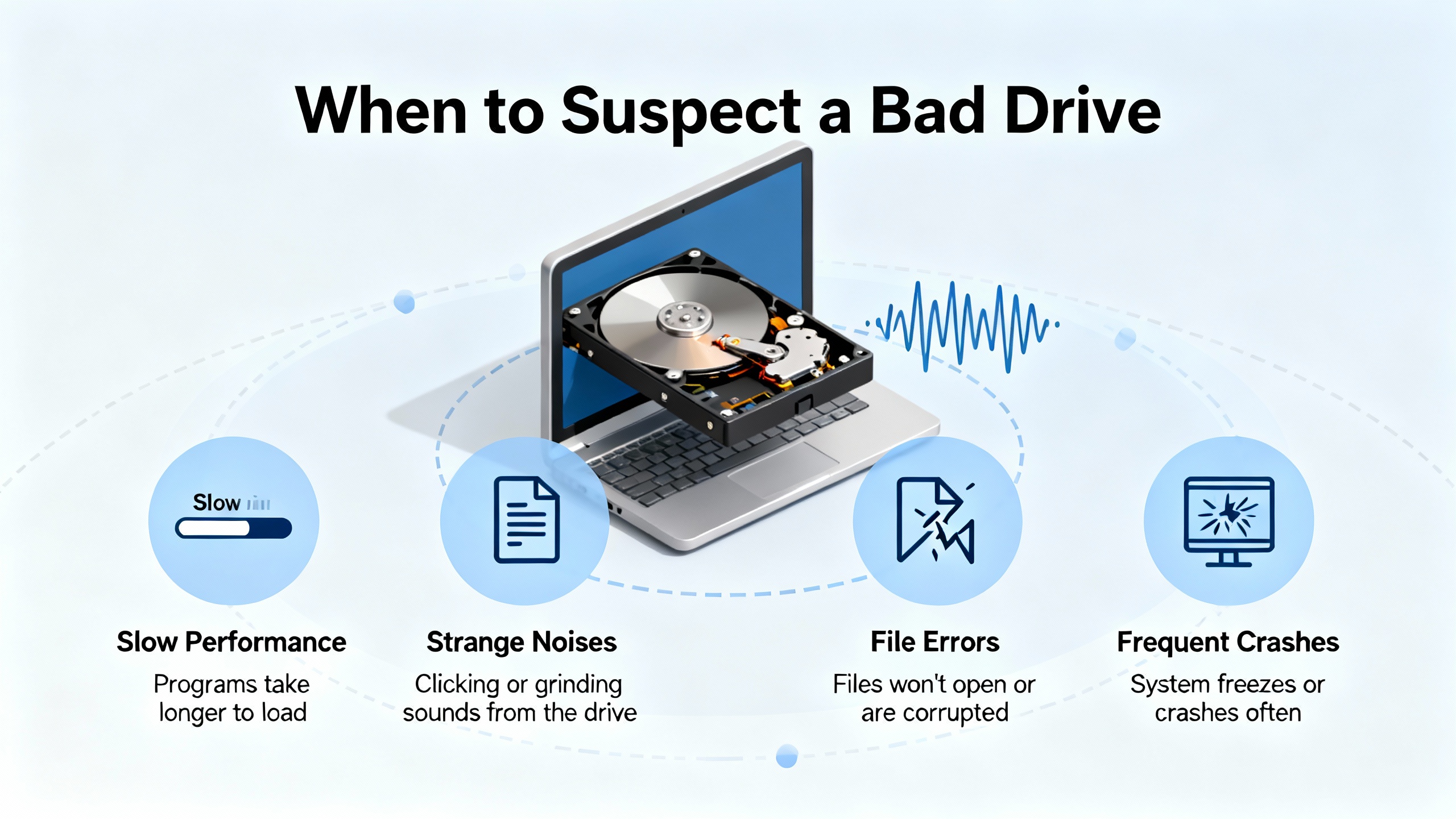
It is fair to suspect the drive only after you have eliminated the obvious. A short circuit trip with the motor disconnected and cables isolated calls the power stage into question. A persistent SAFF with a verified, steady 24 V safety feed and correct channel configuration points to an internal STO supervision fault. Communication errors that follow the drive from one known‑good network to another, with cabling and addressing changed, implicate an internal interface fault. Drives do fail, but the cleanest replacements are the ones where you can hand the maintenance lead a short note that states what you ruled out and why.
Reference Points You Should Have Handy
Two Schneider Electric resources tend to resolve most questions quickly. The Altivar 320 Programming Manual contains the diagnostics and troubleshooting chapter with register references, and the Altivar 320 Safety Function Manual explains STO capabilities, wiring rules, and certification context. The Schneider Electric FAQ on fault history access provides keypad and SoMove steps and also shows how to map the last fault register onto the built‑in display. The Schneider Electric Community walkthrough on communication faults gives a concise checklist for Ethernet, serial, and CANopen. Community knowledge on SCF root causes and field tests adds pragmatic detail that shortens time to fix.
FAQ
What’s the difference between SAFF and STO Active on an ATV320?
SAFF is a fault that indicates the safety function supervision has detected a problem in the STO chain, such as an open or a channel inconsistency, and the drive latches a fault accordingly. STO Active is a status that indicates the STO input is asserted, intentionally or not, and the power stage is inhibited so the motor cannot generate torque. SAFF calls for troubleshooting the safety circuit and configuration; STO Active calls for finding why the safety loop is open.
What’s the fastest way to get meaningful context on a recurring trip?
Open the last eight entries in the drive’s fault history before you clear anything. With a keypad, use the diagnostics path; with SoMove, open the errors pane; with only the built‑in display, map the last fault register as described by Schneider Electric support. The pattern across those entries typically points to a power, safety, communication, or mechanical theme faster than any single reading.
Can I permanently jumper STO to avoid nuisance SAFF?
Bypassing STO with a permanent jumper is not acceptable for a machine with safety requirements and will likely create liability. The correct path is to wire STO using a certified safety device and power supply, route the wiring per the safety manual, and proof test both channels. That approach eliminates nuisance trips while preserving the safety function.
Closing
Diagnostic codes are not riddles; they are the drive’s shorthand for events you can verify and correct. When you partner those codes with disciplined fault‑history use, clean STO wiring, sound communication setup, and pragmatic tests like meggers and known‑good motors, the ATV320 becomes predictable and reliable. If you want help turning this into a standard work instruction for your maintenance team, I’m happy to draft one tuned to your plant’s hardware and response times.
References
- https://www.academia.edu/40911443/Industrial_Automation_Using_VFD_PLC_and_HMI
- https://www.cisa.gov/news-events/ics-advisories/icsa-18-065-02
- https://brightideas.houstontx.gov/Resources/3nh7rW/4S9088/Altivar-320__Programming-Manual.pdf
- https://ww2.jacksonms.gov/scholarship/ngWEe1/275036/ElectricalMotorControlsForIntegratedSystems.pdf
- https://mrkt.nnu.edu/libweb/3nh7rW/4S9088/Altivar__320__Programming_Manual.pdf
- https://admisiones.unicah.edu/browse/8RIOIZ/9OK166/3PhaseMotorControlAndPowerDiagram.pdf
- https://www.wang.bse.vt.edu/wp-content/uploads/2023/07/Volute-Dewatering-Press-PWTech-model-ES-501.pdf
- https://www.plctalk.net/forums/threads/trouble-with-atv-320-and-compactlogix.116060/
- https://www.e-frekvencnimenice.cz/fotky45550/ATV320%20safety%20function%20manual%20EN.pdf
- https://dashboard.intelligrated.com/knowledgebase/PrintArticle.aspx?article=c6e12058-f510-45fd-9d09-6ae9576adb08


 Videos
 News
News Applications












Leave Your Comment