When a Bently Nevada rack suddenly stops talking to your DCS, PLC, or HMI, operators feel blind. Turbines, generators, and large UPS‑fed loads may still be running, but you have lost the vibration and protection data that lets you make safe decisions. In industrial and commercial power systems, that is not a nuisance; it is a risk.
Drawing on field cases and vendor guidance around the Bently Nevada 3500 platform, this article walks through how to think about “communication not working,” where to look first, and how to stabilize communications for the long term.
How Bently Nevada Fits into Your Power System
The Bently Nevada 3500 system is a machinery protection and monitoring platform widely used around gas turbines, compressors, and other rotating assets that underpin generation and large power supply systems. According to a comprehensive guide from an industrial automation specialist, its core strengths are enhanced protection, flexible and scalable design, and the ability to reduce downtime through redundancy and extensive monitoring capabilities.
In a typical power plant or large industrial facility, the 3500 rack monitors vibration, position, and process variables at the machine. It then exposes data to the wider control system through communication modules such as:
- An Ethernet Global Data gateway, for example the 3500/92 module publishing data to a MarkVIe control network.
- Modbus TCP interfaces serving PLCs such as the Siemens S7‑1500 family.
- Transient Data Interface (TDI) modules that provide Ethernet connectivity to configuration tools and condition monitoring software.
When communication fails, the mechanical protection functions may still act locally at the rack, but operators and reliability engineers lose visibility at the DCS, PLC, or HMI. That loss of situational awareness is especially painful where UPS systems, inverters, or generator controls depend on clean vibration and condition signals to inform load and dispatch decisions.
What “Communication Not Working” Really Looks Like
Communication failures are rarely a black‑and‑white “network down” event. In practice, several patterns recur in power and process plants.
One real‑world case shared on a control‑system forum involved four gas turbine units upgraded to MarkVIe controls. Each train included a Bently Nevada 3500 system and a dedicated Ethernet Global Data communication gateway. Operators observed that turbine and process data remained perfectly visible on the MarkVIe HMIs, but the vibration pages intermittently went blank, unit by unit, over less than an hour. On the affected train, the Bently Nevada EGD Communication Gateway showed its communication LED off and its OK LED flickering. The other three trains had a solid green OK LED and a communication LED on.
Crucially, when an engineer connected a laptop running the Bently Nevada Rack Configurator, the 3500 rack reported healthy channels and valid readings. The rack and vibration modules were fine; the EGD gateway was flagged not OK and HMIs were starved of data.
Another pattern appears in Modbus TCP applications. A Siemens engineering forum describes an S7‑1500 PLC using the MB_Client block to read data from a Bently Nevada 3500/92 module. The basic TCP connection worked, but the MB_Client status indicated an error (status 809B). Parameters such as interface hardware ID, connection type, IP address, port 502, Modbus mode, starting address, and data length all had to match the 3500/92 configuration. In that case, a mismatch in the number of registers requested versus the mapping in the Bently module could trigger persistent status errors even though the Ethernet link itself was healthy.
Vendor troubleshooting guides reinforce those field observations. A Bently Nevada 3500 fault‑finding article from Ubest Automation notes that communication problems between the rack and higher‑level systems frequently trace back to damaged cabling or connectors, misconfigured protocol parameters, or incorrect IP addressing. In a power plant case study, recurring communication drops between a 3500 system and an Allen‑Bradley PLC were ultimately resolved by replacing a faulty network switch and updating firmware.
In other words, “communication not working” is usually the visible symptom of a deeper issue in power, hardware, configuration, or network infrastructure, rather than a single monolithic fault.

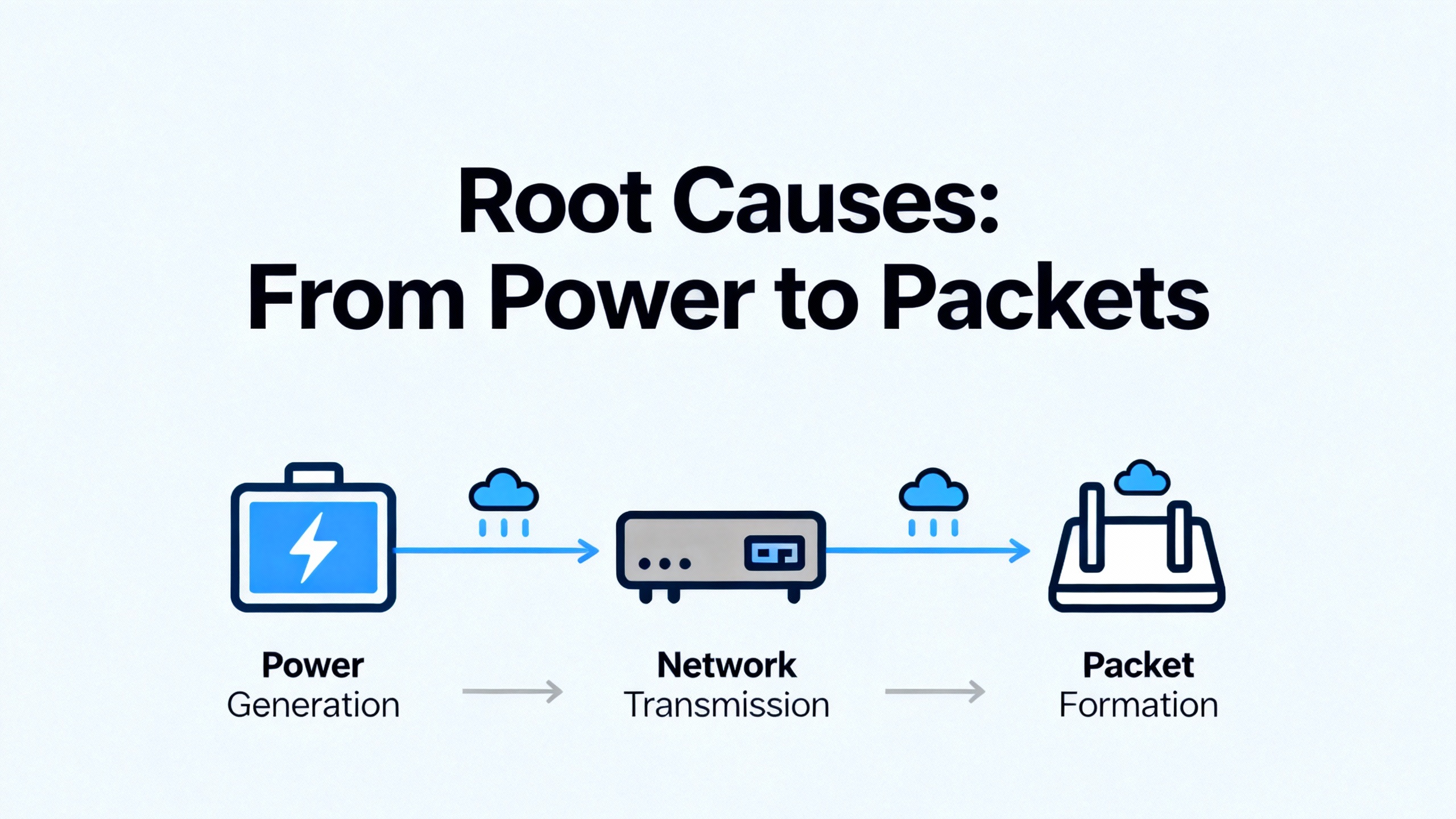
Root Causes: From Power to Packets
Effective troubleshooting starts with a clear mental model of the layers involved. Before blaming “the network,” it is worth walking through the chain from rack power to protocol mapping.
Rack Power and Module Health
A technical review of the 3500 platform highlights power supply failures as one of the primary systemic issues. Power source interruptions, faulty power supply modules, or improper installation can cause modules to drop out, go into fault states, or stop responding on the backplane.
If communication suddenly disappears, it is essential to confirm that the 3500 rack itself is healthy. That means checking that:
- Rack input power is within specification and stable.
- Power supply modules have their OK indicators lit and no fault LEDs.
- The communication module in question (for example a 3500/92 EGD gateway or a Modbus card) has a solid OK status rather than flickering or red.
Bently Nevada’s own documentation and the actechparts.com guide both emphasize using built‑in self‑monitoring of modules such as the Transient Data Interface or Rack Interface Modules. Connecting a portable computer for deeper diagnostics allows technicians to confirm that the rack is measuring correctly even when external systems are not receiving data.
The key principle is to separate “module not responding because of power or internal failure” from “module healthy but communication path broken.” That distinction drives the rest of the investigation.
Physical Network and Cabling Problems
Once rack power and module health are confirmed, the next layer is physical connectivity. In the MarkVIe example, the suspect EGD gateway’s communication LED was off, suggesting that its Ethernet interface was not successfully linked to the network, even though other racks on the same network were fine.
Troubleshooting here is straightforward but must be systematic. Technicians should verify that the Ethernet cable is fully seated and visually inspect for damage. Trying a short known‑good patch cable directly into the nearest network switch port is often faster than debating whether a field run has been compromised. Checking the switch port’s link and activity indicators can reveal whether the device is negotiating speed and duplex correctly or silently flapping.
The Ubest Automation case where replacing a problematic network switch eliminated persistent communication drops illustrates that failures are not always at the Bently device. Aging or overloaded switches can intermittently drop traffic to specific ports, causing HMIs or PLCs to see data vanish and reappear.
In power and UPS rooms, where high current bus bars and inverters share crowded cable trays, it is also prudent to consider electromagnetic interference. While Ethernet is fairly robust, field experience shows that runs laid alongside high‑noise conductors are more prone to intermittent errors and link drops, particularly if terminations are marginal.
Communication Gateway and Protocol Module Issues
In the gas turbine MarkVIe example, the vibration rack itself was healthy, but the Ethernet Global Data gateway was flagged not OK. The communication LED was off, OK LED flickering, and yet all vibration channels looked good when viewed directly with configuration software.
That symptom set strongly suggests a problem localized to the gateway module rather than the vibration monitors or the control network. Possible causes include internal hardware degradation, firmware issues, or a backplane communication fault between the gateway and the rest of the rack.
Both the actechparts.com 3500 guide and Ubest’s troubleshooting material recommend a structured approach when a module appears to be malfunctioning. After verifying power and configuration, technicians can swap the suspect module with a known‑good spare of the same type. If the issue follows the module to another slot or rack, the module itself is likely faulty and should be replaced and reconfigured. If the issue stays with the original slot, backplane or rack‑related problems become more likely.
It is important to distinguish between modules that report not OK status on their front panels and those whose LEDs look normal but that still do not pass data. Built‑in self‑tests are powerful but not infallible; using external tools like the Rack Configurator to confirm channel health and verifying data at the receiving PLC or DCS side can help triangulate the true point of failure.
Misconfigured IP, Ports, and Data Maps
Configuration drift and mismatched expectations between devices are among the most common causes of communication failures that survive basic physical checks.
The Siemens S7‑1500 case demonstrates how detailed Modbus TCP parameters can make or break communication. For a Bently Nevada 3500/92 Modbus server, the PLC programmer must correctly set the Ethernet hardware ID, assign a unique connection ID for the MB_Client instance, choose the TCP/IP connection type, and specify the correct remote address and port. The Siemens support discussion makes clear that Modbus mode, starting register address, and data length must align exactly with how the 3500/92 is configured.
In that example, a parameter such as modbusDataAddress was set to 45001 and modbusDataLen to 95, meaning that the client expected to transfer 95 consecutive registers beginning at that address. If the Bently configuration exposes fewer registers, or if the starting address differs, the MB_Client block can report status 809B even though the underlying TCP session remains established.
The same principle applies to Ethernet Global Data configurations. On the MarkVIe side, WorkstationST may report that EGD server services are running and the Ethernet cabling looks intact. However, if the gateway’s dataset definitions, IP address, or slot mapping do not match the MarkVIe expectations, vibration data may never appear on the HMI screens even though the network path is technically up.
Ubest Automation’s guidance on 3500 communication faults reinforces that misconfigured protocol or IP settings are a recurring cause of “no data” complaints. Their recommendations stress verifying protocol parameters and IP addresses in the configuration software as a standard step, not an afterthought.
Grounding, Noise, and Electrical Environment
While ground loops and electrical noise are more commonly associated with sensor signal quality, they can indirectly affect communication reliability. Ubest’s troubleshooting article notes that unwanted current paths due to multiple ground points introduce noise into vibration signals and can lead to erratic readings. From a system perspective, noisy power and unstable signal references create stress for both analog and digital electronics.
If a plant is already battling ground loop issues, modules may show intermittent faults or OK status flicker even when cabling and configuration are correct. Using isolated signal conditioners and enforcing single‑point grounding strategies reduces the electrical noise burden on the 3500 rack, and by extension on its communication modules.
Power quality problems also matter. Voltage fluctuations and poor UPS or inverter behavior can cause power supply modules to sag or momentarily drop out. The 3500 documentation calls out power source interruptions and faulty power supply modules as key culprits in systemic issues. When communication failures coincide with plant voltage disturbances, the root cause may lie in the power chain rather than in the data network.
Firmware, Cybersecurity, and Legacy Constraints
Modern plants are increasingly adding firewalls, intrusion detection, and segmentation around their control networks. For Bently Nevada systems, that security layer can interact in complex ways with communication reliability.
Research by Nozomi Networks Labs into the 3500 Transient Data Interface module uncovered several vulnerabilities in its Ethernet protocol. According to their analysis, one vulnerability allows an attacker with network access to exfiltrate both “Connect” and “Configuration” passwords via crafted requests, effectively bypassing authentication on affected TDI modules. Two other issues rely on capturing traffic and reusing a long‑lived secret key or replaying authenticated requests, enabling arbitrary authenticated commands without knowing the credentials.
These vulnerabilities affect TDI firmware versions up to at least a certain revision, and due to legacy limitations, no vendor patch is planned for those flaws. Bently Nevada’s mitigation guidance, as reported by Nozomi Networks, focuses on operational hardening rather than firmware fixes: keep devices in physical RUN mode except during maintenance, segment networks, use strong and unique passwords, and enable any enhanced security features available in configuration utilities.
From a connectivity standpoint, this has two implications. First, introducing new security controls or tightening firewalls might unexpectedly block legitimate TDI or gateway traffic, leading operators to see “communication not working” without realizing that a security change is the cause. Second, because these modules cannot easily be patched, it is important to treat them as trusted but fragile endpoints inside well‑protected zones, not as generic IP devices on flat networks.
A Practical Troubleshooting Workflow
When a Bently Nevada communication path fails, unstructured trial and error wastes precious time. Combining vendor guidance and field experience, a practical workflow emerges that can be adapted to your plant.
Begin with safety and situational awareness. Confirm how your protection logic behaves when communication is lost. In many configurations, the 3500 rack continues to perform local protection even if the DCS or PLC no longer receives data, but you must rely on your own design documents and safety rules to know exactly what happens in your installation. Never assume that loss of communications is harmless.
Once it is safe to proceed, verify rack health. Check input voltage, power supply status LEDs, and the OK indicators on the communication modules. Use Bently’s configuration tools, such as the Rack Configurator and any built‑in self‑test functions on TDI or RIM modules, to ensure that the rack is reading sensors and that no general rack faults are present. If modules show red or flickering OK LEDs, follow the module‑replacement practices recommended in the 3500 troubleshooting guides: swap with known‑good spares to see whether the fault follows the module.
After establishing that the rack is healthy, scrutinize the physical network. Inspect Ethernet cables from the communication module to the nearest switch, looking for damage, loose connectors, or non‑industrial patch cords that have been pressed into long‑term service. Try a new short patch cable wherever possible. Observe link and activity LEDs on both ends. If other racks on the same switch are healthy while one is not, consider moving the suspect module to a different port or temporarily bypassing intermediate switches to rule out failing hardware.
If the physical layer looks solid, move to configuration alignment. On the Bently side, review the communication module’s IP address, subnet, gateway, protocol role, and dataset or register mapping. On the PLC, DCS, or HMI side, confirm that IP address, port, and protocol parameters match exactly. In Modbus TCP applications, carefully check Modbus mode, starting address, and data length. Use error codes such as the Siemens MB_Client status 809B as clues; they often point directly to length or addressing mismatches rather than generic network failures.
At this stage, it is worth creating or reviewing a simple communication map that shows which device publishes or serves data, which devices subscribe or read it, and which network segments exist in between. Plant changes, such as adding a new firewall or replacing a network switch as in the Ubest case study, can inadvertently break routes or filter packets. If communication failures began shortly after such changes, retrace those steps and verify the configuration on the new equipment.
Finally, consider subtle contributors such as grounding, noise, and firmware. If communication faults coincide with other electrical symptoms or only appear under certain loading conditions, broaden the investigation to include power quality and grounding checks. For TDI and other legacy Ethernet devices with known security limitations, verify that new security tools are not blocking their traffic or flagging it as suspicious.
To help organize this workflow, it can be useful to think in terms of layers, as illustrated below.
| Layer or component | Typical symptom | Primary check | Common corrective action |
| Rack power and supplies | Multiple modules not responding, frequent rack resets | Measure input voltage, inspect power module LEDs | Stabilize supply, replace suspect power modules |
| Communication module | Only one rack fails to communicate, OK LED flickers | Observe module LEDs, run module diagnostics | Swap module with spare, replace if fault follows module |
| Physical network | Link LED off or flapping, intermittent connectivity | Inspect cabling and switch ports | Replace patch cords or switches, correct port configuration |
| Protocol configuration | TCP up but no data, specific error codes like 809B | Compare IP, port, mode, address, and data length | Align configuration on Bently and PLC/DCS sides |
| System and security changes | Failure after firewall or switch upgrade, other services OK | Review recent changes and access control rules | Adjust rules to permit needed traffic, or redesign segments |
| Electrical environment | Failures during voltage events or high EMI conditions | Check power quality and grounding scheme | Improve grounding, shielding, and UPS/inverter configuration |
Case Insight: Gas Turbine MarkVIe and EGD Gateway Issues
The MarkVIe case with four gas turbine units provides a good example of how this layered method plays out.
Operators noticed that vibration data disappeared from the HMIs one unit at a time over less than an hour, while turbine and process data were unaffected. That immediately suggested that the core MarkVIe system and plant network were intact and that the problem was in the interface between the vibration monitoring and the control network.
On the affected unit, the 3500/92 EGD gateway showed its communication LED off and OK LED flickering. That contrasted with the other three units, where both LEDs indicated healthy status. Using the Bently Nevada Rack Configurator, an engineer confirmed that all vibration channels in the 3500 rack were delivering valid readings and that vibration modules reported OK. So the rack and sensors were healthy, while the gateway was clearly not.
Applying the structured approach, the next steps would focus on that gateway and its immediate environment. Verifying the power supply, confirming the backplane slot, swapping the gateway with a known‑good spare, and testing with a direct Ethernet connection to a switch would help determine whether the module itself was faulty or whether there was a deeper issue in the network segment. Because the forum discussion did not report a final root cause, we cannot say how that specific case ended, but the diagnostic logic remains instructive: distinguish monitoring health from communication module health, then dive into the network.
Case Insight: Modbus TCP to Siemens S7‑1500
The Siemens S7‑1500 scenario illustrates a different failure mode where network hardware is fine, but configuration is not.
In that application, an S7‑1500 PLC used the MB_Client block to poll a Bently Nevada 3500/92 Modbus TCP server. Parameters such as interface hardware ID, a unique connection ID, TCP/IP connection type, and the remote address set to the 3500/92 IP on port 502 were all configured. The request input was held true to poll continuously, and the local port was left at zero to allow the operating system to select an available port.
Despite the link being up, the MB_Client block returned a status code of 809B. Experience documented in the Siemens forum points to misaligned Modbus address or length values as a common cause of this status. In the reported configuration, the client requested 95 registers starting at address 45001. If the 3500/92 mapping did not expose that many registers from that address, the client would complain even though TCP handshakes completed successfully.
The lesson for reliability and controls engineers is simple but often overlooked: many “communication failures” are actually data mapping failures. The transport works; the payload definition does not. When a Modbus or similar client reports a specific status code, consulting both the PLC documentation and the Bently Nevada mapping for that communication module should be an early step, not a last resort.
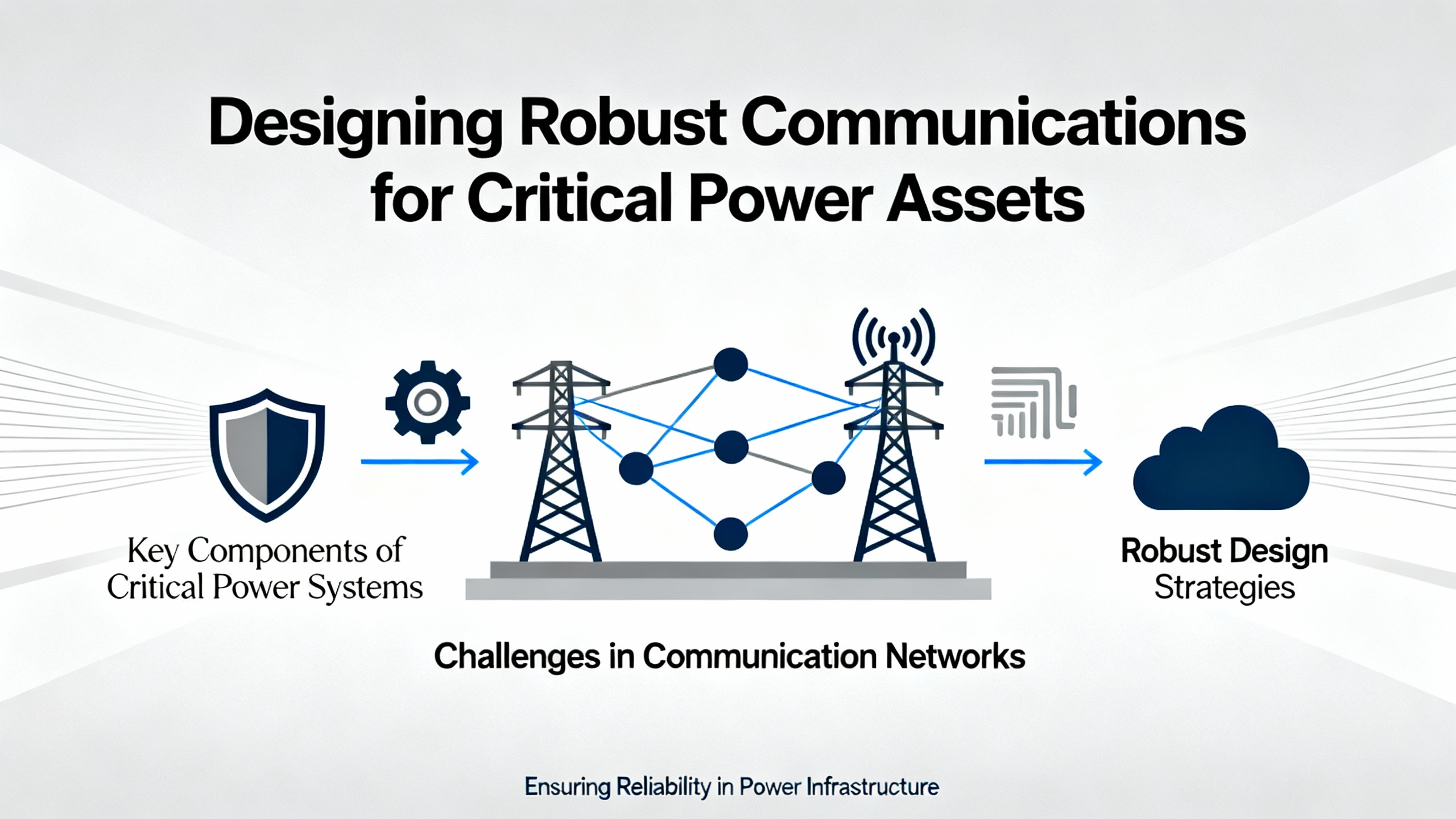
Designing Robust Communications for Critical Power Assets
Fixing today’s communication failure is only part of the job. To support continuous uptime for turbines, large motors, and UPS‑fed loads, communication between Bently Nevada systems and the rest of your control architecture needs to be deliberately engineered.
Baker Hughes, the company behind Bently Nevada, has written extensively about optimizing plant condition monitoring. Their guidance stresses moving from ad hoc, issue‑driven data collection to continuous, sensor‑based monitoring that feeds a unified platform for diagnostics. A central theme is that combining sensors, monitoring hardware, software, and services from a single provider reduces data silos and simplifies integration. That same principle applies to communication design: when the monitoring rack, communication modules, and condition monitoring software are designed to work together, there are fewer mismatched expectations across the data path.
At the asset management level, the Association of Asset Management Professionals emphasizes a solution‑focused mindset. In the context of Bently Nevada communication, that means not just repairing individual faults but also hardening the overall architecture. Examples include implementing redundant network paths where justified, ensuring configuration baselines are documented and backed up, and regularly reviewing communication mappings whenever assets are added or repurposed.
Bently Nevada’s global services organization, with hundreds of service professionals in dozens of countries, offers commissioning and “stay healthy and optimized” services that explicitly aim to keep protection and monitoring systems secure, up to date, and compliant with evolving standards. For sites where internal expertise in 3500 communications is thin, partnering with specialized support for complex or persistent issues is a rational risk‑reduction measure rather than a sign of weakness.
Of course, there are trade‑offs. Relying heavily on a single vendor for sensors, monitoring hardware, software, and services simplifies communication pathways and troubleshooting but can increase dependency on that vendor’s lifecycle decisions and pricing. Conversely, using multiple third‑ and fourth‑tier providers for different aspects of condition monitoring may reduce apparent vendor lock‑in but tends to complicate communication integration and support, especially during emergencies.
For critical power systems, the dominant concern usually remains reliability rather than vendor diversity. The cost of extended downtime for a gas turbine or a large UPS‑backed data hub often dwarfs any incremental savings from a fragmented monitoring architecture. That is why many operators lean toward integrated monitoring and communication solutions, with clear points of accountability when data stops flowing.
When to Escalate and When to Rethink
There is a difference between a one‑off communication glitch cleared by reseating a cable and a chronic pattern of failures that points to architectural weaknesses.
Escalate to vendor or specialist support when communication modules repeatedly report not OK status despite power and configuration being verified, when multiple racks across different units exhibit correlated failures, or when security or network changes introduce subtle faults that internal staff cannot easily diagnose. Vendors such as Bently Nevada and experienced automation partners have access to deeper diagnostic tools, replacement hardware, and design expertise that goes beyond what is practical for most plant teams to maintain in‑house.
Consider a broader redesign when communication issues are symptomatic of aging platforms, ad hoc network growth, or obsolete architectures. Bently Nevada’s own material on the obsolescence of the older 3300 system illustrates how component aging and lifecycle phase‑out increase risk over time, and how upgrading to the 3500 or other modern platforms improves both diagnostics and connectivity. While the 3500 itself remains an active product, similar lifecycle and integration thinking applies when you are layering new cybersecurity requirements or digital initiatives onto older communication designs.
In UPS and inverter‑rich environments, where electrical noise, space constraints, and high availability demands combine, it may be appropriate to revisit network segmentation, cabling practices, and redundancy strategies specifically for machinery protection and condition monitoring traffic. The goal is not merely to stop today’s “communication not working” alarm, but to ensure that communication failures become rare, visible, and quickly diagnosable events.
A Reliability‑Focused Closing
Treat Bently Nevada communications the way you treat protection relays or UPS transfer logic: as a critical protection path, not just a convenience for trending. By starting with rack health, then methodically working through network hardware, configuration, and security, you turn “communication not working” from a vague complaint into a manageable set of checks and fixes. That discipline, combined with thoughtful architecture and the right vendor partnerships, keeps your protection data flowing and your power system decisions grounded in trustworthy information.

References
- https://assetmanagementprofessionals.org/discussion/bently-nevada-communication-gateway-not-ok
- https://www.plctalk.net/forums/threads/bently-3500-92-prosoft-mvi56e-mnet-comm-woes.120249/
- https://actechparts.com/bently-nevada-3500-complete-guide/
- https://www.artisantg.com/info/GE_Bently_Nevada_3500_42_Manual_20171113133924.pdf?srsltid=AfmBOooRAWgaFAgduFksf_tIM4XGrWPxoCEQAe2qLgT98ulLmj7wF6lS
- https://www.bakerhughes.com/bently-nevada/support-services
- https://www.nozominetworks.com/blog/flaws-in-bently-nevada-3500-allow-attackers-to-bypass-authentication
- https://www.powergearx.com/avoid-costly-downtime-a-guide-to-3300-xl-8-mm-proximity-probe-failure-modes/
- https://fcc.report/FCC-ID/XFU18541001/1742752.pdf
- https://www.plcdcspro.com/blogs/news/why-bently-nevada-sensors-are-essential-for-effective-maintenance
- https://www.ubestplc.com/blogs/news/troubleshooting-common-issues-in-the-bently-nevada-3500-system?srsltid=AfmBOoop7cA7ckXfKKoXStr_EH7PfTYfj3Mca4MJmAf9tt5IlzkQw9Jn


 Videos
 News
News Applications












Leave Your Comment