Industrial automation runs on confidence. When an Allen‑Bradley PLC halts a line, the difference between a short reset and an extended outage is a disciplined troubleshooting method grounded in power quality, diagnostics, and change control. As a power system specialist and reliability advisor focused on UPS, inverters, and power protection, I approach PLC faults the same way I assess plant electrical reliability: start with the simplest checks, validate the supply and grounding, use the right tools, and document every step. This guide consolidates proven practices from Rockwell‑centric environments and reputable training and vendor sources to help you restore production quickly and prevent repeat failures.
What You’re Working With: The Allen‑Bradley PLC Ecosystem
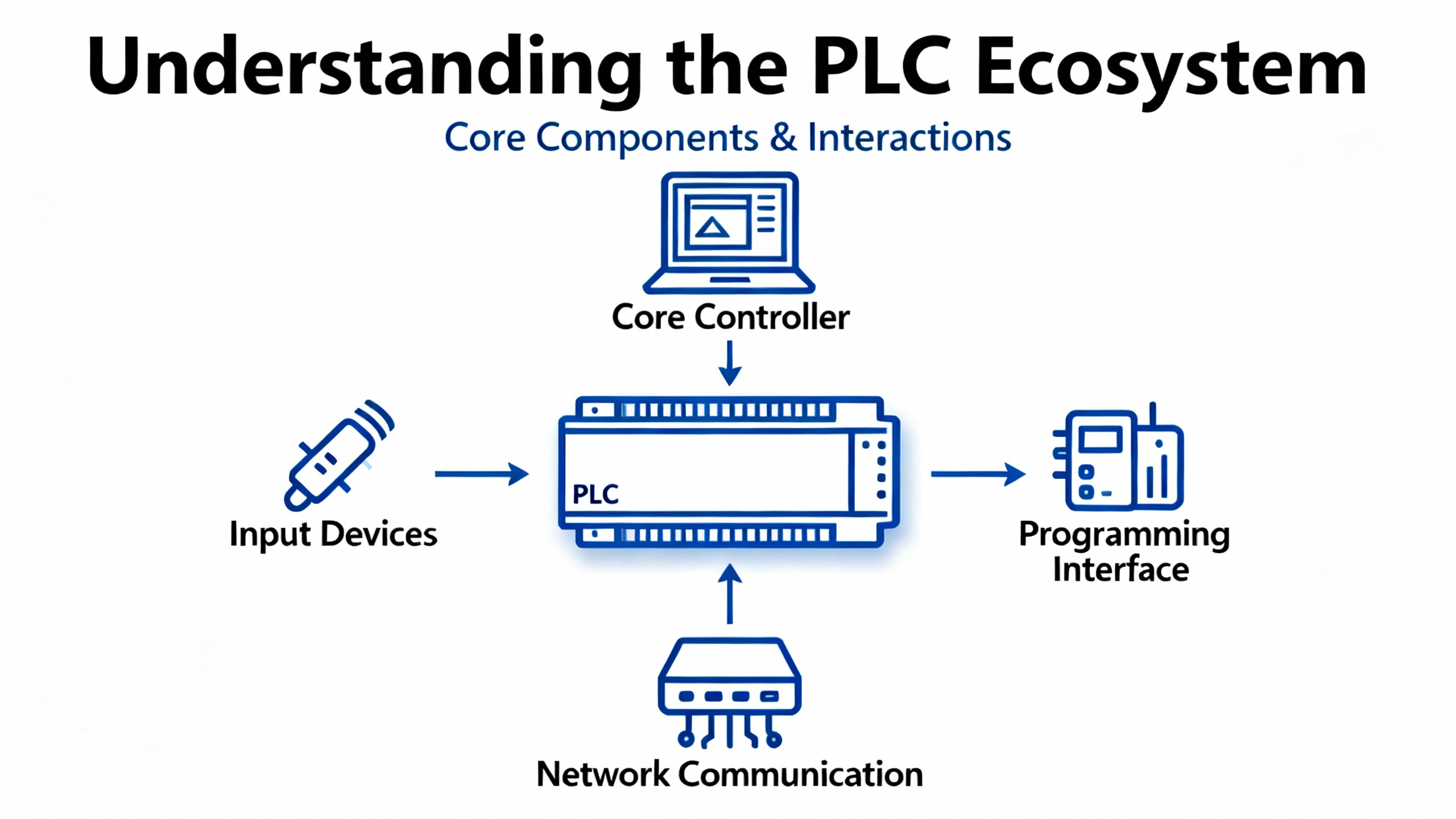
An Allen‑Bradley PLC is a rugged industrial controller that executes a cyclic scan—reads inputs, runs logic, and updates outputs—to deliver deterministic control under harsh conditions. Families commonly encountered include ControlLogix and CompactLogix in modern plants, along with legacy SLC 500 and MicroLogix. The platform supports IEC 61131‑3 languages; Ladder Diagram dominates discrete applications, with Function Block, Structured Text, and Sequential Function Chart used where they fit better. Newer controllers use tag‑based variables, improving clarity and HMI/SCADA integration, whereas legacy systems often rely on file‑based addressing. On networks, EtherNet/IP provides plant‑wide connectivity, with ControlNet, DeviceNet, DH+, and Remote I/O still present in installed bases; design and troubleshooting must respect determinism, bandwidth, and topology. These fundamentals and selection considerations are emphasized in academic and practitioner resources such as Missouri S&T’s engineering literature and vendor field guidance.
Five‑Minute Triage That Saves Hours
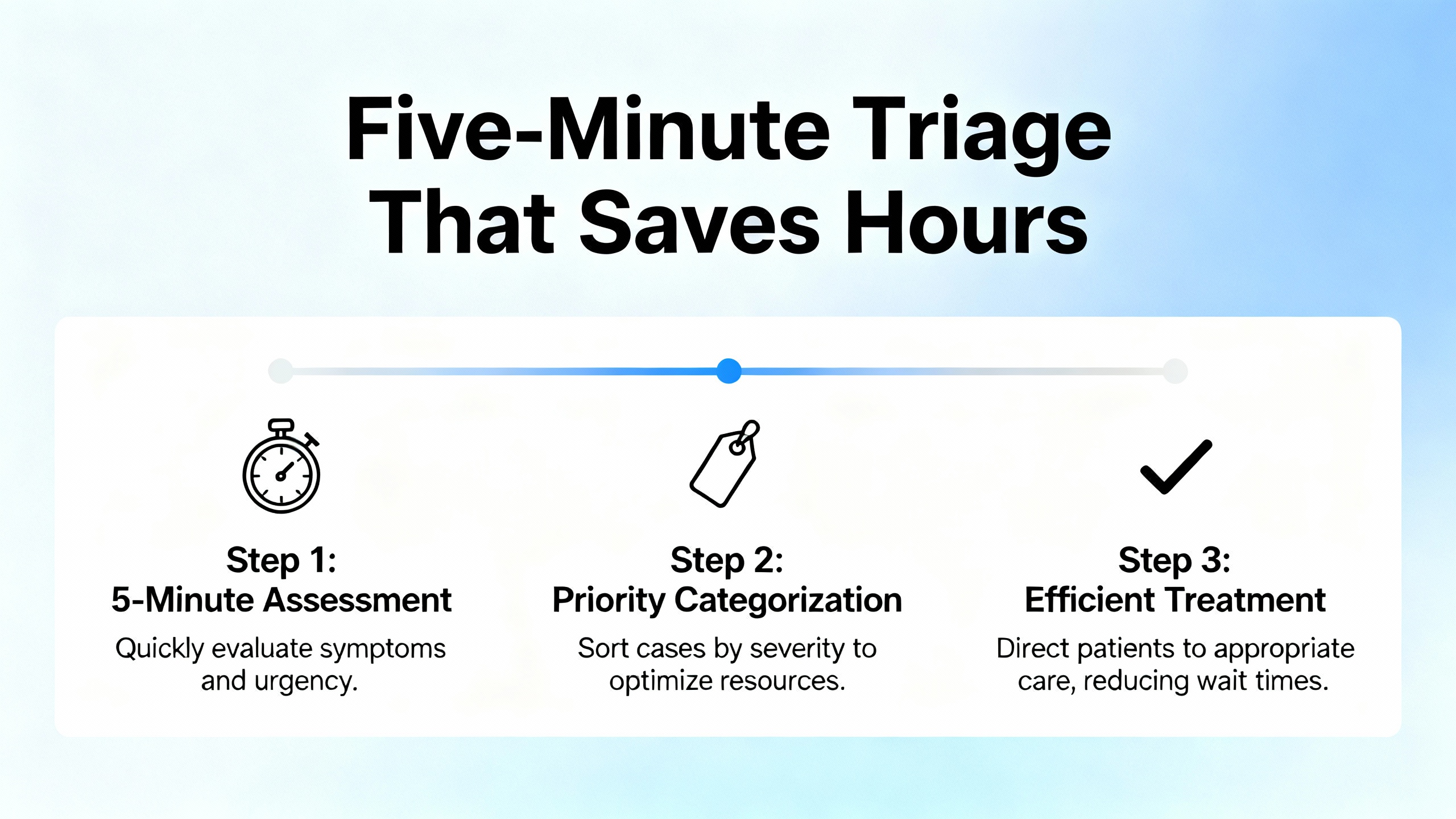
Start simple and stay systematic. Verify communications paths—an unseated Ethernet connector or a loose backplane module can mimic a logic fault. Watch the LEDs; a red or flashing status on a CPU, power supply, or I/O card is a diagnostic hint, not a mystery. Confirm the controller mode; a PLC left in Program instead of Run will appear “dead” even when perfectly healthy. Check the power rail with a meter at the terminals, not just upstream; unstable or sagging voltage explains intermittent comms, memory corruption, and spurious device resets. When a card or cable is suspect, swap with a known‑good unit to see whether the fault follows the hardware. HESCO highlights these basics for Rockwell hardware, and that emphasis is echoed by Industrial Automation Co., PLC Department, and RealPars: eliminate the obvious before diving into code.
Common Symptoms, Probable Causes, and Fast First Actions
| Symptom | What it usually means | First actions | Source knowledge |
| I/O not responding | Controller–module communication failure or misconfiguration | Verify wiring and seating, match I/O configuration to the physical hardware, and power‑cycle the chassis if needed | Industrial Automation Co.; HESCO |
| Controller major fault | Logic or hardware fault, often watchdog, divide‑by‑zero, or array bounds | Read the Fault tab in Studio 5000 or RSLogix, correct logic, clear the fault, and re‑download a known‑good program; confirm firmware compatibility | Industrial Automation Co.; Electric Neutron |
| No communication with HMI/SCADA | Network misconfiguration or physical layer issue | Validate IP, subnet, and gateway, check cables and switch ports, and confirm the RSLinx path/driver | Industrial Automation Co.; PLC Department |
| PLC stuck in Program mode | Mode not set to Run, or active faults holding the controller | Switch to Run/Remote Run, then resolve any latched or active faults | Industrial Automation Co. |
| Watchdog timeout | Task scan exceeded limits or a logic loop | Simplify rungs, remove loops/long delays, adjust periodic task rates, or consider a faster CPU if persistent | Industrial Automation Co.; Electric Neutron |
| Unrecognized module | EDS or firmware mismatch | Install the correct EDS and update controller firmware to support the module | Industrial Automation Co. |
| Red flashing LED | Critical module or system fault | Decode the flash pattern in vendor docs and replace or reseat the module as indicated | Industrial Automation Co.; PLC Department |
| Power supply fault | Unstable voltage causing resets and comm failures | Check overloads and input fluctuations, verify grounding, and replace aging or damaged supplies | Industrial Automation Co.; PDFSupply |
| RSLogix/Studio cannot go online | Software version or comm path mismatch | Use software that matches controller firmware and verify the comm path (Ethernet/USB/serial) | Industrial Automation Co. |
| Battery low/memory loss | Risk of losing data/variables after power‑down | Replace with the correct battery during planned downtime and validate data retention | HESCO |
These patterns are deliberately conservative. Acting on them first reduces downtime while minimizing “shot‑in‑the‑dark” edits that can introduce new problems.
A Repeatable, Low‑Risk Troubleshooting Workflow
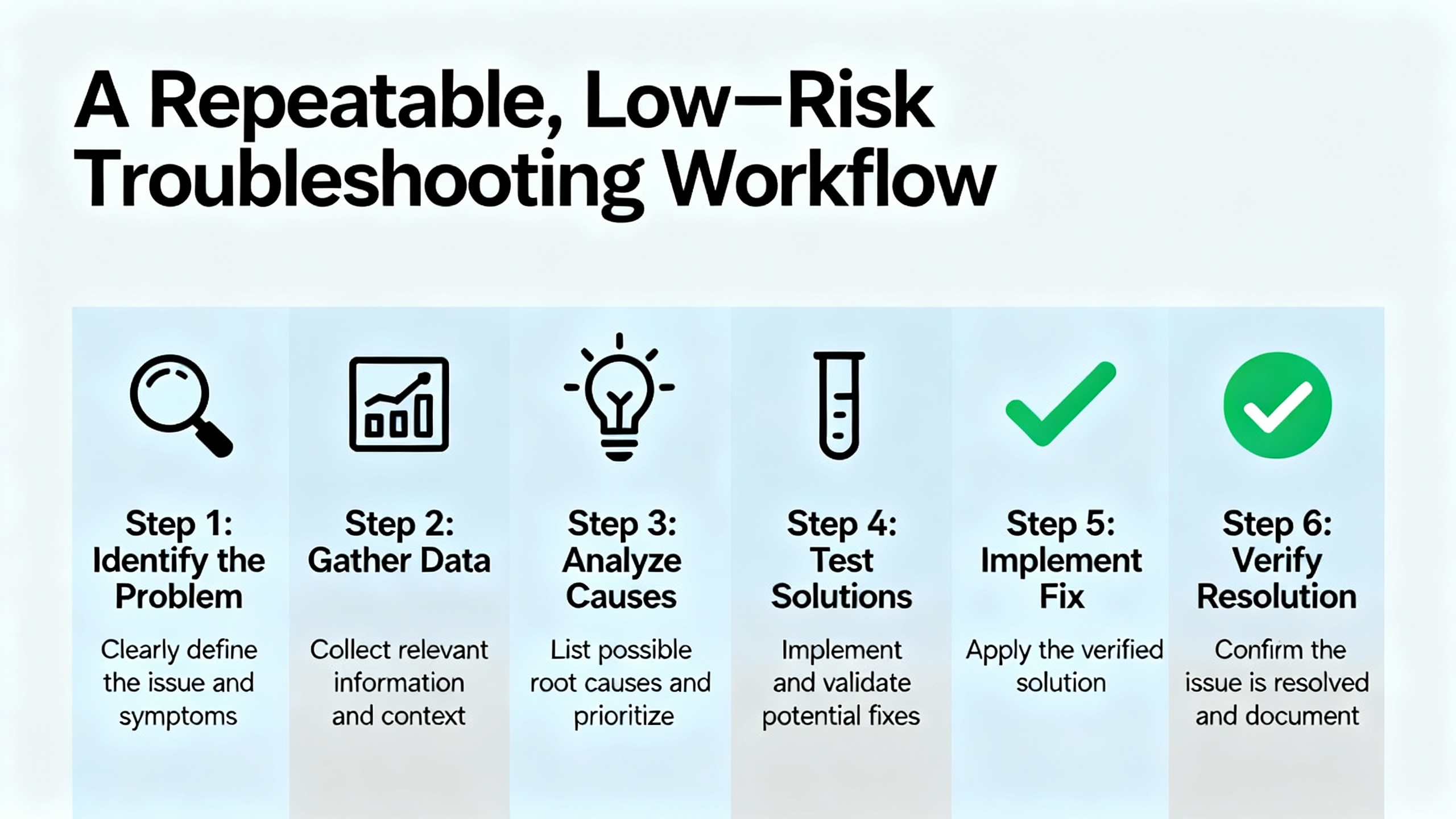
An effective workflow begins with observation and context. Speak with operators and maintenance, review trends or alarms, and witness the failure if possible. Verify control power, grounding integrity, and cabinet conditions—heat, dust, and vibration shorten electronics life and produce intermittent faults. Go online with Studio 5000 or RSLogix to review the processor’s status, Fault tab, and I/O health in real time. If an input or output seems incorrect, cross‑check it both in software and at the terminals, and confirm device wiring and ratings. Resist the urge to force bits unless you have lockout/tagout in place and a clear hazard assessment; use forcing sparingly to isolate logic from field issues, then remove it immediately after testing. Make one change at a time and document each observation so you can roll back confidently. PDFSupply and RealPars both stress this disciplined, test‑and‑verify approach as the bedrock of reliable resolution.
Make the Tools Do the Heavy Lifting
| Tool | Where it fits | What to watch |
| Studio 5000 Logix Designer | Real‑time faults, logic visualization, tag trends, module state and firmware checks for CompactLogix/ControlLogix | Match project version to controller firmware; use the Fault tab and task monitors to catch watchdogs and timing issues (HESCO; Electric Neutron) |
| RSLogix 500 | Essential for SLC 500/MicroLogix with scan status, data file views, and instruction‑level tracing | Use proper DF1/Ethernet drivers and correct processor selection (HESCO) |
| RSLinx/FactoryTalk Linx | Discover and route to controllers; drivers for Ethernet/IP, USB, serial | Confirm the right driver and path; resolve IP conflicts and node duplication (Industrial Automation Co.) |
| BOOTP‑DHCP Server | Assign addresses to Ethernet modules that expect BOOTP/DHCP | Tie the MAC address to the intended static IP; disable BOOTP after assignment (Industrial Automation Co.; Electric Neutron) |
| ControlFLASH/ControlFLASH Plus | Update firmware for controllers and modules | Align firmware with project versions and EDS; plan downtime and backups (Industrial Automation Co.; PLC Department) |
| FactoryTalk Diagnostics | Centralized event and alarm logs | Use timestamps to correlate events and uncover intermittent faults (Electric Neutron; HESCO) |
| RSLogix Emulate 5000 | Offline testing of code behavior | Validate logic changes before risking a live process (Electric Neutron) |
| AssetCentre | Centralized backups and change tracking across a site | Automate backups at least quarterly or after changes; enforce change control (HESCO) |
| Trends in Studio 5000 | Plot tags over time during online sessions | Trend up to eight tags; adjust Y‑axis manually—setting a BOOL pen for clear 0/1 transitions makes logic timing visible (SolisPLC) |
These utilities are most effective when you maintain version discipline. Firmware‑software mismatches and missing EDS files are behind a surprising number of “mystery” problems.
Power Quality, UPS, and Noise: Reliability Starts at the Source
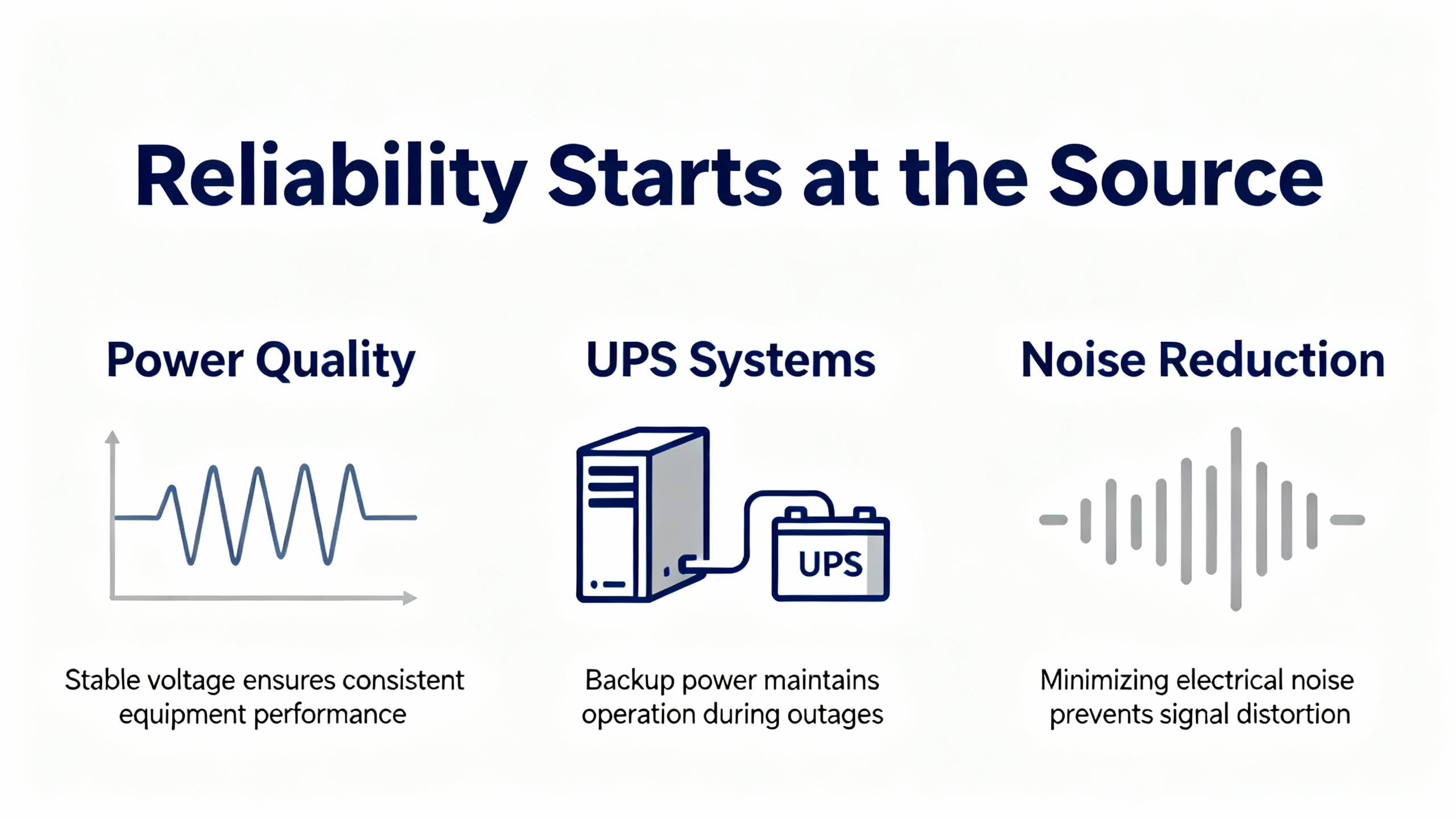
Many PLC problems trace back to power, not programming. Verify PLC supply voltages with a meter at the controller terminals, not just at the panel feed. Look for overheating, dust buildup, and loose terminations, then correct and retorque as needed. Where line conditions are unstable, implement surge protection, voltage stabilization, and line conditioning; these measures reduce memory corruption and nuisance resets. Proper grounding cuts electromagnetic interference, particularly when large motors or drives start nearby. For control system continuity during brief sags or outages, pair the PLC power rail with an appropriately sized UPS; verify battery health on a maintenance schedule and test under load. These power‑centric practices are emphasized by PDFSupply and PLC Department and align directly with a UPS‑and‑inverter reliability mindset.
Memory, Batteries, and Data Integrity
A low or missing controller battery on legacy platforms risks losing non‑retentive variables, retentive data, and real‑time clock settings on power‑down. The symptoms are subtle: values appear correct while energized but reset after a stop. Replace PLC batteries during planned downtime, use the exact specified type, and verify data retention afterwards. HESCO recommends a proactive replacement cadence of roughly two to three years. Low memory faults often originate from tag bloat or large trend logs, which are common in long‑running plants; the remedy is to remove unused routines and tags, trim or archive old trend data, or upgrade controller memory where appropriate. Regardless of controller family, keep regular offline backups—at least quarterly or after any significant change—and consider AssetCentre to automate backups across multiple systems and maintain version history.
CompactLogix vs. ControlLogix: Diagnostic Nuances That Matter
CompactLogix and ControlLogix share Studio 5000 and many practices, but they differ in scale and advanced features. ControlLogix adds chassis diagnostics, redundancy options, and broad hot‑swap support; CompactLogix includes fewer chassis features and more integrated packaging, which can simplify small systems but limit certain fault‑tolerant configurations. Both support EtherNet/IP communications, while ControlLogix commonly integrates legacy networks via dedicated modules. In troubleshooting, ControlLogix backplane diagnostics and slot‑based module detail are especially helpful on large systems; CompactLogix benefits from the same logic‑level tools, with a tighter focus on Ethernet module health and I/O tag states. Electric Neutron’s practical comparisons and case study of a periodic task overlap fault underscore how platform nuances influence fault patterns and fixes.
When to Do It Yourself—and When to Escalate
Plenty of issues are safe for on‑site teams to resolve. Common DIY wins include swapping a suspect I/O card, reseating or replacing a power supply, restoring a known‑good program, clearing and correcting a major fault, or fixing an obvious IP mismatch. Escalate when faults span multiple systems, when you suspect a corrupted program or memory allocation failure, if CPU or communications hardware appears compromised, or if you face an emergency with no valid backup. HESCO specifically recommends leveraging Rockwell’s support channels for deep memory and multi‑system scenarios; in practice, remote diagnostics can compress days of trial‑and‑error into a productive hour.
Preventive Maintenance and Lifecycle Planning
Proactive attention scales better than reactive heroics. Do monthly visual checks of wiring, connectors, and environmental conditions, and monitor cabinet temperature to protect component lifespans. Replace PLC batteries on a two‑to‑three‑year cadence and validate retention. Back up logic and configuration at least quarterly, and immediately after material changes or during commissioning milestones. Track firmware baselines and EDS packages alongside your backups so devices can be rebuilt rapidly when failures occur. Plan migrations for the aging SLC 500 and early CompactLogix installed base; HESCO’s lifecycle guidance and Installed Base Evaluations reflect an industry reality—support windows close, and unplanned downtime grows more expensive as systems age.
Care and Buying Tips from a Reliability Lens
Keep critical spares where failure has a long replacement lead or an intolerable downtime cost. Prioritize power supplies, common I/O modules, and key communications cards. Verify EDS files and controller firmware before adding new modules, and align software versions on engineering workstations so you can go online without delay. Implement AssetCentre or a disciplined manual process for backups and change control. Label I/O to match tags, and keep schematics and network drawings current to speed root cause analysis. Train technicians on Studio 5000 fundamentals, fault handling, and trend configuration so that first response produces actionable diagnostics instead of guesswork. Finally, invest in upstream power: surge protection, line conditioning, and a UPS matched to the PLC load stabilize your control layer and reduce expensive nuisance trips.
Pros and Cons of Common Troubleshooting Choices
Forcing I/O or temporarily bypassing interlocks can be a useful isolation tool but comes with safety implications and the risk of creating “phantom” operational states; apply lockout/tagout and limit forcing to short, supervised intervals. Trend‑based diagnosis consumes little risk and reveals timing defects invisible to steady‑state inspection, but it requires discipline to set scales and capture the right tags. Upgrading firmware can unlock module support and fix bugs, yet any update introduces its own risk and must be paired with a backup, a downgrade plan, and a controlled window. ControlLogix’s redundancy and hot‑swap options add resilience to high‑criticality lines at the cost of complexity and inventory; CompactLogix keeps costs down and simplifies small systems but limits certain fault‑tolerant designs. Finally, a UPS and proper line conditioning add a modest capital cost for a disproportionate reliability gain in electrically noisy or volatile environments, as field guidance from vendor and integrator sources makes clear.
Quick Diagnostic Patterns Worth Memorizing
If an HMI stops communicating while the PLC seems fine, check for a duplicate IP, a subnet mismatch, or a failed switch port; simple addressing errors are common. If a pusher, diverter, or motion‑related function intermittently misbehaves, trend the enabling bits and the timer preset and accumulators together; misaligned conditions are far more common than broken actuators. If a module suddenly shows as unrecognized after cabinet work, install the correct EDS and confirm slot configuration, then reseat the card. If scan time spikes and trips a watchdog, look for loops, unusually heavy instruction blocks, or aggressive periodic task rates; Electric Neutron notes a real‑world major fault resolved by relaxing a 10 ms periodic task to 100 ms and rebuilding logic.
Takeaway
Reliable Allen‑Bradley PLC troubleshooting blends power integrity, disciplined observation, and tool mastery. Confirm supply and grounding, watch the LEDs and the Fault tab, use trends to reveal timing and state issues, and back up before you touch firmware or logic. Fix one thing at a time and record every step. Build resilience upstream with surge protection, stabilizers, and an appropriate UPS. Maintain batteries, backups, and version control. For large or multi‑system anomalies, escalate early and leverage vendor diagnostics. These habits, drawn from Rockwell‑focused field practice and reputable training sources, minimize downtime and make each incident a little easier than the last.
FAQ
How do I recover from a controller major fault without making things worse?
Begin by going online and opening the Fault tab in Studio 5000 or RSLogix to read the exact fault code and description. Correct the underlying logic problem, such as a divide‑by‑zero, out‑of‑range array, or excessive scan time. Clear the fault, then download a known‑good program if the controller memory looks suspect. Validate operation with careful trending and only then return the controller to Run. This sequence reflects guidance from Industrial Automation Co. and is consistent with Rockwell training practice.
What should I check first when an HMI or SCADA station stops talking to a PLC?
Start at the physical and network layers. Confirm the cable and switch port status, then validate IP address, subnet mask, and gateway settings. In RSLinx or FactoryTalk Linx, ensure the driver and path are correct and that no other device is using the same address. If the interface relies on BOOTP/DHCP, verify the assignment and disable BOOTP once set. This network‑first approach aligns with advice from Industrial Automation Co. and PLC Department.
How often should PLC batteries be changed, and what are the risks of delay?
Replace PLC batteries during planned downtime every two to three years, using the exact battery type specified by the controller. Delays risk losing retentive data and real‑time clock settings during power loss, which can make intermittent faults appear and disappear with cycling. After replacement, confirm data retention by cycling power and validating critical tags. HESCO highlights this proactive cadence to avoid nuisance failures.
What causes “Unrecognized Module” errors after adding hardware to a chassis?
Most often, the controller lacks the correct EDS file or firmware support for the module. Install the proper EDS and update firmware to a version that supports the hardware. After that, verify slot assignment and reseat the module. Industrial Automation Co. flags this as a common and easily fixed source of confusion.
How do I diagnose a watchdog timeout?
A watchdog trips when the controller’s scan or a periodic task exceeds allowed time. Look for loops or long rungs that block execution. Reduce task frequency where feasible, split heavy logic across tasks, and profile scan times using Studio 5000’s tools. If timing is still marginal, consider a higher‑performance controller. Electric Neutron documents a case where adjusting a periodic task interval resolved a persistent fault.
What’s the practical difference between CompactLogix and ControlLogix when troubleshooting?
Both use Studio 5000, but ControlLogix adds richer chassis diagnostics, more hot‑swap flexibility, and redundancy options suited to large or high‑criticality systems. CompactLogix is tightly integrated and cost‑effective for mid‑size applications, with fewer chassis features to troubleshoot. These distinctions inform expectations for module diagnostics and recovery steps and are discussed in Electric Neutron’s guidance.
References
Rockwell Automation; HESCO; Industrial Automation Co.; PDFSupply; PLC Department; RealPars; SolisPLC; Missouri S&T (ScholarsMine); A‑Tech.
- https://www.atech.edu/PLCProgrammableLogicControls.aspx
- https://catalog.mscc.edu/preview_course_nopop.php?catoid=2&coid=1144
- https://catalog.pima.edu/preview_course_nopop.php?catoid=11&coid=20640
- https://catalog.sheridan.edu/preview_course_nopop.php?catoid=14&coid=19149
- https://www.academia.edu/49140936/Troubleshooting_Programmable_Logic_Controllers
- https://digitalcommons.georgefox.edu/cgi/viewcontent.cgi?referer=&httpsredir=1&article=1022&context=mece_fac
- https://scholarsmine.mst.edu/ele_comeng_facwork/3998/
- https://do-server1.sfs.uwm.edu/exe/72Q45M2289/play/61Q30M3/practical__troubleshooting_of__instrumentation_electrical-and_process__control.pdf
- https://www.plctalk.net/forums/threads/fault-handling-allen-bradley.68857/
- https://blog.hesconet.com/rockwell-automation-plc-troubleshooting-common-problems-and-solutions


 Videos
 News
News Applications












Leave Your Comment