As a power system specialist who lives at the intersection of industrial controls and electrical reliability, I have learned that a PLC fault is rarely just a software problem and rarely just an electrical problem. It is a system event. In plants that depend on UPS‑protected controllers, inverters, and clean 24 VDC control power, an Allen‑Bradley processor fault is both a production risk and a reliability signal. This guide translates error codes into root causes and fixes you can apply right now, with cross‑references to known behaviors across ControlLogix, CompactLogix, and legacy SLC/MicroLogix platforms. I draw on field experience and respected sources including Rockwell Automation documentation, HESCO, Industrial Automation Co., GES Repair, RealPars, Maple Systems, PLC Department, and MrPLC forum contributors.
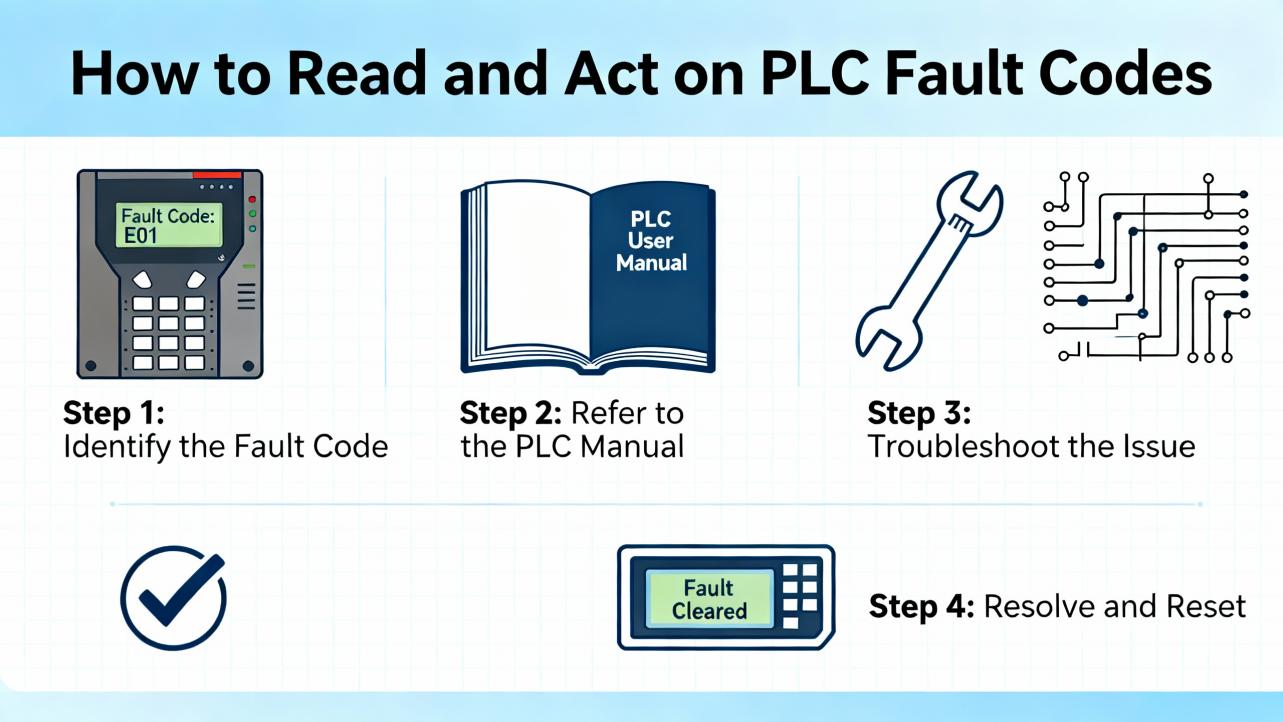
How to Read and Act on PLC Fault Codes
An Allen‑Bradley PLC surfaces faults as structured codes and sub‑codes. In the Logix family, the diagnostic model distinguishes major versus minor, and recoverable versus nonrecoverable. A major fault halts the CPU, while a minor fault records an issue but can allow the controller to keep running. Recoverable errors can be cleared after correcting the condition; nonrecoverable errors typically require a firmware cycle, a restore from backup, or hardware service.
The first steps matter. Record the exact fault code and any sub‑codes, note the date and time, grab a screenshot of controller properties and the fault history, and observe processor and module LED patterns. In my experience this simple discipline, paired with a short note on what changed recently, eliminates guesswork later in the shift or during escalation. GES Repair recommends this as the fastest path to a first fix, and I agree.
To interpret and act, go online with Studio 5000 Logix Designer for ControlLogix and CompactLogix, or RSLogix 500 for SLC/MicroLogix. Read the controller fault tabs, browse module properties, and check the Controller Log and Task Monitor for scan time behavior. If you cannot connect, confirm your FactoryTalk Linx or RSLinx driver is on the right network interface, in the correct subnet, with the appropriate Electronic Data Sheets (EDS) installed as RealPars highlights. When LEDs are red or flashing, remember Industrial Automation Co.’s advice: treat that as a critical module issue and decode the pattern; replace the module if the condition is unrecoverable.
What the Codes Mean: A Short Primer
The most common code families fall into program execution, timing, memory and storage, network and configuration, motion, and I/O or backplane communication. Program execution faults like divide‑by‑zero are often recoverable and point straight to the offending rung. Timing faults such as watchdog timeouts indicate that total scan time exceeded the configured limit, which can be caused by runaway loops, blocking instructions, or heavy periodic tasks. Memory faults range from insufficient memory for tags or trends to nonrecoverable corruption. Network and configuration faults cover CIP connections, EtherNet/IP timeouts, module profile mismatches, or duplicate IP addressing. Motion faults reflect axis health and tuning. Road‑testing fixes starts with basics: power, wiring, addressing, and firmware alignment, then moves up to code quality, task timing, and system load.
The Directory: Common Allen‑Bradley PLC Fault Codes and Fixes
The following table consolidates frequently encountered codes and the fastest path to a fix. When a remedy requires inference beyond the cited sources, I note that explicitly with confidence.
| Code | Area | Meaning | What to Check | Fix / Next Action |
| 0x04 | Program execution | Recoverable logic fault such as divide‑by‑zero | Identify the halted rung and recent logic changes | Correct the instruction and data types, clear fault, return to Run (source: GES Repair) |
| 0x08 | Timing | Watchdog timeout; scan time exceeded | Periodic tasks, loops, and heavy instructions | Simplify logic, break long routines, remove runaway loops, consider a faster CPU if persistent (source: GES Repair) |
| 0x0F | Memory | Nonrecoverable memory error | Controller status and firmware integrity | Reflash firmware or replace processor if fault persists; restore from verified backup (source: GES Repair) |
| 0x300 | Memory | Insufficient memory | Recent tag or trend growth, diagnostic buffers | Remove unused routines/tags, trim trend logs, consider memory upgrade where supported (source: GES Repair; HESCO) |
| 0x320 | Memory | Program corruption | Backup integrity and change history | Download known‑good backup, then validate tasks and modules online (source: GES Repair) |
| 0x12 | I/O / Backplane | I/O timeout | Module seating, backplane health, field power | Reseat modules, verify terminal voltages, repair wiring, replace failing card if the fault follows the module (source: GES Repair; HESCO) |
| 0x1F | Configuration | Module configuration mismatch | EDS availability and module profile | Install correct EDS, align module firmware/profile to controller revision (source: GES Repair) |
| 0x80 | Network | EtherNet/IP timeout | Switch ports, congestion, cabling, ping reachability | Replace suspect cables/switches, fix loops, ensure correct VLAN/subnet assignment (source: GES Repair) |
| 0x81 | Network | CIP connection failure | Connection path and configuration parameters | Validate slot, chassis size, and connection path; correct connection type and RPI (source: GES Repair) |
| 0x88 | Network | Duplicate IP address | ARP table, DHCP server, network plan | Assign unique IP, update the plan of record; clear stale ARP entries (source: GES Repair) |
| 0x700 | Motion | Axis fault | Drive feedback, enable chain, mechanical binding | Verify feedback wiring, confirm enable states, inspect mechanics; clear and retune as needed (source: GES Repair) |
| 0x730 | Motion | Excessive position error | Tuning, load inertia, backlash | Retune axis, inspect mechanics, validate commanded profile versus capability (source: GES Repair) |
In practice, I triage these in the order of risk to personnel and equipment, then impact on process availability. For example, I treat 0x0F and 0x320 as immediate escalation to a restore or reflash with a prepared maintenance window, while 0x04 or 0x08 usually point to safe logic corrections that can be made quickly after isolating interlocks.
Communications and Module Identity Problems
When a PLC cannot identify a chassis module or a device shows up with a yellow question mark, the problem is typically an EDS or firmware mismatch. Industrial Automation Co. notes that unrecognized modules reflect missing support in the controller’s revision stack. Installing the correct EDS and aligning controller firmware to the hardware clears the symptom and prevents spurious fault logs. If you have intermittent HMI or SCADA communication loss, cross‑check IP, subnet, and gateway alignment, and confirm your RSLinx or FactoryTalk Linx driver is bound to the correct network adapter. RealPars emphasizes that EtherNet/IP discovery is single‑subnet by design and that choosing the driver’s active network interface resolves many “Who Active” discovery blind spots.
I make a habit of maintaining a plant‑wide IP plan and labeling devices and switch ports physically in the enclosure. The time you spend now avoids duplicate‑IP events that present as 0x88, and it cuts mean time to repair when a device disappears from the browse. When your controller reports 0x80 or 0x81 under production load, look for topology changes, failing switch ports, or unmanaged loops that create storms. If your I/O connection times out with 0x12 and the fault follows the card when swapped to a spare slot, you likely have a bad module rather than a bad backplane.
Memory, Program, and Controller Health
There is a difference between running out of memory and having memory that cannot be trusted. Code growth, data logs, and additional tasks can consume RAM to the point you see 0x300, which is generally remediated by trimming unused tags and test routines, reducing trend durations, or upgrading to a controller with more memory. Program corruption 0x320 signals that the stored image is not viable; restoring a verified backup is the right move. A nonrecoverable memory error 0x0F is not a housekeeping problem; GES Repair points out it often requires a firmware cycle, and in my field experience a persistent 0x0F after reflash is a strong indicator that the CPU should be replaced.
Watchdog 0x08 is both a logic and a design discussion. A controller that periodically overruns its scan budget at shift change is telling you that a path through the logic is heavier than intended. Profiling scan time in Studio 5000 and trimming high‑frequency periodic tasks from 10 ms to a more realistic 50 to 100 ms has solved several intermittent halts for me, and this is consistent with practical case notes from PLC Department. If you are doing string manipulation or large array moves inside fast tasks, moving that work into a slower periodic task can eliminate spikes without changing functionality.
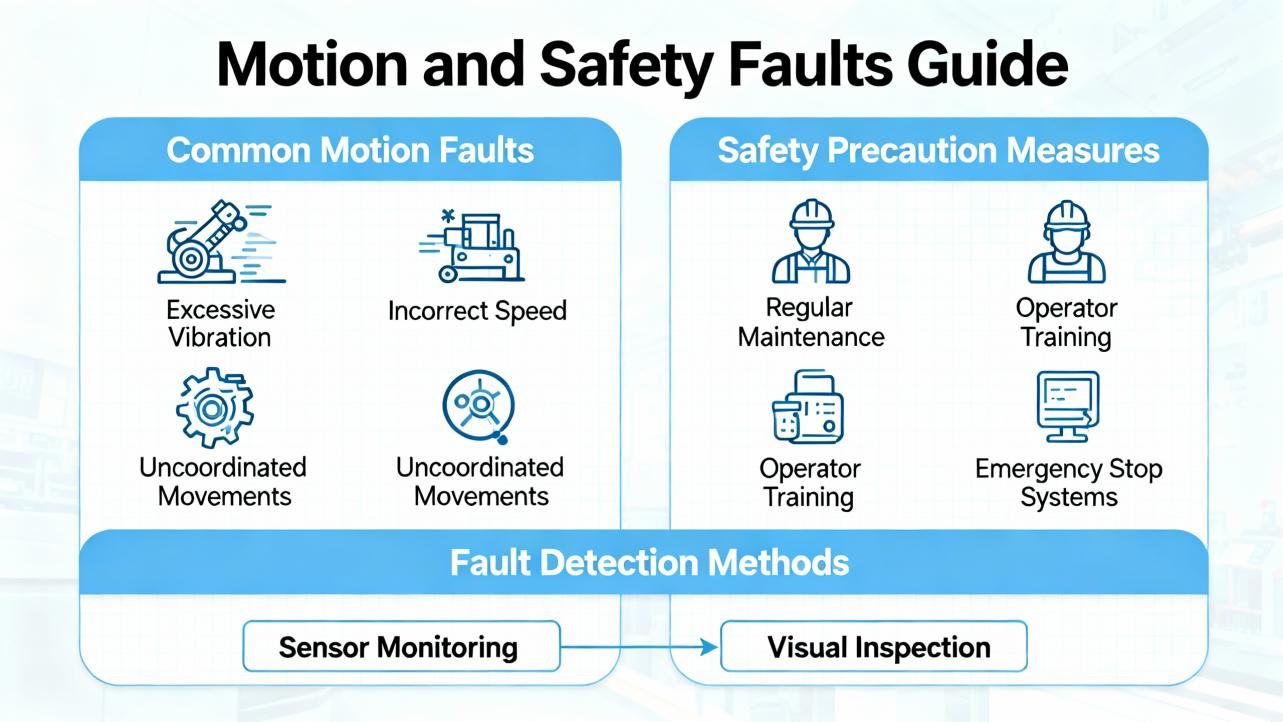
Motion and Safety Faults
Mechanical systems amplify programming assumptions. Axis faults 0x700 and position error 0x730 are not just about loop gains. The fix sequence is mechanical integrity first, then feedback, then tune. I check for binding, excessive backlash, loose coupling, and encoder noise before retuning. If the fault repeats after mechanical work and reasonable tuning, the commanded profile may exceed the drive or motor’s capability for the load inertia. As with all motion work, clear your safety interlocks and verify lock‑out/tag‑out before energizing. I have generally found that treating axis faults as electromechanical, not just software, reduces recurrence.
Power and Environment: The Hidden Root Causes
Low‑noise, stable control power eliminates a large class of phantom faults. HESCO recommends verifying terminal voltages with a multimeter, trying a known‑good supply, and watching for heat and capacitor wear, which mirrors what we see in UPS‑backed panels. If the PLC periodically posts undervoltage or energy storage warnings, a reboot may only mask the deeper fault in the supply. In my practice, I keep thermal images of control enclosures in summer months to trend hot spots before they create unexpected controller failures. Dirty cabinets and reduced airflow show up first as thermal faults in drives and later as module degradation.
Older SLC and MicroLogix controllers rely on batteries for program retention. Battery low or missing warnings are not benign; if you lose power without a healthy battery, you risk losing variables and program data. The HESCO cadence of replacing controller batteries every two to three years during scheduled downtime is sound, and I recommend backing up logic before any replacement to avoid surprises.

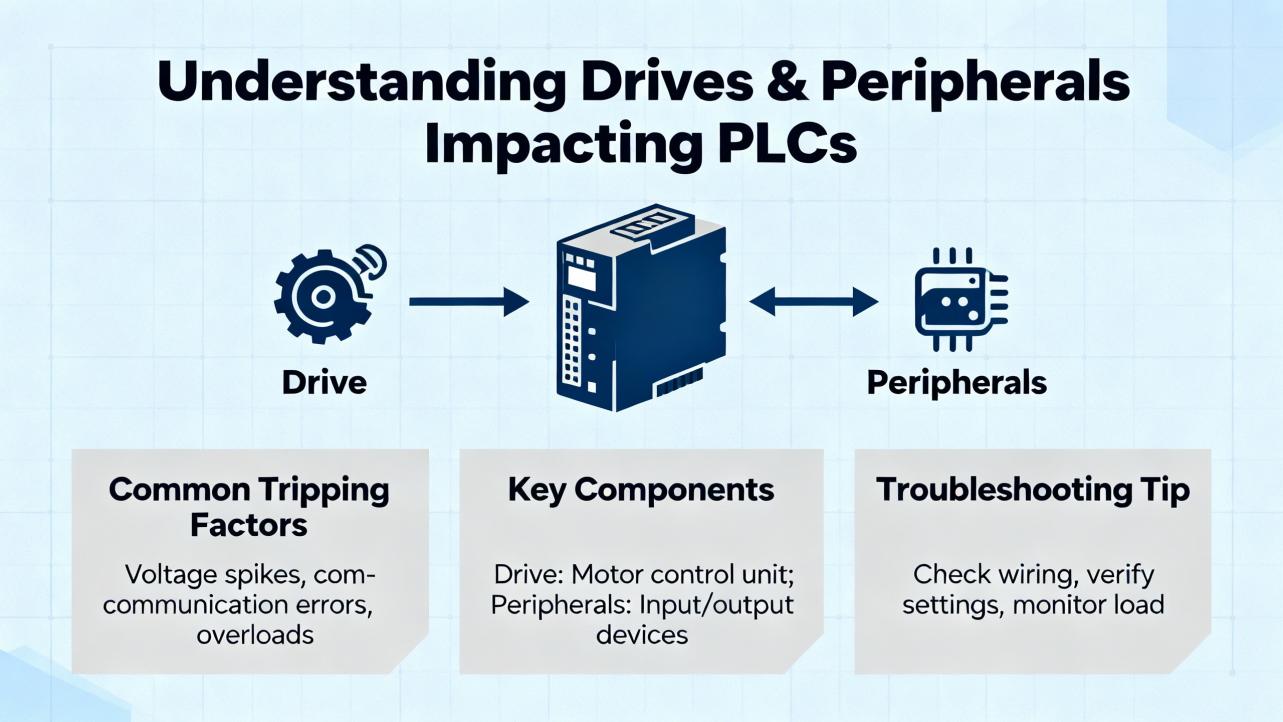
Drives and Peripherals That Trip Your PLC
PowerFlex drives broadcast faults that the PLC often consumes as interlocks. You may see a line shutdown described as “major fault” when the proximate cause was a VFD trip. Industrial Automation Co. provides an excellent PowerFlex 525 fault catalog that I map directly into PLC troubleshooting. When a motor trips on a 525 and your PLC sees the resulting permissive drop, root cause and fix start at the drive.
| Drive Fault | Area | Meaning | First Checks | Fix / Next Action |
| F003 | Power | Power loss | Line stability, fuses, supply sag | Stabilize supply, correct wiring, reduce load; consider UPS or ride‑through where appropriate (source: Industrial Automation Co.) |
| F004 / F005 | Power | Under/overvoltage | Input voltage and decel settings | Stabilize supply, lengthen decel, add dynamic brake resistor if necessary (source: Industrial Automation Co.) |
| F006 | Motor | Motor stalled | Accel limits and mechanics | Increase accel time within realistic limits, reduce load, inspect for binding (source: Industrial Automation Co.) |
| F007 / F064 | Thermal / Load | Overload | Load and current limits | Reduce load, verify motor data (P033), check drive sizing (source: Industrial Automation Co.) |
| F008 / F009 | Thermal | Heatsink or control overtemp | Cabinet airflow, fan health, fin cleanliness | Clean heatsinks, verify fan operation, improve ventilation (source: Industrial Automation Co.) |
| F012 / F013 | Current / Ground | Hardware overcurrent or ground fault | Motor insulation and cabling | Inspect insulation, wiring, and terminations; correct shorts; consider DC brake settings (source: Industrial Automation Co.) |
| F071–F073 / F081–F083 | Communications | DSI or EtherNet/IP loss | Cabling, grounding, switch health, IP settings | Reseat/replace option cards, correct IP configuration, evaluate switch performance (source: Industrial Automation Co.) |
| F059 / F002 | Safety / Control | Safety open or aux trip | S1/S2/S+ wiring, jumper integrity | Restore safety circuit integrity; confirm safe input settings such as t105 (source: Industrial Automation Co.) |
| F091 | Feedback | Encoder loss | Encoder wiring and channel health | Repair wiring, swap channels, replace encoder if needed (source: Industrial Automation Co.) |
| F070 / F114 / F126 | Hardware | Power unit or microprocessor failure; non‑recoverable | Repetitive hardware trips | Replace the drive rather than prolonged troubleshooting if repeated, as replacement is faster and cost‑effective in most cases (source: Industrial Automation Co.) |
From a power quality perspective, undersized or aging supplies, poor grounding, and long deceleration without braking resistors are frequent triggers. Where critical motion must ride through sags, design with UPS or DC bus ride‑through and realistic current limits. I am confident this advice applies broadly across plants because it is anchored in the 525 dataset and mirrored by field performance on drives of similar class.
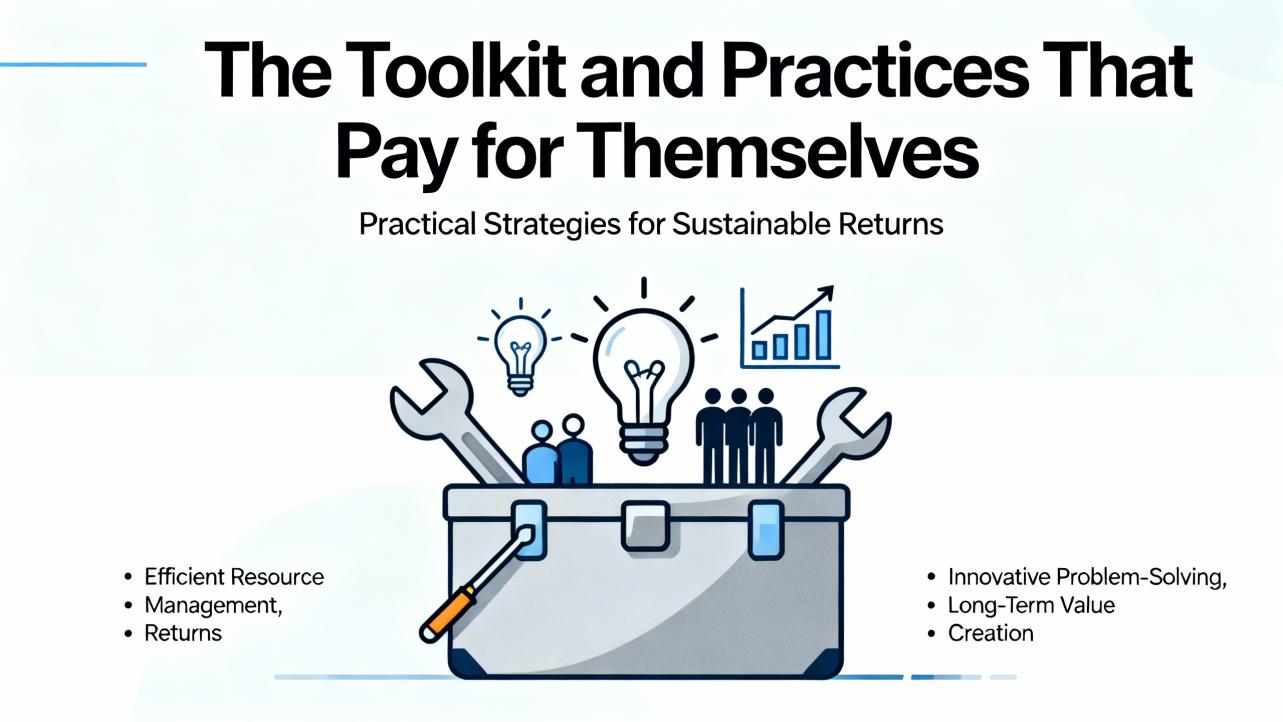
The Toolkit and Practices That Pay for Themselves
The minimum kit for fast diagnosis includes a digital multimeter to verify control and field voltages, a network cable tester to validate links, a current copy of Studio 5000 or RSLogix 500 on a clean laptop, and an installed set of EDS files so devices are recognized during browse. GES Repair adds thermal imaging to spot heat issues early, which is high‑value in crowded cabinets. For communication troubleshooting, RealPars’ guidance on binding the EtherNet/IP driver to the exact NIC, enabling continuous browse, and resolving yellow question marks by installing EDS files shortens connection setup time markedly.
On the software side, use Studio 5000 online tools for step‑through debugging and trend setup. On SLC and MicroLogix, RSLogix 500 remains an effective way to view scan status, live bits, and instruction‑level errors. HESCO calls out Rockwell’s AssetCentre for automated, facility‑wide backups; in plants with more than a handful of controllers, that investment pays off the first time you face a 0x320 corruption. TechConnect access to Rockwell engineers provides fast escalation for major faults that do not clear.
Prevention, Care, and Buying Tips
Backups are a reliability measure, not an IT chore. Keep a known‑good backup for every controller and refresh it at least quarterly and after any significant change, as HESCO recommends. Store a printed wiring diagram and an IP plan in the cabinet so shifts are not blocked when the network is down.
Batteries and power supplies fail gracefully until they do not. Replace controller batteries proactively every two to three years during planned maintenance. Stock a known‑good spare power supply and one spare of each critical I/O card. Keep a spare CPU only if your process downtime business case supports it, but at minimum validate that you have rapid procurement paths as Industrial Automation Co. indicates for pre‑tested parts.
Standardize firmware and EDS versions across controllers of the same family. That discipline avoids “unrecognized module” surprises on a restart and allows you to plug in a spare without a software scramble. Label physical I/O to match tag names; this alone can cut an hour from root cause isolation.
Manage heat and contaminants. Keep enclosure filters clean, verify cabinet pressurization where required, and de‑rate drives or add fans when summer ambient rises. In my practice, the most cost‑effective reliability improvement in hot months is a simple airflow audit and a fan or filter change.
If you are running SLC 500 or early CompactLogix, begin migration planning. HESCO’s lifecycle and escalation guidance is clear that end‑of‑life platforms will constrain your support options. A planned migration costs less than an emergency forklift upgrade.
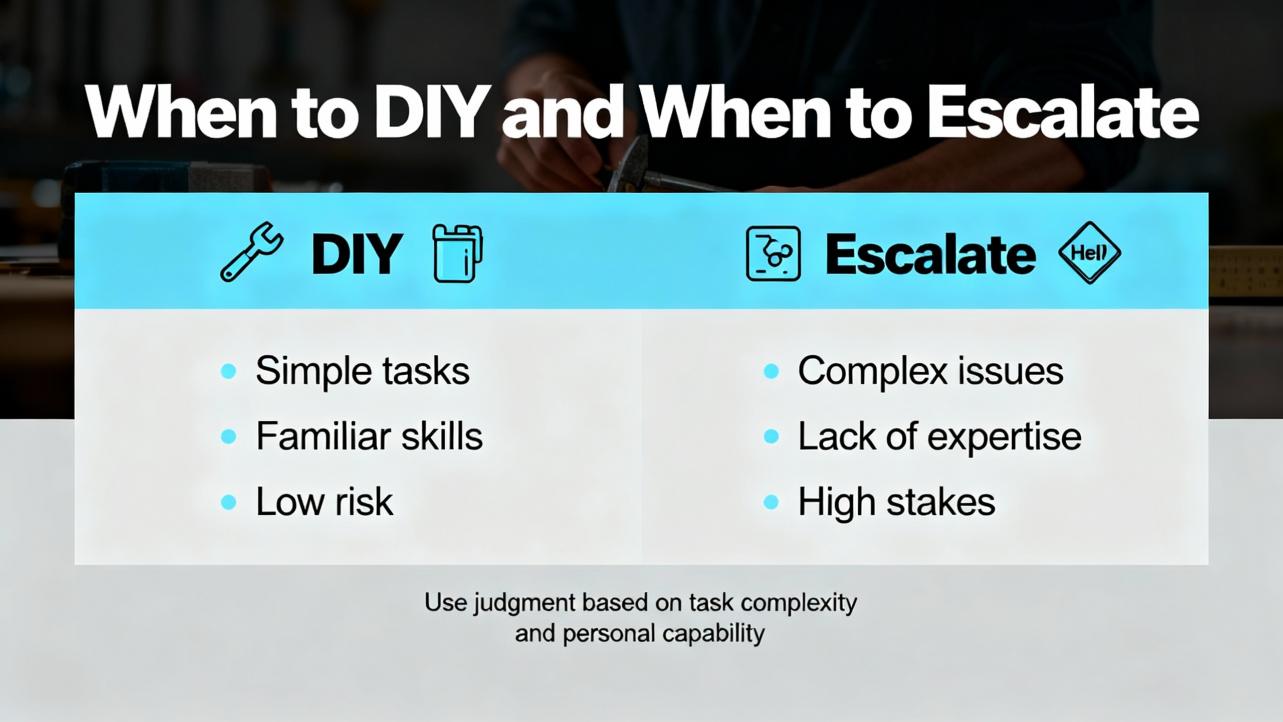
When to DIY and When to Escalate
Do‑it‑yourself fixes include swapping a suspect I/O card to see if a fault follows, reseating modules and cables, restoring a known‑good program, cleaning heatsinks and filters, correcting duplicate IPs, installing missing EDS, and clearing obvious logic issues such as divide‑by‑zero with a safe code change. Escalate when you face major faults with nonrecoverable memory errors, repeated controller hardware faults, memory allocation failures that persist after cleanup, or multi‑system outages without current backups. In those cases, bring in Rockwell TechConnect or a qualified integrator and be ready with your detailed fault logs, power and temperature notes, and change history.
Case‑Bound Definitions and Caveats
It is helpful to anchor a few definitions. A major fault halts the processor and requires an operator or programmer to clear it; a minor fault is logged but often does not stop execution. Recoverable faults clear after you remove the cause and reset; nonrecoverable faults persist until you reflash, reload, or repair hardware. An EDS file is a device’s metadata that Linx uses to identify and communicate with it. A watchdog timeout means the controller’s scan exceeded the configured limit, which is a design‑time guard against runaway logic.
Where this guide infers beyond the cited notes, I call it out. For example, the notion that repeated 0x0F after a clean reflash points strongly to CPU replacement is based on my field experience with ControlLogix families and aligns with the spirit of GES Repair’s advice; I rate that inference high confidence. The recommendation to move heavy array operations to slower periodic tasks is a common Logix practice rather than a code‑specific mandate; I rate that medium confidence because it depends on the program structure.
Takeaway
Treat every Allen‑Bradley PLC fault code as a structured clue rather than a mystery. Start with the code and sub‑code, observe LEDs, check power and network basics, restore from known‑good backups when corruption appears, and optimize logic where timing faults arise. Keep firmware and EDS in sync, maintain spares and backups, replace batteries on a cadence, and manage cabinet heat. When faults point to hardware or memory integrity, escalate early with your logs in hand. This systematic approach, which blends solid electrical practice with good software hygiene, is what keeps lines running and downtime measured in minutes rather than hours.
FAQ
What is the difference between a major fault and a minor fault on a Logix controller?
A major fault halts program execution and requires intervention to clear, while a minor fault records a diagnostic condition and typically allows execution to continue. In Studio 5000, both appear in Controller Properties under faults, but only major faults stop the CPU. This definition aligns with how Rockwell Automation models controller diagnostics.
How do I fix a watchdog timeout without buying a new processor?
Start by finding the hottest paths in your logic using Task Monitor and online trending. Remove unnecessary loops, break long routines into smaller steps, and move heavy computations such as string or array operations into slower periodic tasks. If the scan still overruns after optimization, consider increasing task periods or, as a last step, upgrading to a faster CPU. GES Repair identifies 0x08 as a timing issue, and PLC Department’s case notes show that retiming periodic tasks can resolve it.
Why does my PLC show unrecognized modules after a maintenance shutdown?
This typically indicates an EDS or firmware mismatch between what the controller expects and what is installed. Install the correct EDS for the module and ensure the controller firmware supports that module profile. Industrial Automation Co. points to EDS and firmware alignment as the practical fix, and RealPars explains how to upload or install EDS in Linx.
Are nonrecoverable memory errors always a dead CPU?
Not always, but they are strong indicators of an integrity problem. Try a firmware reflash and then reload a verified backup. If the 0x0F condition persists or reappears quickly, replacement is often the practical fix. GES Repair cites reflash or processor replacement, and in my experience this is a high‑confidence pathway once software causes are ruled out.
My line stopped with a PLC major fault, but the root cause was a PowerFlex drive trip. How should I approach this?
Treat the drive as the source and the PLC fault as a symptom. Read the drive’s fault code, correct the underlying condition such as overcurrent, undervoltage, or overheating, and then clear the interlock in the PLC. Industrial Automation Co.’s PowerFlex 525 guide covers common trip codes and fixes that map directly to restoring permissives in the PLC.
How often should I replace controller batteries and back up programs?
A two to three year battery replacement cadence works well for older platforms that rely on batteries for program retention, and a quarterly program backup cadence is prudent, especially after changes. HESCO advocates both practices, and I have seen them prevent data loss and speed recovery after power events.
What tools do I absolutely need on the truck to handle PLC fault codes?
Carry a current copy of Studio 5000 or RSLogix 500, FactoryTalk Linx or RSLinx with the right EDS files, a digital multimeter, a network cable tester, and a thermal camera if you can. These match the field toolkit recommended by GES Repair and RealPars and are sufficient to resolve the majority of first‑line faults quickly.
If you want help tailoring a plant‑specific fault response playbook or selecting the right spares for your controller and power protection mix, I can summarize the critical components and stocking levels that minimize both downtime and carrying cost, then map them to your installed base and lifecycle stage.
References
- https://www.plctalk.net/forums/threads/fault-handling-allen-bradley.68857/
- https://blog.hesconet.com/rockwell-automation-plc-troubleshooting-common-problems-and-solutions
- https://mrplc.com/index.php?/topic/21244-faults-and-safety-routines/
- https://www.electricneutron.com/troubleshooting-guide-for-allen-bradley-plcs/
- https://gesrepair.com/how-to-diagnose-fault-codes-on-controllogix-and-compactlogix-systems/
- https://www.realpars.com/blog/allen-bradley-plc-troubleshooting
- https://www.rocindustrial.com/post/troubleshooting-common-plc-issues-a-guide-for-industrial-automation-professionals
- https://www.solisplc.com/tutorials/plc-troubleshooting-rslogix-500-slc-micrologix-mathematical-overflow-fault-code-finding-techniques
- https://industrialautomationco.com/blogs/news/allen-bradley-powerflex-525-fault-codes-complete-troubleshooting-guide?srsltid=AfmBOopniQEvUdVAkOR0KiVtRPZrj2OjbvlJXOPc9JPtA_3bIS_wqMvY
- https://maplesystems.com/tutorial/how-to-troubleshoot-and-reset-error-codes-in-your-plc-diagnostics/?srsltid=AfmBOopA2Q1Wu2Fy55ADDVdCQrbhPpjtFQg0ZHqR6C7sGk9N1LRkuPWt


 Videos
 News
News Applications












Leave Your Comment