-
Match the complete marking
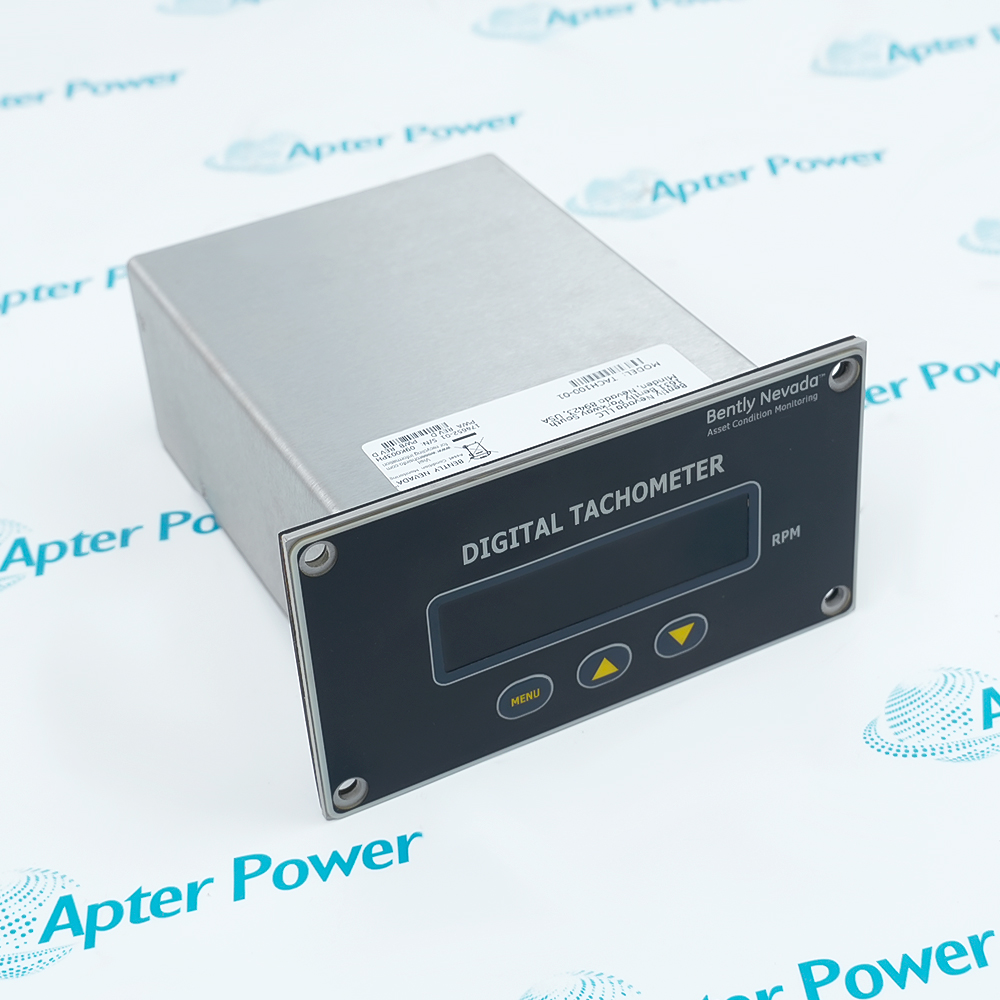
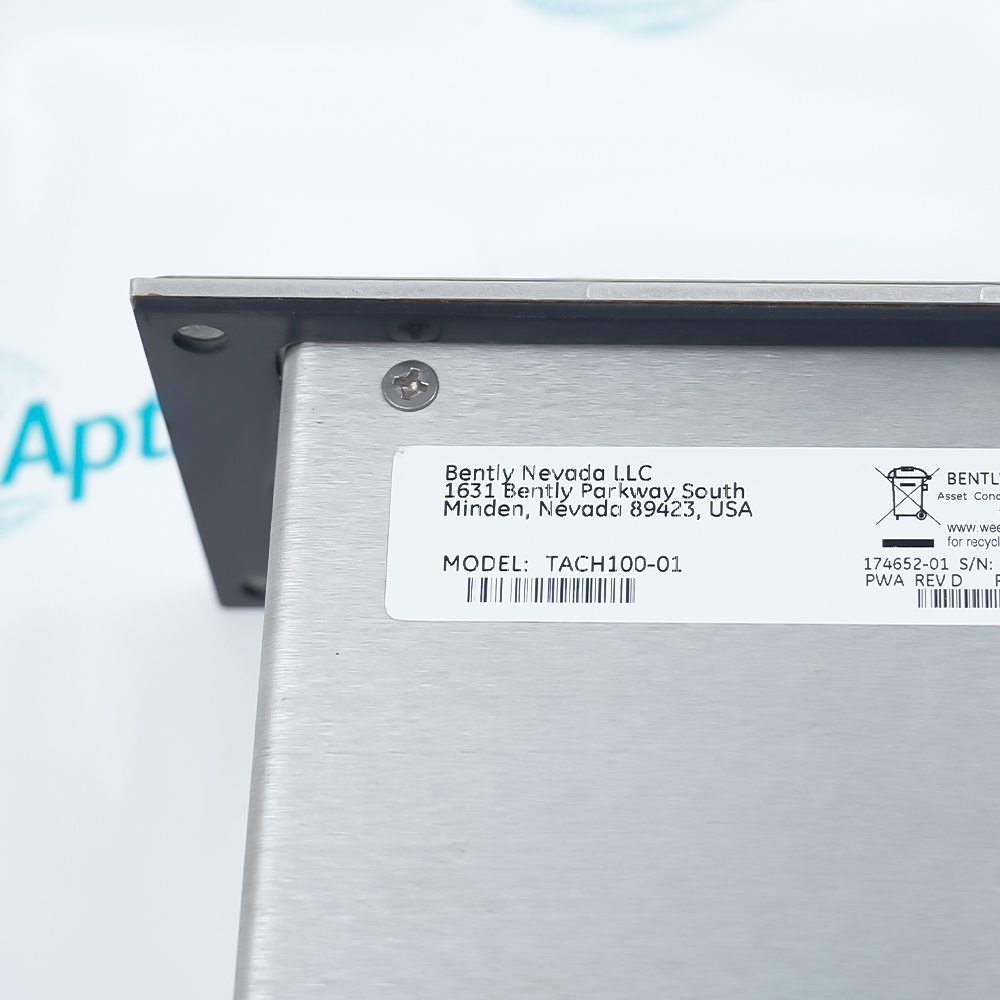
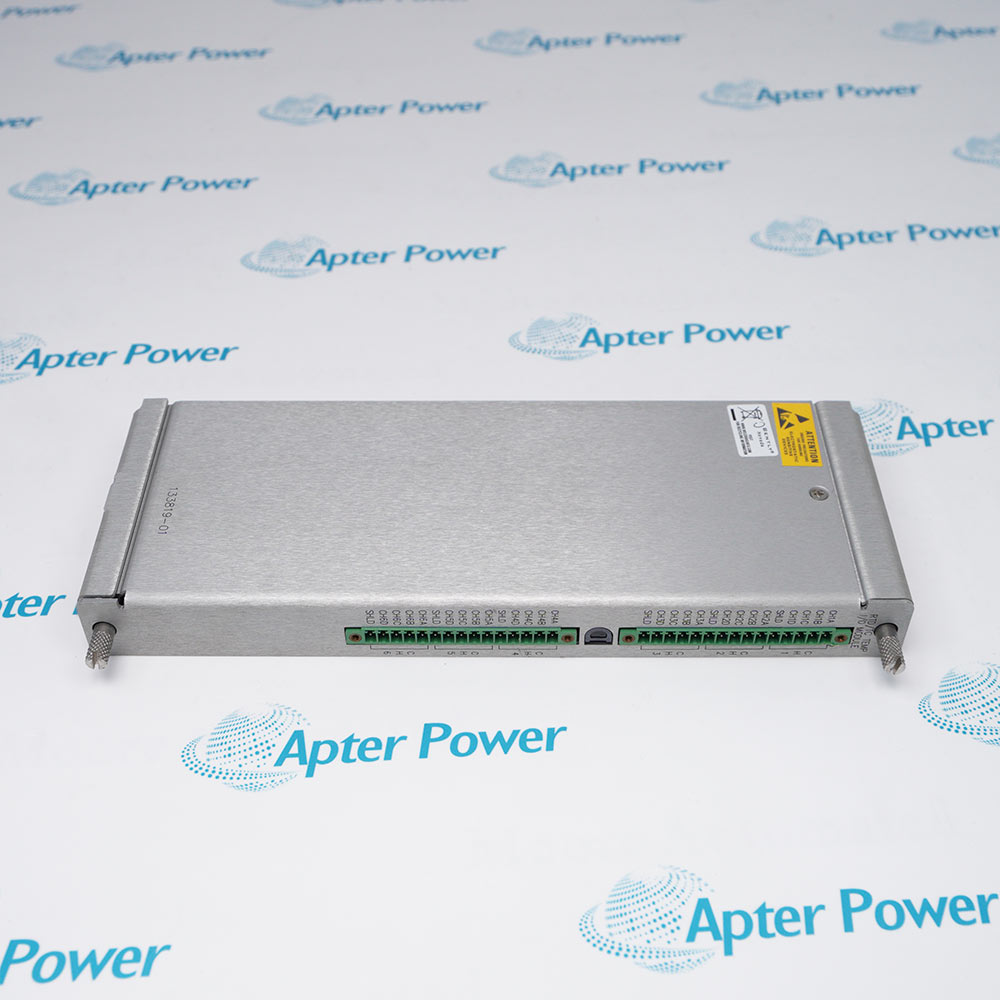
Include TACH100-01 174652-01 and every revision or approval marking visible on the item. Keep the exact reference on your enquiry and quotation. -
Check the offered item before ordering
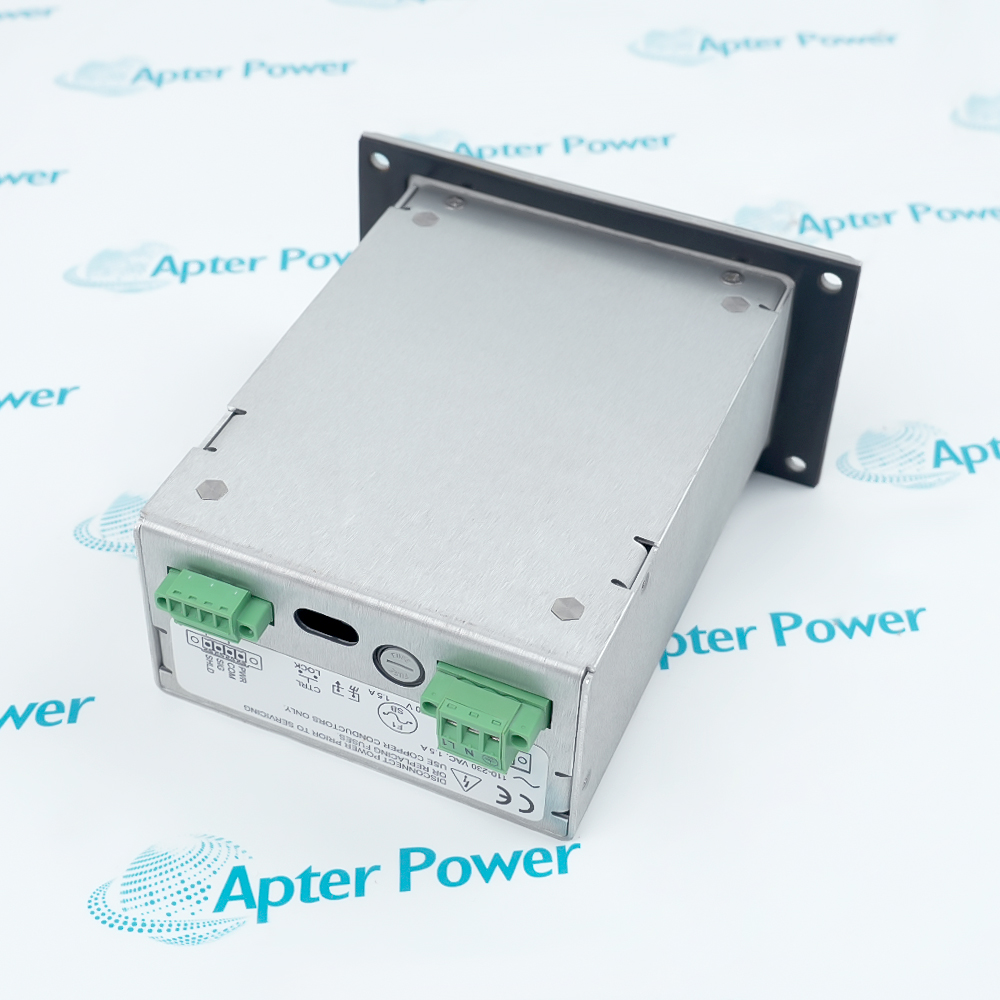
Request available label and interface photos. Have your maintenance team compare the offered TACH100-01 174652-01 reference with the installed equipment and applicable Bently Nevada documentation.
Technical specifications for TACH100-01 174652-01
-
Manufacturer:Bently Nevada
-
Product Category:Machinery Monitoring Systems
-
Spare Part Number:TACH100-01 174652-01
-
Weight:0.48 kg
-
Tariff Code:8537101190
-
Input hysteresis:0.2 to 2.5 V DC, adjustable
-
Events per turn:1 to 99, adjustable
-
AC supply:110 to 230 V AC, 50/60 Hz
-
Fuse:1.5 A slow-blow
-
Nominal power consumption:1.01 W with 888888 displayed
-
Display:6-digit, 7-segment LED
-
Digit height:13.2 mm
-
Measurement range:1 to 999,999 rpm
-
Resolution:1 rpm
-
Accuracy:+/-0.015% of displayed input speed
-
Display update threshold:0.003% minimum input change
-
Proximitor power:-24 V DC at 20 mA maximum
-
Operating temperature:0 to +60 deg C
-
Storage temperature:-40 to +85 deg C
-
Relative humidity:95% maximum, noncondensing
-
Altitude:2,000 m maximum
Information
- The complete TACH100-01 174652-01 identity establishes the hardware selection; installation still depends on the documented host, companion components and project configuration.
Sensor-power choice: Use either the internal -24 V source or the documented externally powered signal arrangement.
Parallel connection review: A shared Keyphasor signal requires correct common, loading and monitor wiring.
Its internal supply can power a Proximitor Sensor, while an externally powered Keyphasor signal can also be accepted in the documented parallel arrangement. Confirm the common and power path before applying AC power.
Commissioning should compare indicated speed with a trusted machine reference across the operating range, verify the configured pulse count and confirm display stability during acceleration and steady operation.
-
Bently Nevada TACH100-01 174652-01 technical reference
Apter Power reference with verified manufacturer data and exact-model applicability. -
Bently Nevada TACH100-01 174652-01 engineering guide
Apter Power installation, configuration, diagnostic and acceptance guidance.
Platform applications: The uses below depend on the installed controller configuration and approved system design.
-
Local machine speed display
Provide RPM indication close to rotating equipment. -
Remote control-room indication
Repeat a permanently installed monitoring-system speed signal at a remote location. -
Standalone Proximitor-powered channel
Supply one compatible Proximitor and display its speed signal. -
Multiple-events-per-turn sensing
Scale speed from a documented multi-event target using the configured event count.
Match every field of TACH100-01 174652-01 with the approved spare-parts record before installation.
Use grounded handling, antistatic packaging and protected work surfaces for exposed electronics.
Confirm connector keying, slot assignment, supply and companion hardware before energizing.
Record switches, firmware, parameters, terminal assignments and as-found diagnostics before removal.
Check contamination, corrosion, ventilation, vibration and cabinet temperature before fitting the replacement.
Complete the manufacturer and site acceptance procedure, then retain the as-left result with the maintenance record.
Alternative Names
Technical notes
Input relationship: Set the adjustable 0.2 to 2.5 V DC hysteresis and 1 to 99 events-per-turn value from the actual transducer signal and machine target count.
Power and display: Provide the protected 110 to 230 V AC, 50/60 Hz supply and verify the six-digit display against an independent speed reference before release.
Technical reference: Bently Nevada TACH100 Standalone Digital Tachometer Datasheet 176063 Rev. L.

FAQ View All FAQ
-
How should events per turn be set on TACH100-01 174652-01?Count the physical target events per shaft revolution from the machine drawing and set the tachometer to the same value before comparing speed.
-
What should be checked if TACH100-01 174652-01 displays a stable but incorrect speed?Review events-per-turn setting, target geometry, signal polarity, threshold behavior and the independent reference used for comparison.
-
How can TACH100-01 174652-01 be connected to an externally powered Keyphasor signal?Follow the manufacturer wiring arrangement for signal and common in parallel with the monitor input without connecting the internal sensor supply to the external source.
-
What causes an unstable reading on TACH100-01 174652-01?Inspect probe gap, target runout, connector noise, shield/common wiring, hysteresis setting and signal amplitude through the full speed range.
-
What evidence should be recorded before replacing TACH100-01 174652-01?Capture the complete nameplate, installed slot or mounting position, companion hardware, wiring identifiers and the accepted operating baseline for the tach100 standalone digital tachometer.
-
How should an intermittent fault around TACH100-01 174652-01 be isolated?Separate field wiring, connector, supply, grounding, configuration and host-system causes. Reproduce the symptom under a controlled test and change only one variable at a time.
-
What configuration evidence should be retained after commissioning TACH100-01 174652-01?Retain the hardware identity, firmware or parameter record where applicable, channel assignment, as-left measurements, alarm or diagnostic state and the approved functional-test result.
-
When should TACH100-01 174652-01 be rejected during incoming inspection?Quarantine the item if the complete marking, connector keying, board revision, protective coating, terminal condition or required companion hardware differs from the approved replacement record.
Supporting new and legacy automation
-
Please try to be as accurate as possible with your search.
-
We can quote you on 1000s of specialist parts, even if they are not listed on our website.
-
We can't find any results for “”.
Related cases and sourcing guidance
View all case studiesYou May Also Like
Product Browsing History
-
Whatsapp: +86 18030235313
Send us a message. -
sales13@apterpower.com
Complete our online form. -
+86 18030235313
Speak to our team in your native language.