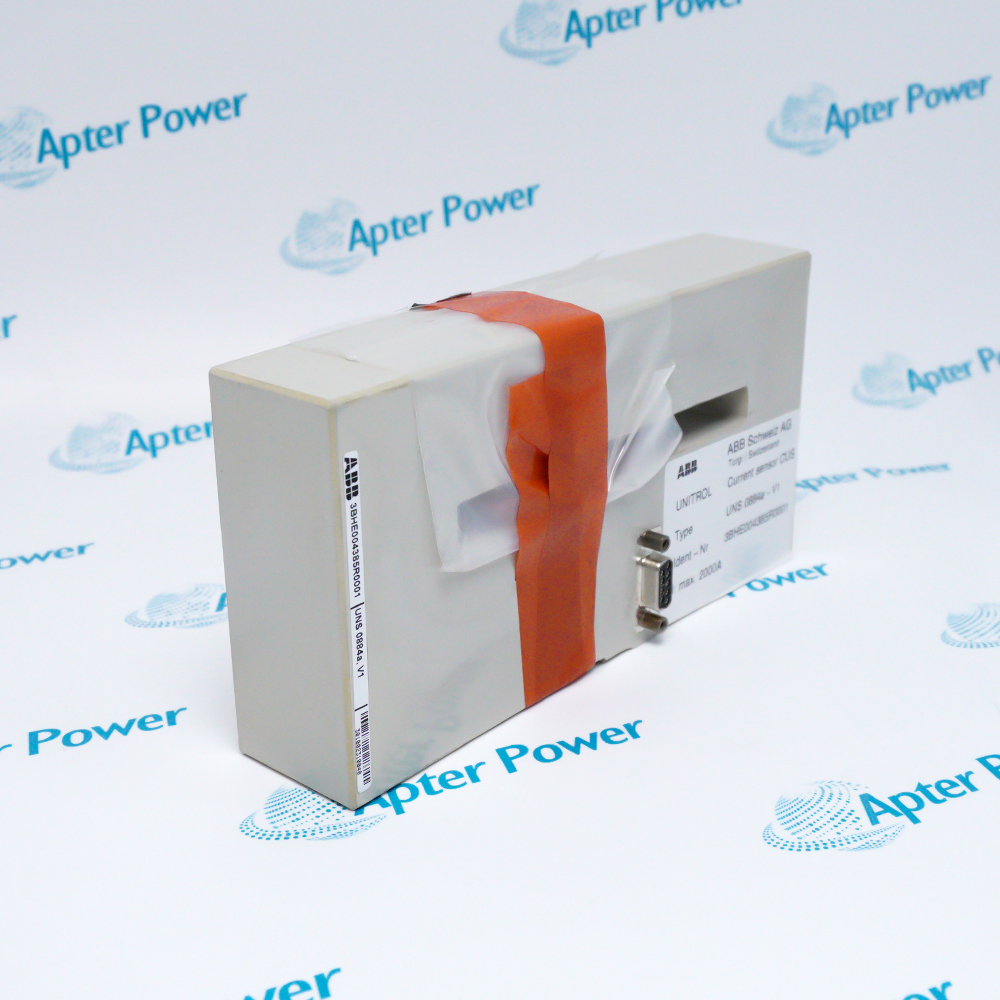
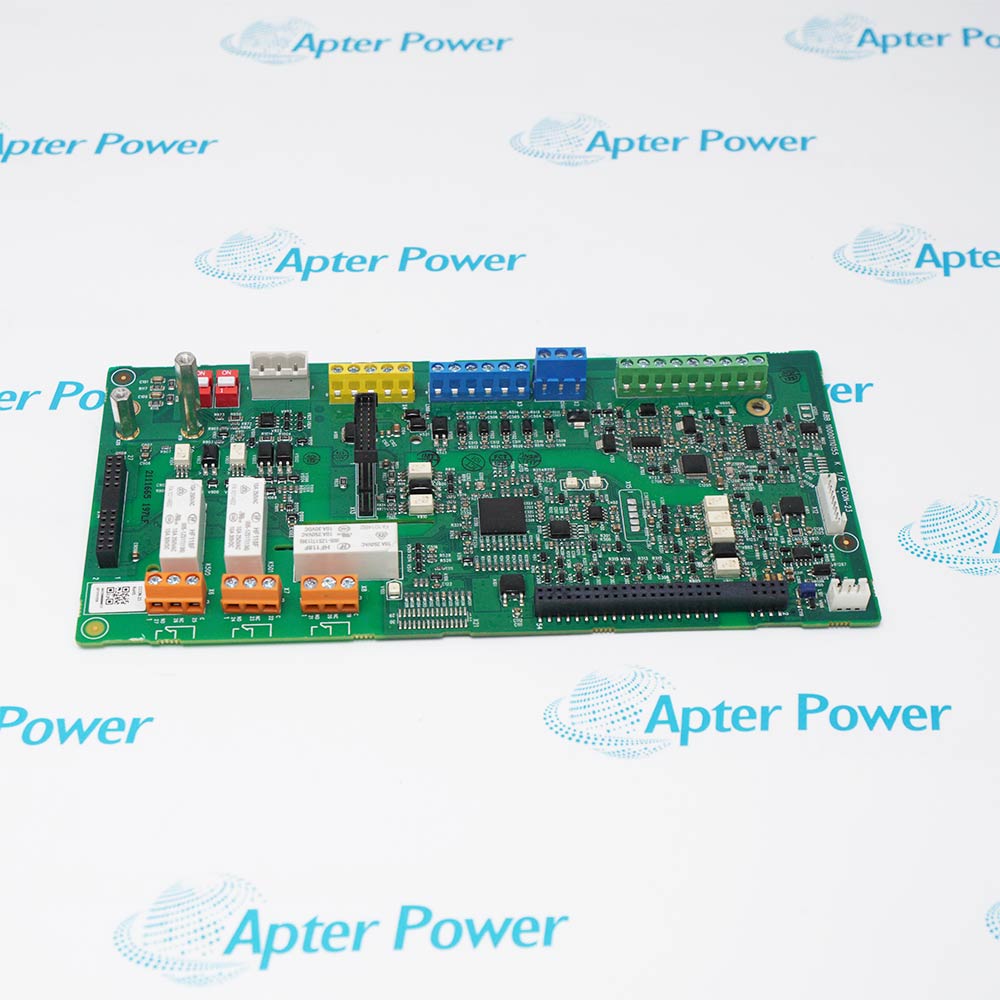
ABB NISA-03 provides the DDCS/ISA Adapter Board function within ABB DriveWare / DDCS installations.
- Provides an ISA-to-DDCS communication path
- Connects DriveWindow-class tools to ABB drives
- Supports optical branching through NDBU hardware
- Uses hardware address selection for computer integration
NISA-03 operates with ISA-bus computer, ABB DriveWare software, NDBU-85/95 branching unit, DDCS optical fiber.
Typical engineered duties include Legacy DriveWindow commissioning, ABB drive diagnostics, DDCS network service, Multi-drive engineering access.
Important Notice: NISA-03 requires an ISA slot, a conflict-free hardware I/O range and the correctly oriented DDCS optical path.
Apter Power NISA-03 Manuals and Guides
Important Notice: The first document is an Apter Power NISA-03 model-specific technical reference. The second is a directly related ABB document for installation, configuration or system engineering.
NISA-03 Legacy DriveWindow commissioningProvides an ISA-to-DDCS communication path
NISA-03 ABB drive diagnosticsConnects DriveWindow-class tools to ABB drives
NISA-03 DDCS network serviceSupports optical branching through NDBU hardware
NISA-03 Multi-drive engineering accessUses hardware address selection for computer integration
Read the applicable ABB installation instructions before work. Verify NISA-03 and the installed-system configuration.
1Confirm NISA-03 and the assigned ISA-bus engineering computer.
2Back up the DriveWare and DDCS communication configuration.
3Power down the computer and apply ESD controls before board insertion.
4Reserve the selected hardware I/O range without a resource conflict.
5Seat NISA-03 in the ISA slot and secure the board mechanically.
6Connect each DDCS optical transmitter to the matching downstream receiver.
7Start the driver and confirm stable DDCS communication before parameter work.
8Record the I/O range, fiber path and completed communication test.