Get Parts Quote
Name
Company *
Phone *
Email *
Address
City
State / Province / Region
Zipcode
Country
Quantity *
Part Number *
Manufacturer
Preferred Condition
Additional Information
Cancel

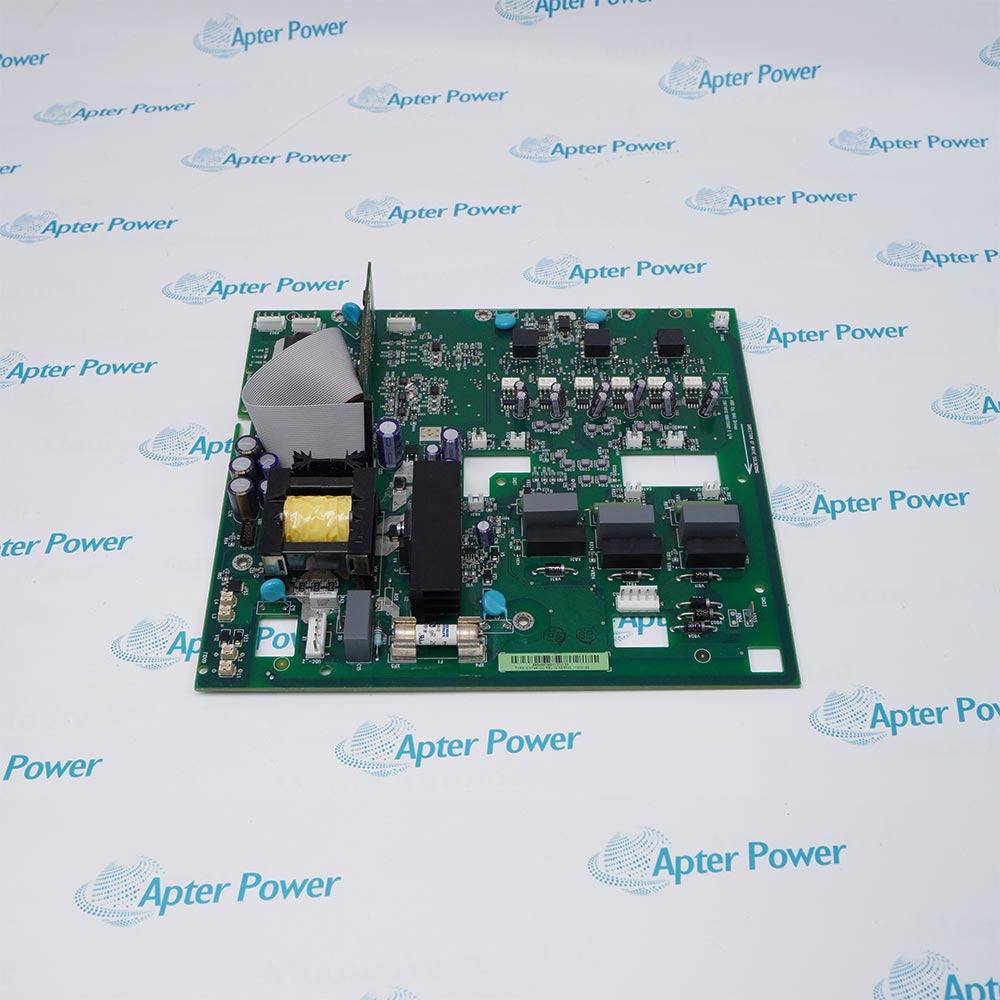
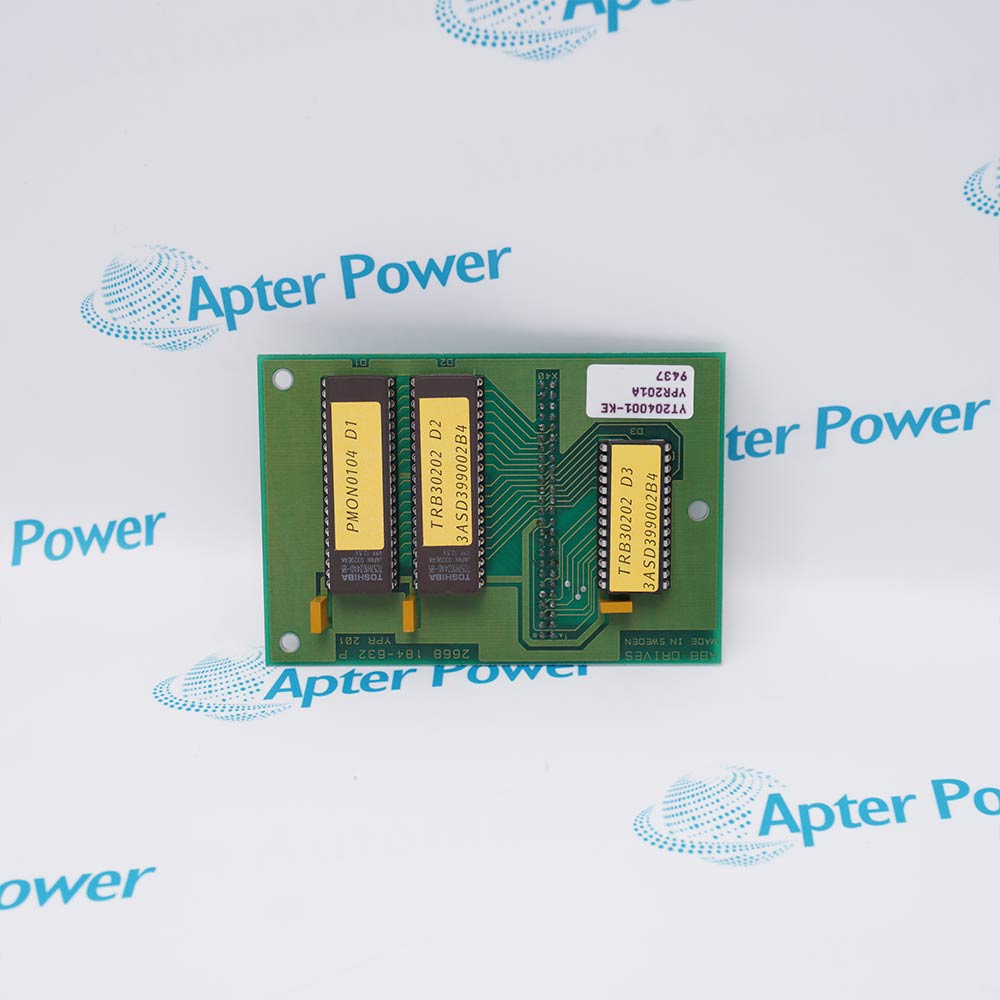
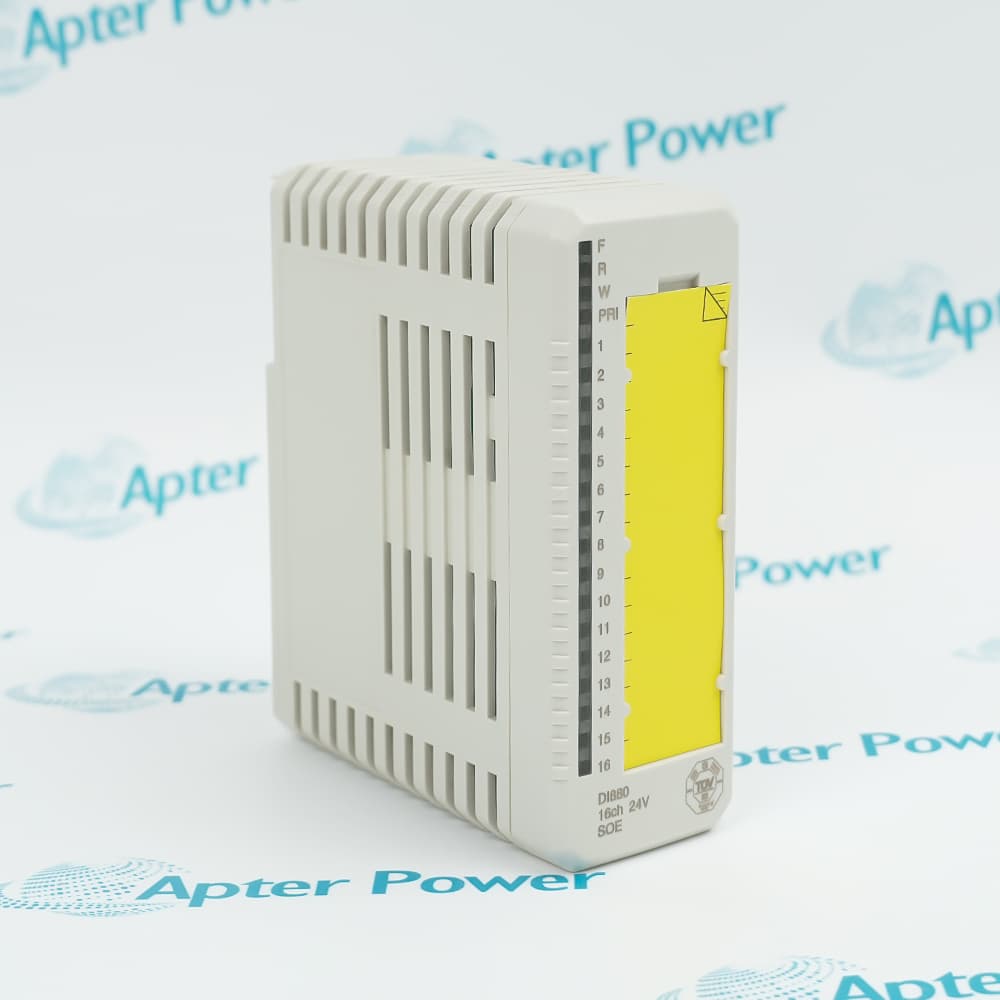
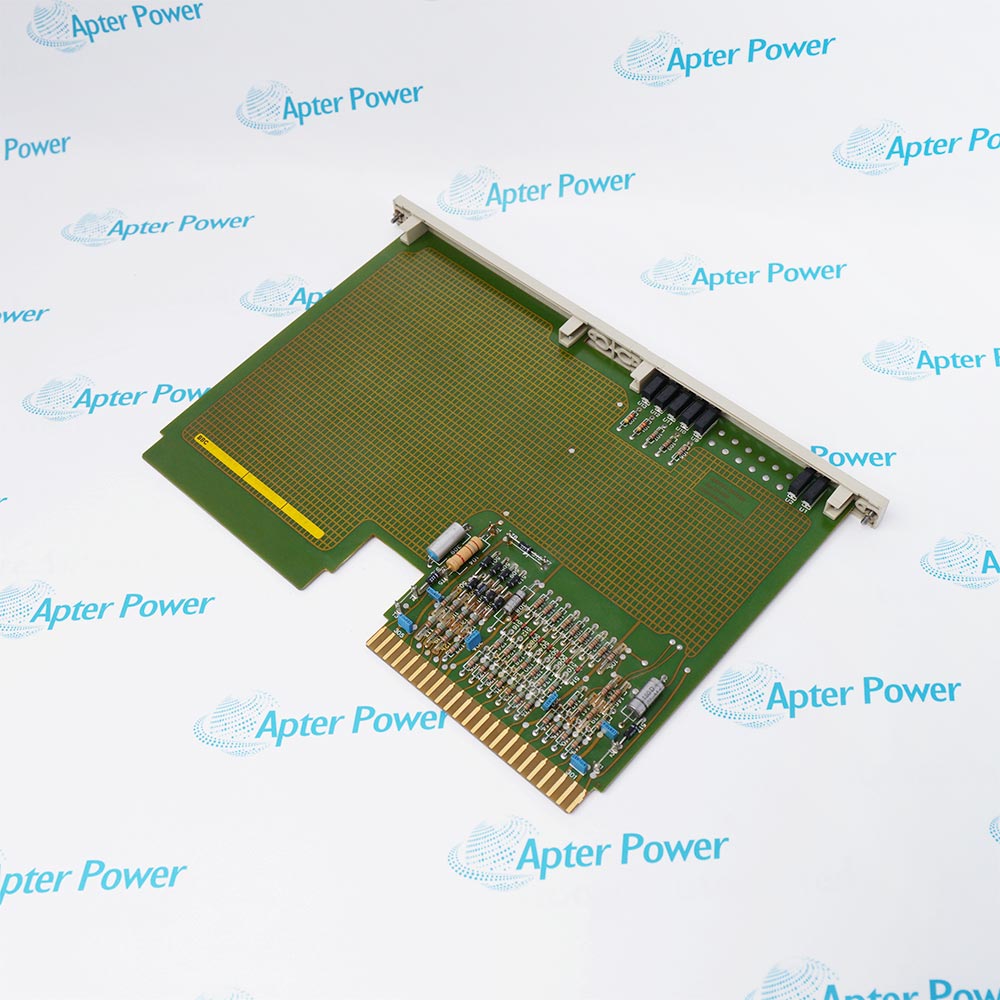
MB510 3BSE002540R1

Program Card Interface
In Stock
Ships by Wednesday, September 9
Fast Shipping Available

Product Describe:

ABB MB510 is the program card interface identified by product ID 3BSE002540R1 for Advant Master and Advant OCS hardware. It provides the system interface used with the designated program-card arrangement.

Ask our team:

Get a quick price for: MB510 3BSE002540R1
Quantity*
Upload (gif, jpg, jpeg, png, bmp, doc, docx, xls, xlsx, ppt, pdf, csv)
For more information on how your data is processed and stored by Apterpower please read our privacy policy.

Technical specifications for MB510 3BSE002540R1

Technical specifications for MB510 3BSE002540R1

  • Manufacturer:
    ABB
  • Product Category:
    DCS System
  • Spare Part Number:
    3BSE002540R1
  • Estimated shipping dimensions:
    12×2×26cm
  • Weight:
    0.14 kg
  • Tariff Code:
    8537101190
  • Counliy of origin:
    Sweden
  • Operating Temperature:
    -4°F to 140°F
  • Storage Temperature:
    -40°F to 185°F
  • Relative Humidity:
    5% to 95%, non-condensing
  • Typical Current:
    Typical 10 mA current consumption

Information

Information

Overview Manuals Common Applications Product Precautions
ABB MB510 provides the Program Card Interface function within Advant Master / Advant OCS installations.
  • Interfaces the program card with the control system
  • Maintains the assigned Advant hardware function
  • Supports controlled program-media handling
  • Provides a model-specific service point for the installed system

MB510 operates with Advant Master or Advant OCS station, matched program card, assigned controller hardware, system engineering backup.
Typical engineered duties include Advant Master program handling, Advant OCS maintenance stations, Legacy controller program transfer, Controlled system restoration.

Important Notice: MB510 service must protect the verified program image and must match product ID 3BSE002540R1 to the installed Advant hardware.

Apter Power MB510 Manuals and Datasheet

Important Notice: These are two separate Apter Power documents prepared from product-specific ABB technical information. Confirm the physical nameplate, installed-system requirements and supplied accessories before configuration or installation.

MB510 Advant Master program handling
Interfaces the program card with the control system
MB510 Advant OCS maintenance stations
Maintains the assigned Advant hardware function
MB510 Legacy controller program transfer
Supports controlled program-media handling
MB510 Controlled system restoration
Provides a model-specific service point for the installed system
Read the applicable ABB installation instructions before work. Verify MB510 and the installed-system configuration.
1
Confirm MB510 together with product ID 3BSE002540R1.
2
Create and verify the Advant system program backup before service.
3
Stop the assigned controller through the approved system procedure.
4
Use ESD controls while handling the program card and MB510 interface.
5
Inspect card contacts, keying and interface connectors before installation.
6
Restore the matched program card and its verified program image.
7
Start the controller and confirm hardware recognition, checksum and program state.
8
Record the installed identity, backup revision and restoration result.

Alternative Names

Alternative Names

3BSE002540R1

Technical notes

Technical notes

MB510 installation should match the designated Advant station position, compatible program card and controller hardware assignment. Preserve the system backup procedure and verify station operation after card handling.

FAQS

  • What is the ABB product ID for MB510?
    The ABB product ID is 3BSE002540R1.
  • What system function does MB510 provide?
    MB510 is identified by ABB as a program card interface.
  • How should program data be protected before MB510 service?
    Create and verify the engineering backup before removing the interface or card.
  • What compatibility check applies to MB510?
    Match MB510, 3BSE002540R1, the program card and the installed Advant system position.
  • How should MB510 be handled?
    Use ESD controls and protect the card contacts and keyed interface.
  • How is MB510 commissioned after replacement?
    Confirm hardware recognition, program transfer, checksum and controller start-up state.
  • Can a different program card interface replace MB510?
    Only after an engineered comparison confirms product ID, connector, media and system compatibility.
  • What maintenance record should accompany MB510?
    Record the hardware ID, program backup revision, checksum, replacement identity and restore result.
Trusted by 5,000+ plants worldwide | Backed by our vast inventory of top-tier control parts, modules and cards, fast shipments are dispatched to cover your urgent needs. ABOUT US >>
Disclaimer: We are not an authorized distributor or distributor of the product manufacturer of this website, The product may have older date codes or be an older series than that available direct from the factory or authorized dealers. Because our company is not an authorized distributor of this product, the Original Manufacturer`s warranty does not apply.While many DCS PLC products will have firmware already installed, Our company makes no representation as to whether a DSC PLC product will or will not have firmware and, if it does have firmware, whether the firmware is the revision level that you need for your application. Our company also makes no representations as to your ability or right to download or otherwise obtain firmware for the product from our company, its distributors, or any other source. Our company also makes no representations as to your right to install any such firmware on the product. Our company will not obtain or supply firmware on your behalf. It is your obligation to comply with the terms of any End-User License Agreement or similar document related to obtaining or installing firmware.

We’re Here When You Need Us

From product insights to customer service needs, our experienced service team will focus on getting you what you need quickly

Enquire

Complete our online form.

Call Us

Speak to one of our team.

Live Chat

Send us a message.