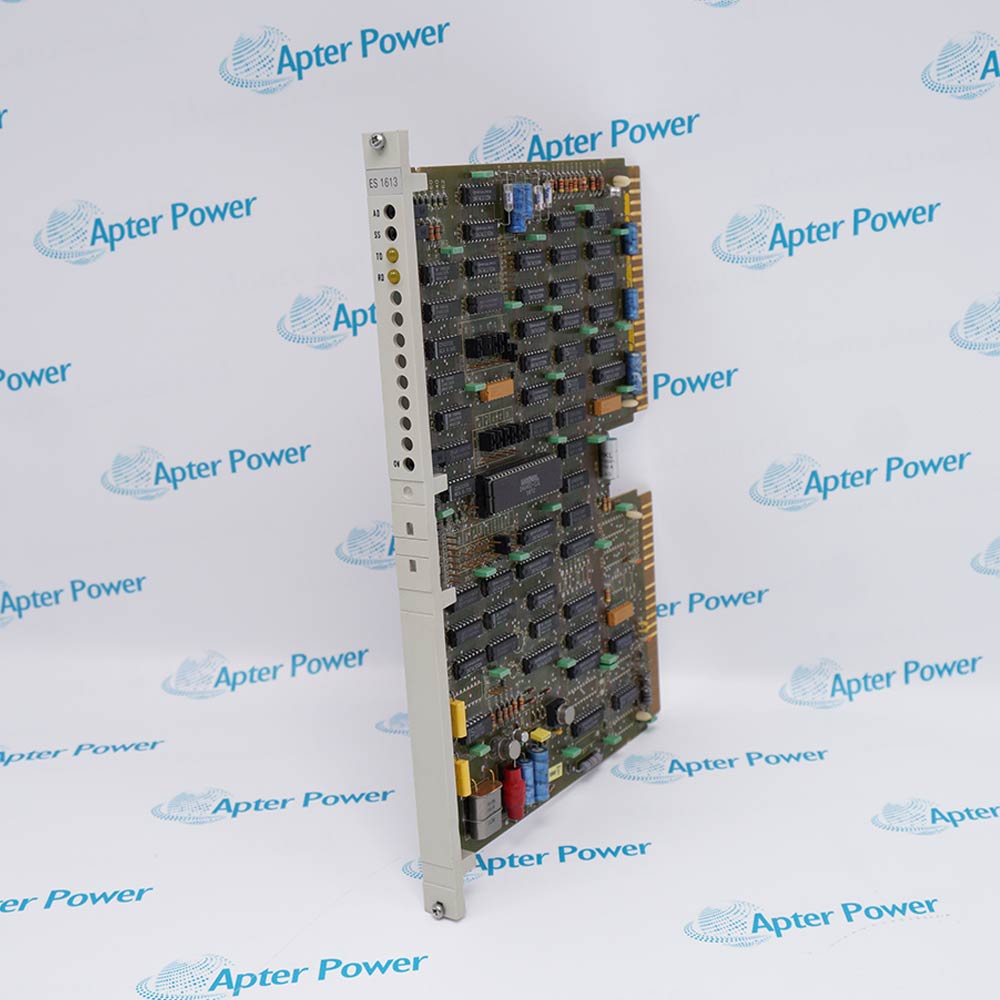
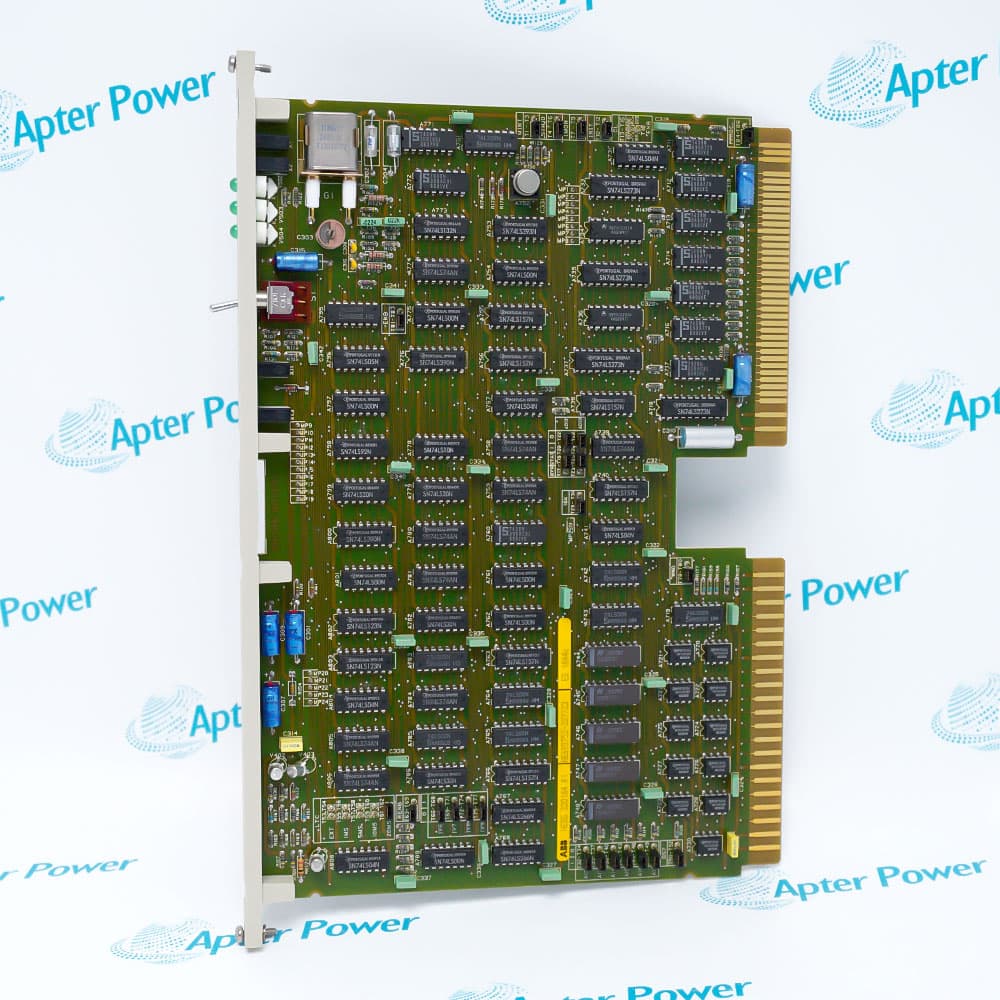
ABB LZ02 provides the H&B Contronic Module function within H&B Contronic installations.
- Maintains the documented LZ 02 position in the installed cabinet
- Preserves the original controller-to-module assignment
- Supports model-specific service work without changing the slot identity
- Keeps wiring and configuration aligned with the plant drawing set
LZ02 operates with H&B Contronic carrier or rack, installed terminal wiring, controller configuration, plant loop drawings.
Typical engineered duties include LZ02 cabinet-position retention, LZ02 control-loop service, LZ02 shutdown maintenance, LZ02 engineered replacement planning.
Important Notice: Use the complete LZ 02 identity and the installed cabinet drawing when handling LZ02; do not interchange a similarly shaped Contronic board solely by family appearance.
Apter Power LZ02 Manuals and Guides
Important Notice: These are two separate Apter Power documents prepared from product-specific ABB technical information. Confirm the physical nameplate, installed-system requirements and supplied accessories before configuration or installation.
LZ02 LZ02 cabinet-position retentionMaintains the documented LZ 02 position in the installed cabinet
LZ02 LZ02 control-loop servicePreserves the original controller-to-module assignment
LZ02 LZ02 shutdown maintenanceSupports model-specific service work without changing the slot identity
LZ02 LZ02 engineered replacement planningKeeps wiring and configuration aligned with the plant drawing set
Read the applicable ABB installation instructions before work. Verify LZ02 and the installed-system configuration.
1Verify LZ02 and LZ 02 on the physical front label before cabinet work.
2Record the installed slot, carrier position and board revision before removal.
3Isolate the assigned H&B Contronic cabinet circuit under the plant work permit.
4Label every terminal and conductor position against the installed drawing.
5Inspect the mating connector, carrier and backplane area before seating LZ02.
6Restore LZ02 to the original configured position without changing its controller assignment.
7Restart the Contronic system through the approved cabinet sequence and observe diagnostics.
8Complete the LZ02 functional test and record the result before equipment release.


 Videos
 News
News Applications