

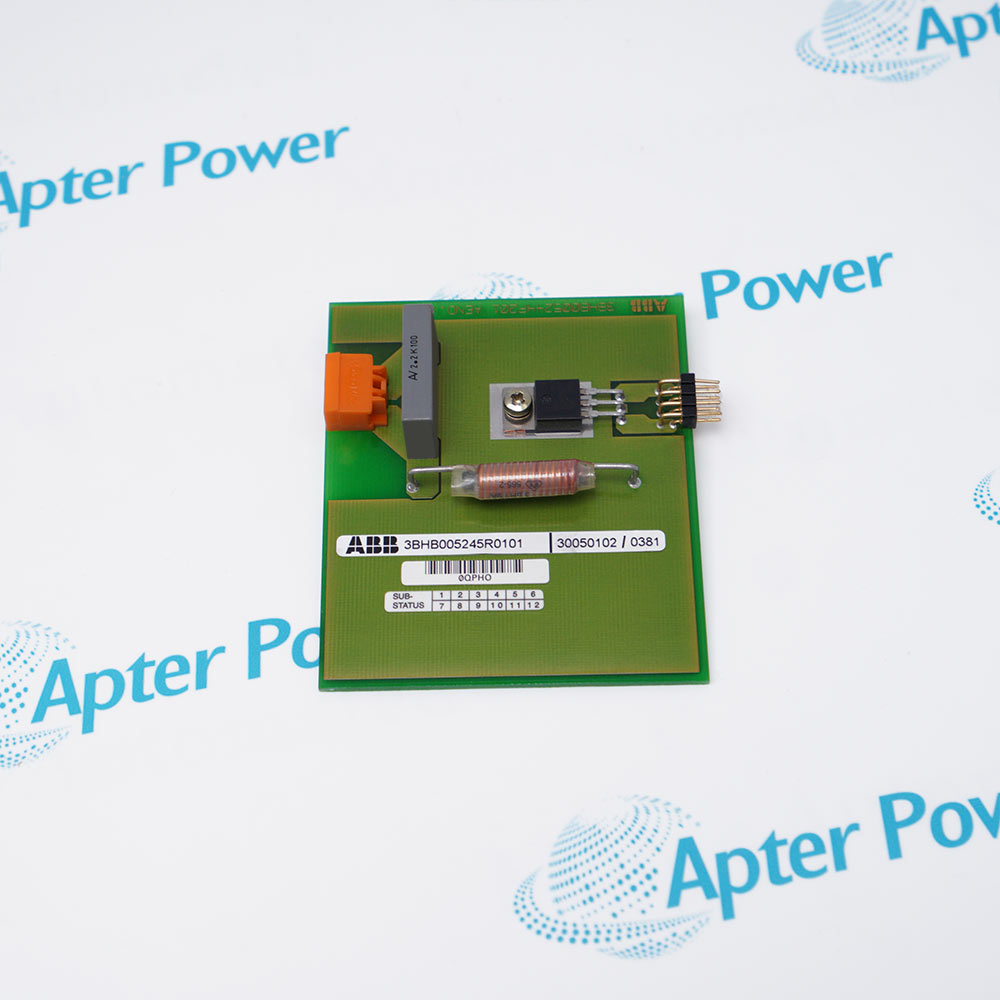
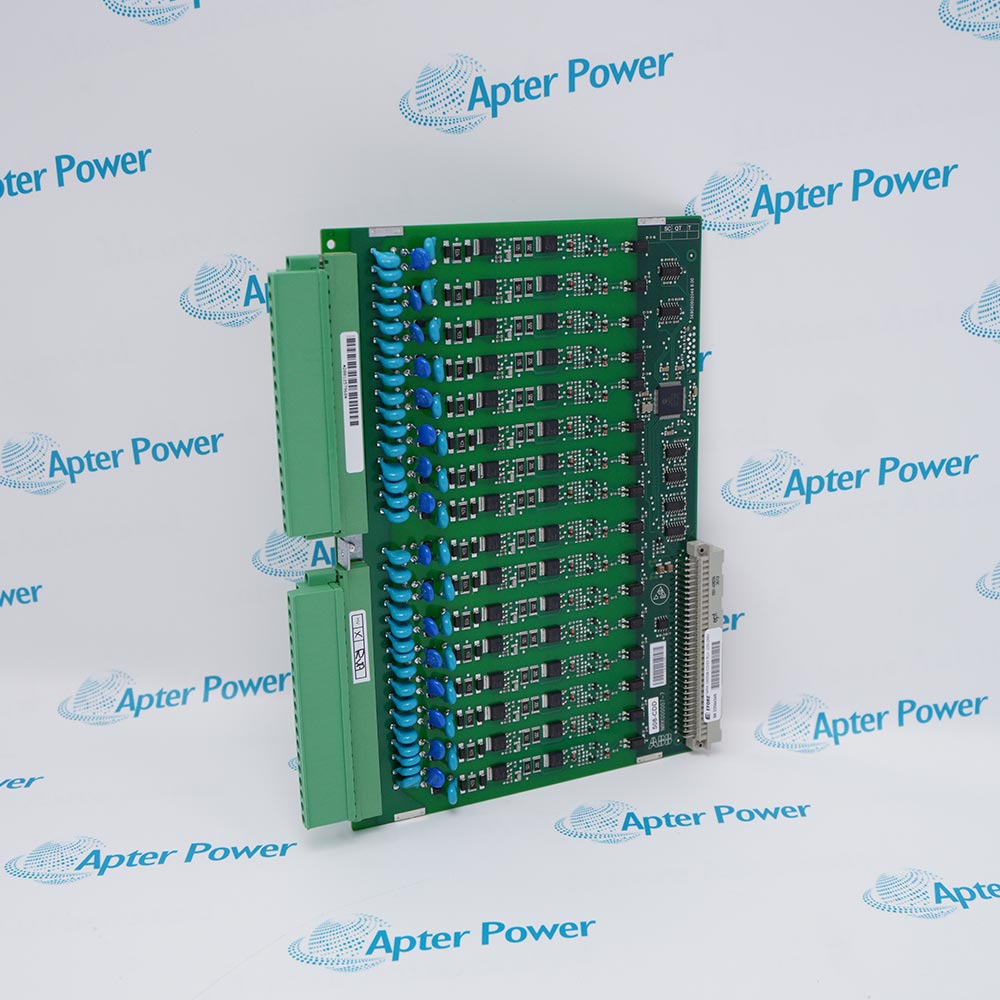
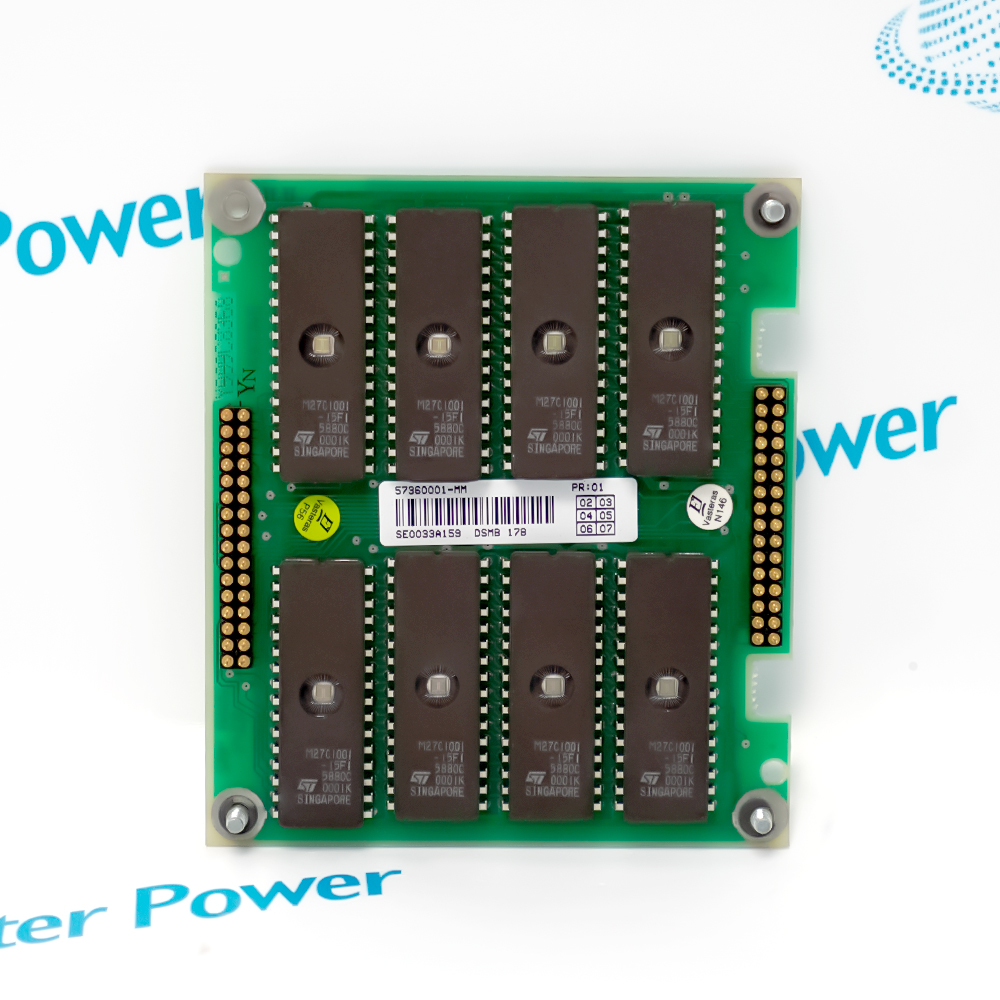
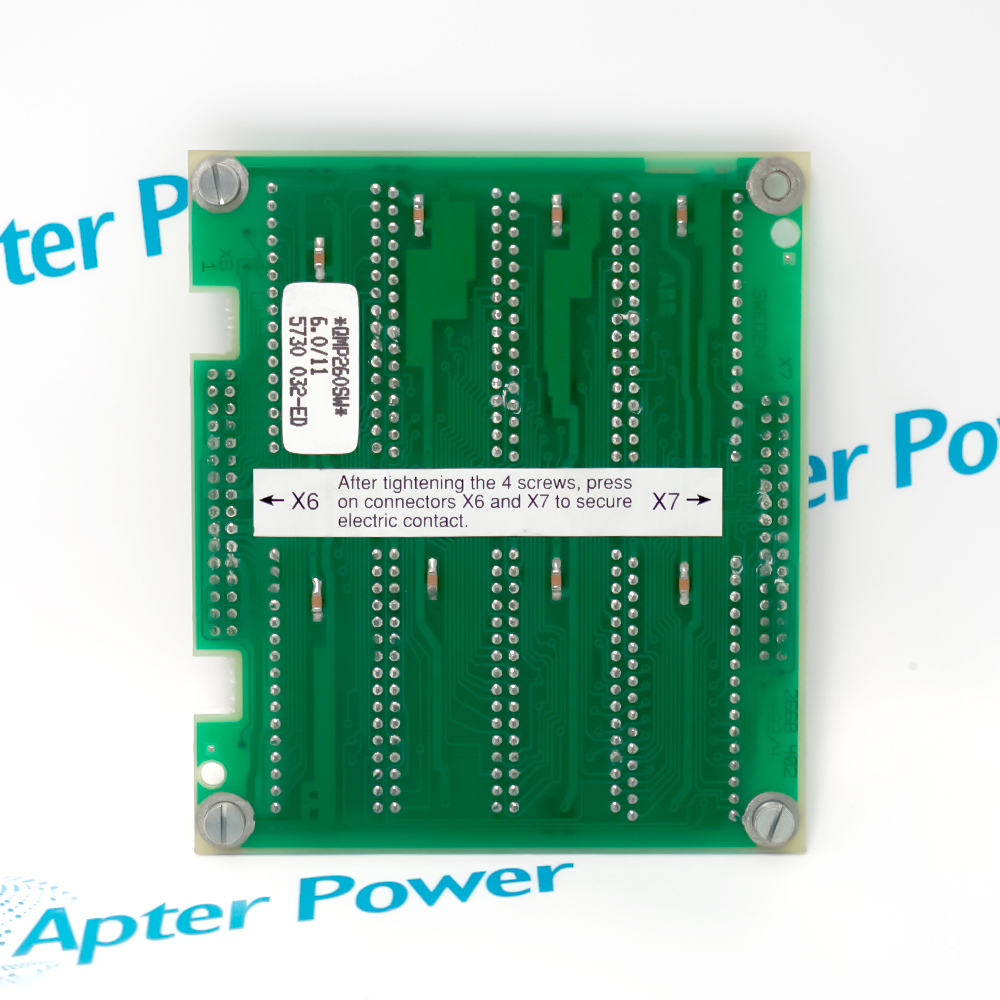
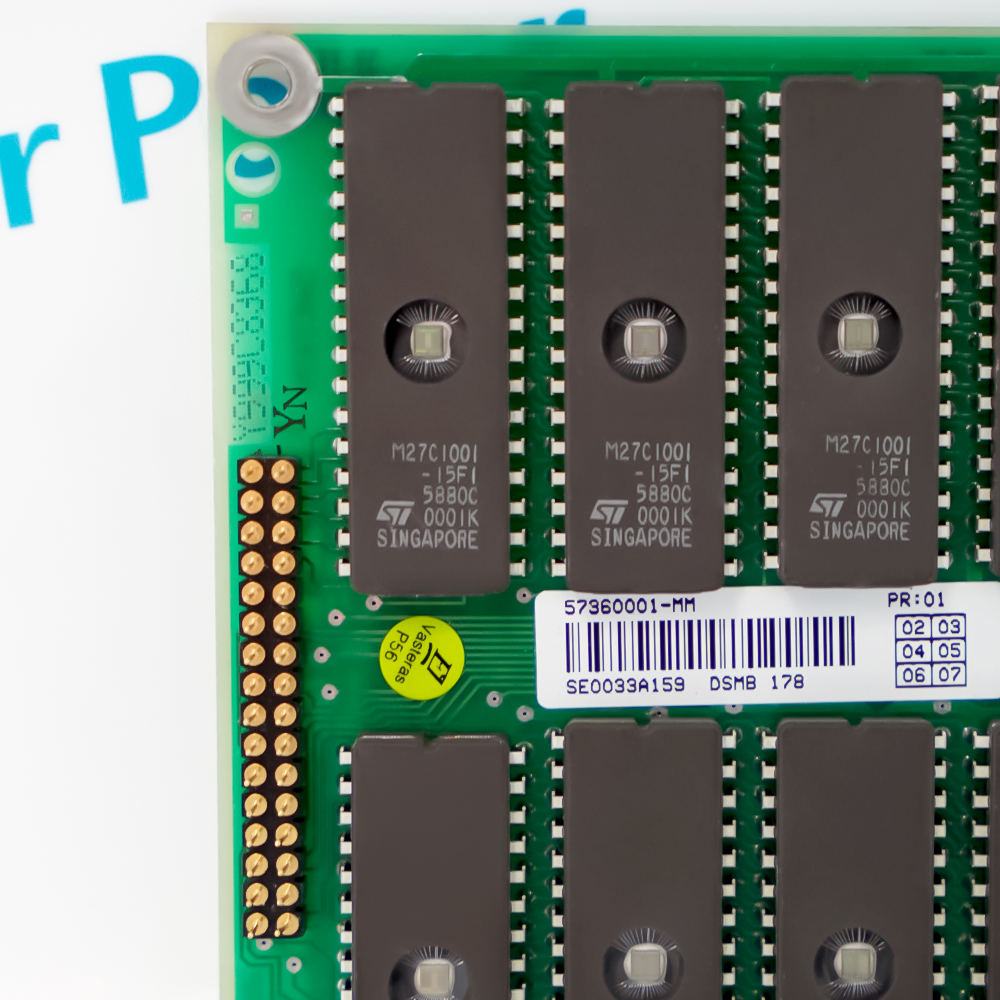











Identify the physical board, host rack, connector destinations, firmware or memory labels, and project references before removal; only the exact ABB document and installed-system evidence should control replacement.
Apter Power DSMB178 IN5730-1001-Y Manuals and Guides
Important Notice: These are two separate Apter Power documents with distinct layouts and model-specific content, prepared from the manufacturer-published ABB information named in each document. Confirm the physical nameplate, current manufacturer documents, and host-system requirements before installation or replacement.
Maintains the documented board identity, project evidence, and connector mapping role in a correctly matched installation.
Supports the control, communication, power, safety, measurement, or protection duty stated in the official source for this exact or verified family identity.
Requires complete-code, nameplate, host-system, and project verification before replacement or recommissioning.
Match every character of DSMB178 IN5730-1001-Y to the physical nameplate before work.
Use the exact ABB manual, wiring drawing, and safety instructions for the installed revision.
De-energize and apply the required lockout, discharge, ESD, and stored-energy controls before removal.
Back up firmware, parameters, controller project, calibration, and network settings where applicable.
Verify supply, signal type, polarity, grounding, shielding, connector pinout, load, and environmental limits.
Commission with the manufacturer test procedure and record results before returning equipment to service.



Copyright Notice © 2026 apterpower.com All rights reserved,Apter Power is not an authorised distributor or representative of the manufacturers featured on this website. Brand names and trademarks featured are the property of their respective owners.